9
macOS
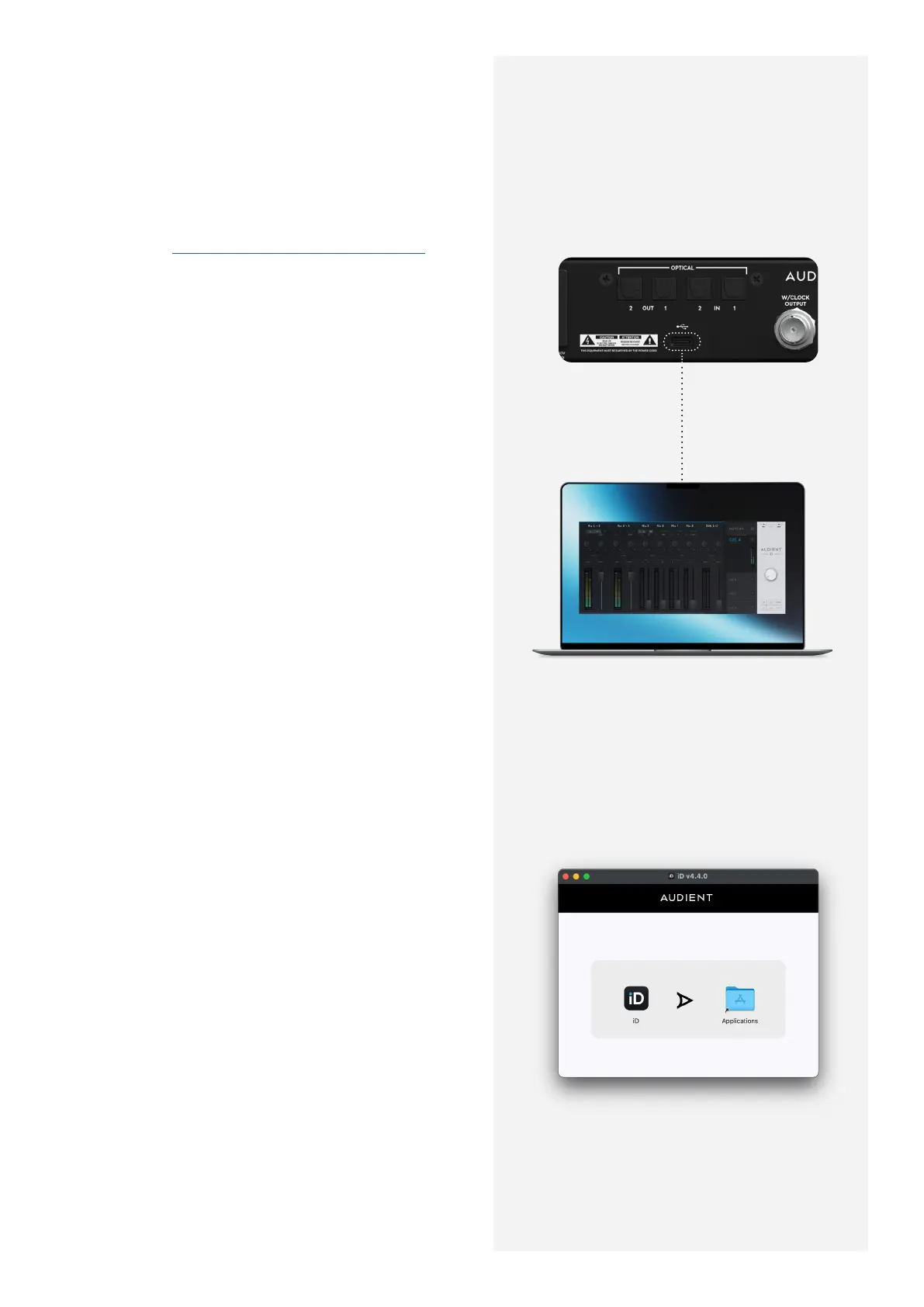
1. Download the iD Software Mixer Application
for Mac from audient.com/iD48/downloads
2. Open the downloaded file and drag the iD
icon into the Applications folder.
3. Connect the iD48 to the Mac using the
included USB-C cable. If necessary, a third-
party USB-C to A cable can also be used. The
device requires a connection to a USB 2.0 port
or greater.
4. Run the iD Software Mixer Application
from your Applications folder. To ensure your
interface has the latest features, you may be
asked to install a firmware update, follow the
on-screen steps to do this.
5. Upon opening the iD Software Mixer
Application for the first time, a Product
Registration screen will appear, allowing you
to register your product with Audient ARC to
receive update notifications and access to
exclusive plugins and software. You can also
do this later if necessary.
macOS Minimum System Requirements:
macOS: 10.13.6 (High Sierra) or Later
Intel CPU or Apple Silicon
1GB RAM Minimum
USB - C



 To Next Page