17
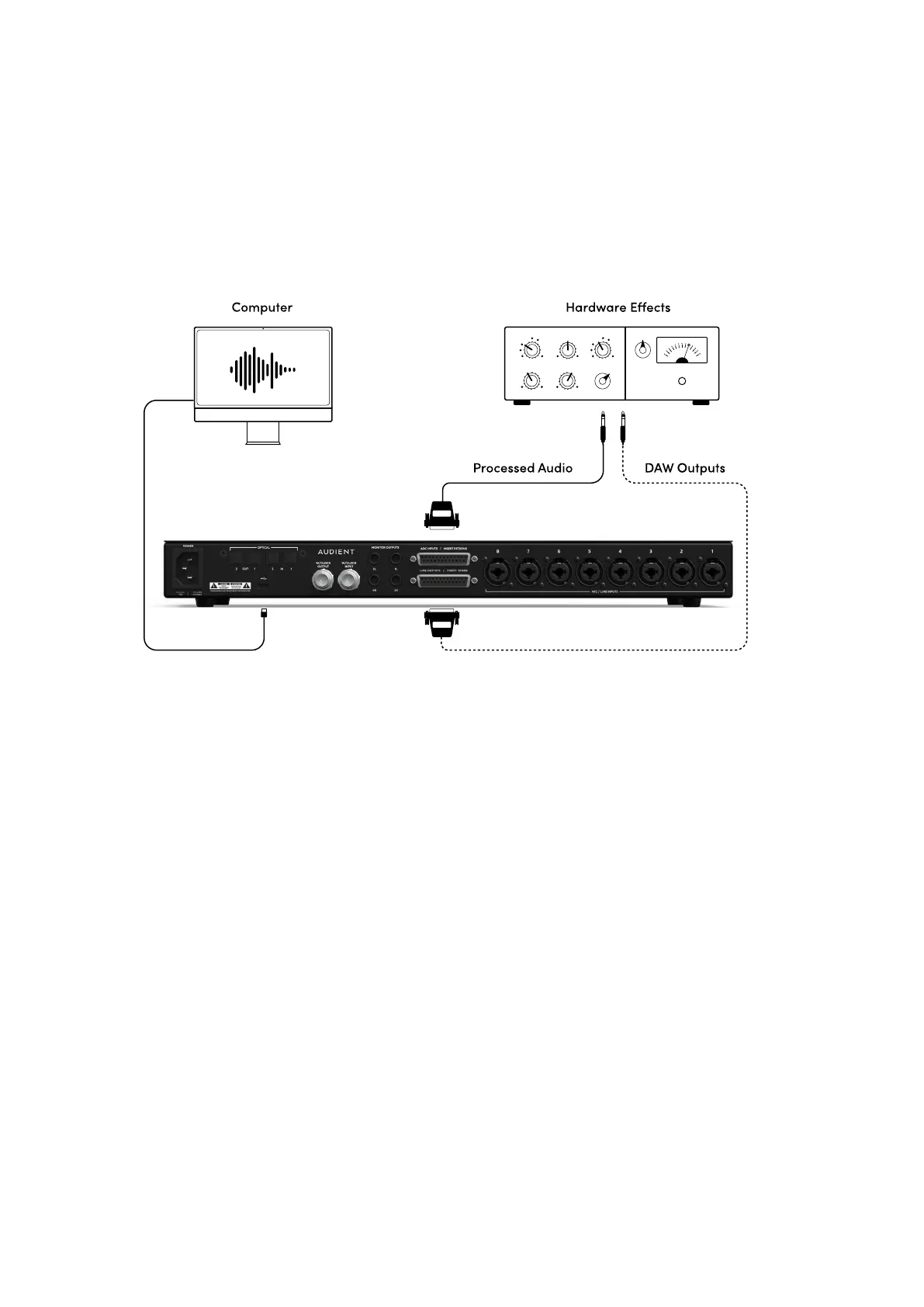
You can therefore feed audio from your DAW to the Line Output/Insert Send DB25 Port, pass
this through hardware eects and then return the processed audio to the Insert Return/ADC
Input DB25 port to be re-recorded into your DAW software.
Most DAWs will have a ‘Hardware Insert’ mode or plug-in that allows you to easily route the
audio in your DAW, please see your DAW software’s documentation or manual for information
on how to use these features.
You will also need to set your Line Output routing in the software routing matrix to either “DAW
ANALOGUE” or “DAW DIGITAL”, depending on which channels you wish to route the signal
from. This is done in the System panel of the iD Mixer Software which is covered in more detail
in the Software section of this Manual.



 To Next Page