35
• ALT
Alt allows you to quickly switch your
monitor path to a secondary set of
monitors to let you check how your mix
translates on various speakers.
You can select which outputs the ‘ALT’
monitor control flips to in the System
Panel.
• DIM
Reduces the output level by a preset
amount which can be great if you get a
call or need to quickly chat to someone
during a session.
• Cut
Cuts all signal currently being sent to the
Main Mix of the iD48.
Assigning F-Keys
Various functions of the iD Software Mixer
Application can be assigned to the Function
Keys of the iD48 to allow you to quickly control
your monitoring at the click of a button.
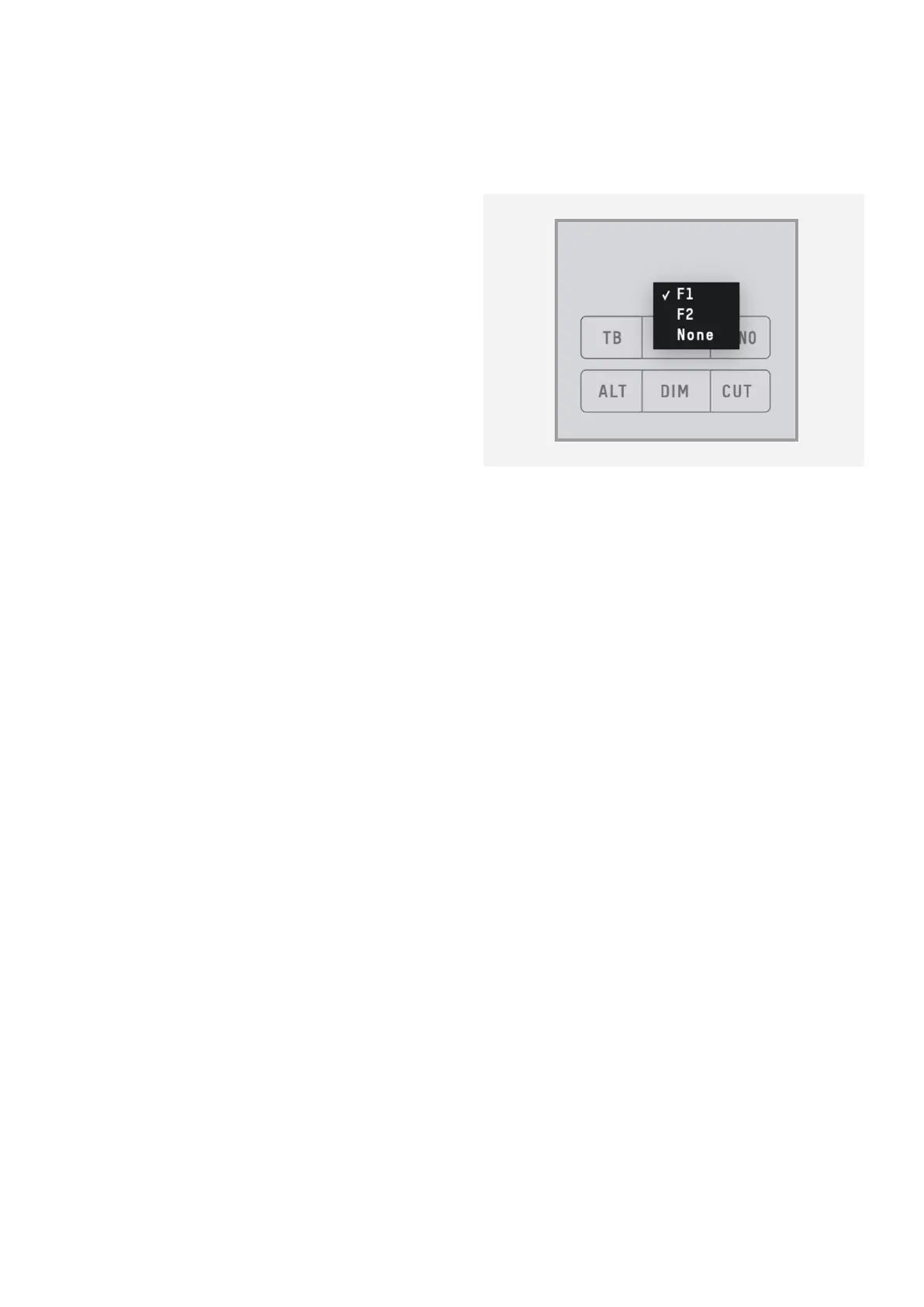
To assign a monitor control to an F-Key, simply
right click on the control and select the F-Key.



 To Next Page