Configuring the AP Using the HTTP/HTTPS Interface
Avaya Wireless AP-3 User’s Guide 4-3
— If necessary, remove the check mark from the Use a proxy
server box.
— Click OK twice to save your changes and return to Internet
Explorer.
3. Enter the Access Point’s IP address in the browser’s Address field
and press Enter.
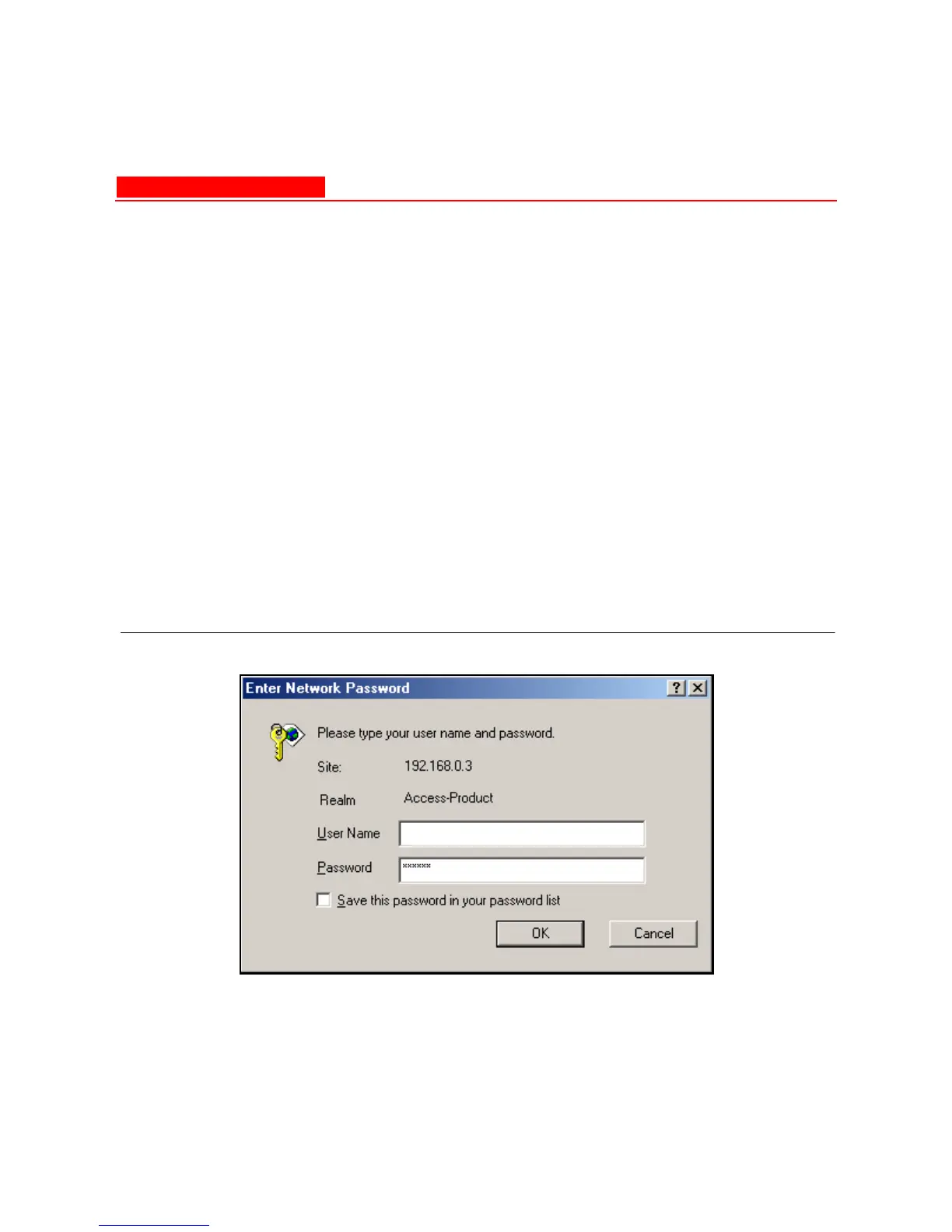
— Result: The Enter Network Password screen appears.
4. Enter the HTTP password in the Password field and click OK.
Leave the User Name field blank. (By default, the HTTP password
is “public”).
— Result: The System Status screen appears.
Figure 4-1. Enter Network Password Screen



 To Next Page