Chapter 4 Managing Email
110 Avaya Agent User’s Guide
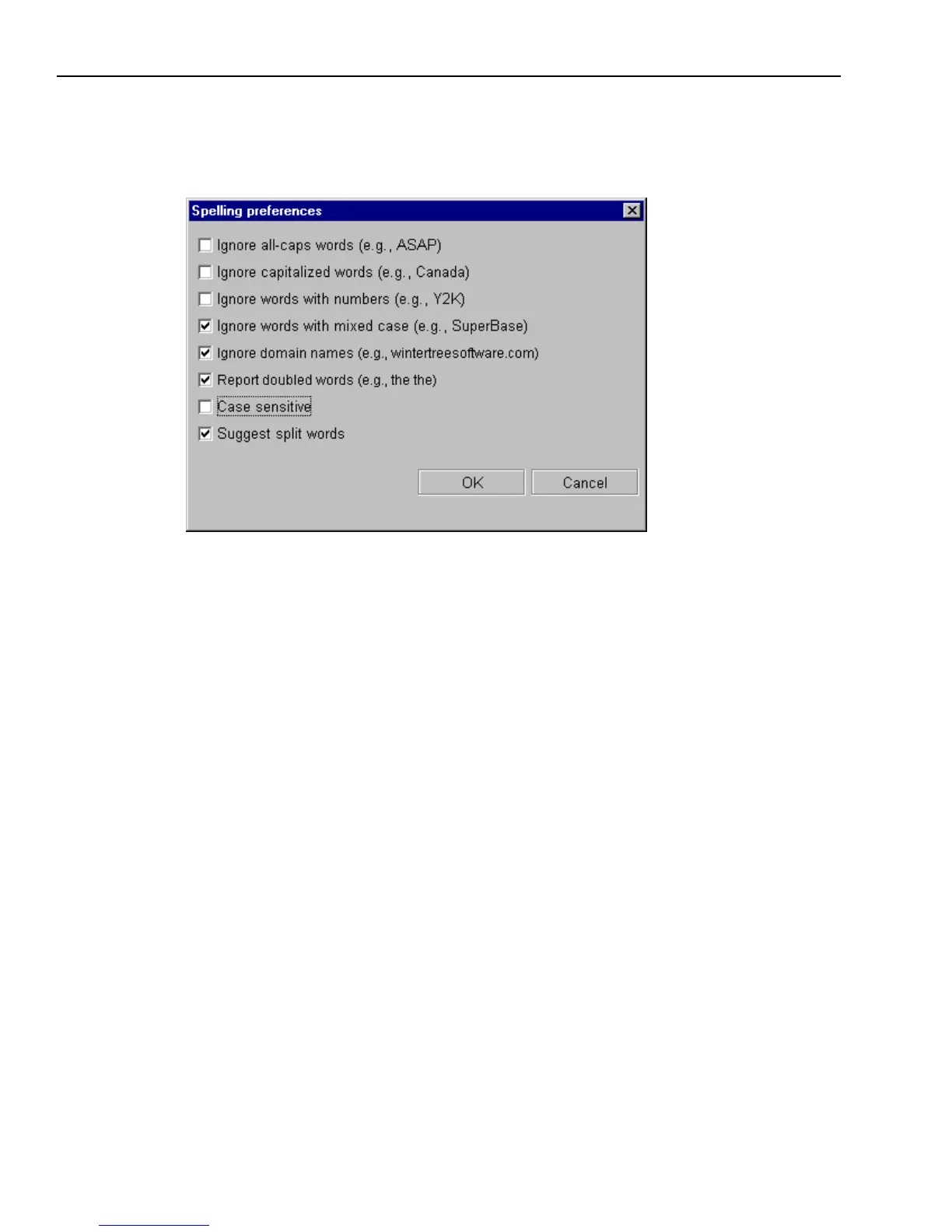
5 You may decide that you do not want the Spell Checker to check certain types of words. Click
the Options button to bring up a dialog box like that shown in the following illustration in
which you can select items for the Spell Checker to ignore.
6 When you are finished checking this message, click Cancel.
Your email is sent and the Spell Checker closes.



 To Next Page