Chapter 1 Overview
16 Avaya Agent User’s Guide
Using Avaya Agent with Multiple Languages
You may be able to communicate with customers in more than one language. The main features of
the Avaya Agent and the Web Agent in which you may be able to use more than one language are
as follows:
n
CallCenterQ application
n
Unified Agent Directory
n
Email
n
Chat
n
Spell checking of email and chat contents
n
Auto-Sync and Page Push
n
Global Resources and Agent Resources
n
Email Templates
n
Suggested Responses
n
Web Self-Service database
n
DataWake
n
Chat transcripts that are emailed to customers
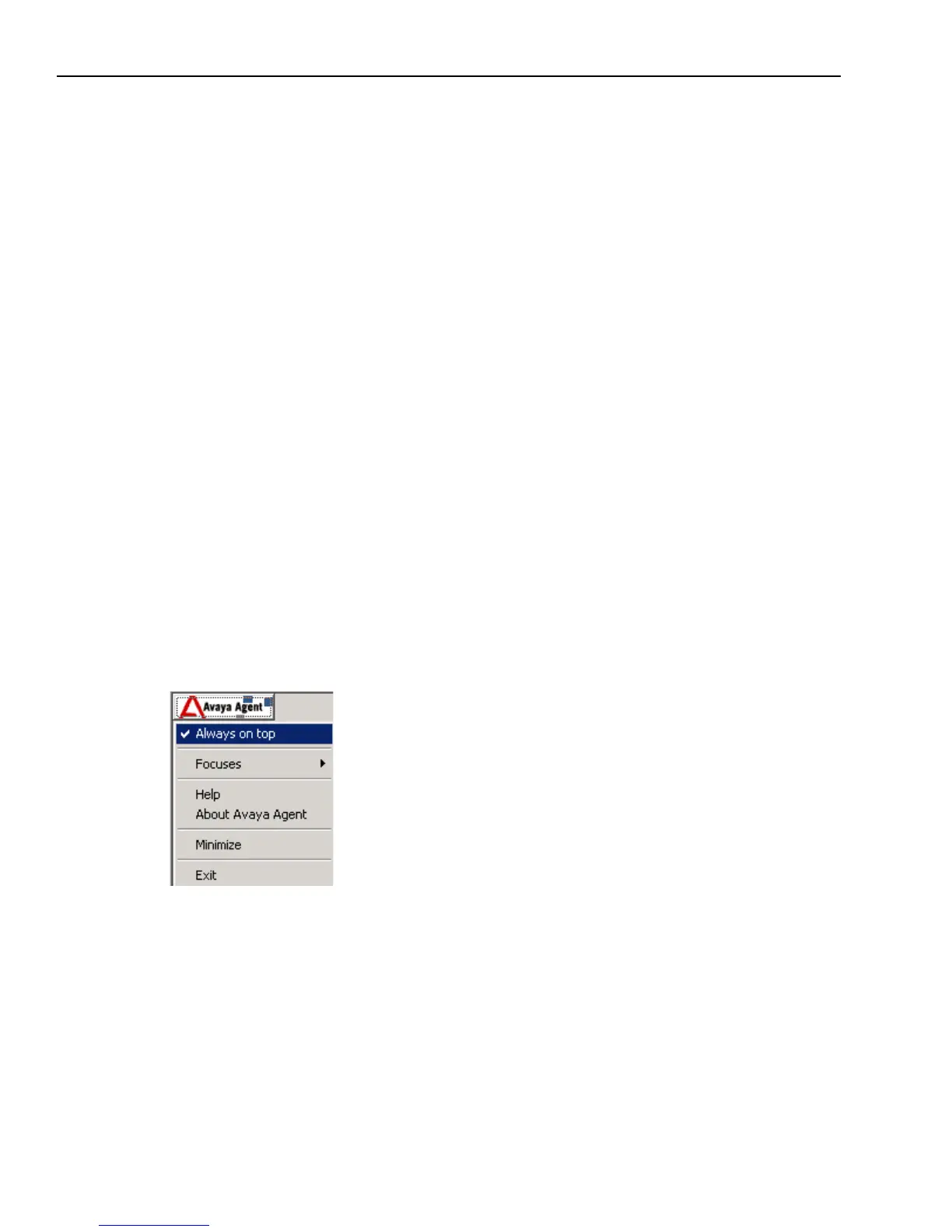
Avaya Agent Menu
You access the Avaya Agent menu by clicking the Avaya Agent button at the top of the right
frame. The Avaya Agent menu includes the options shown in the following illustration and
described in the following table:



 To Next Page