Chapter 3 Managing Inbound Voice Contacts
82 Avaya Agent User’s Guide
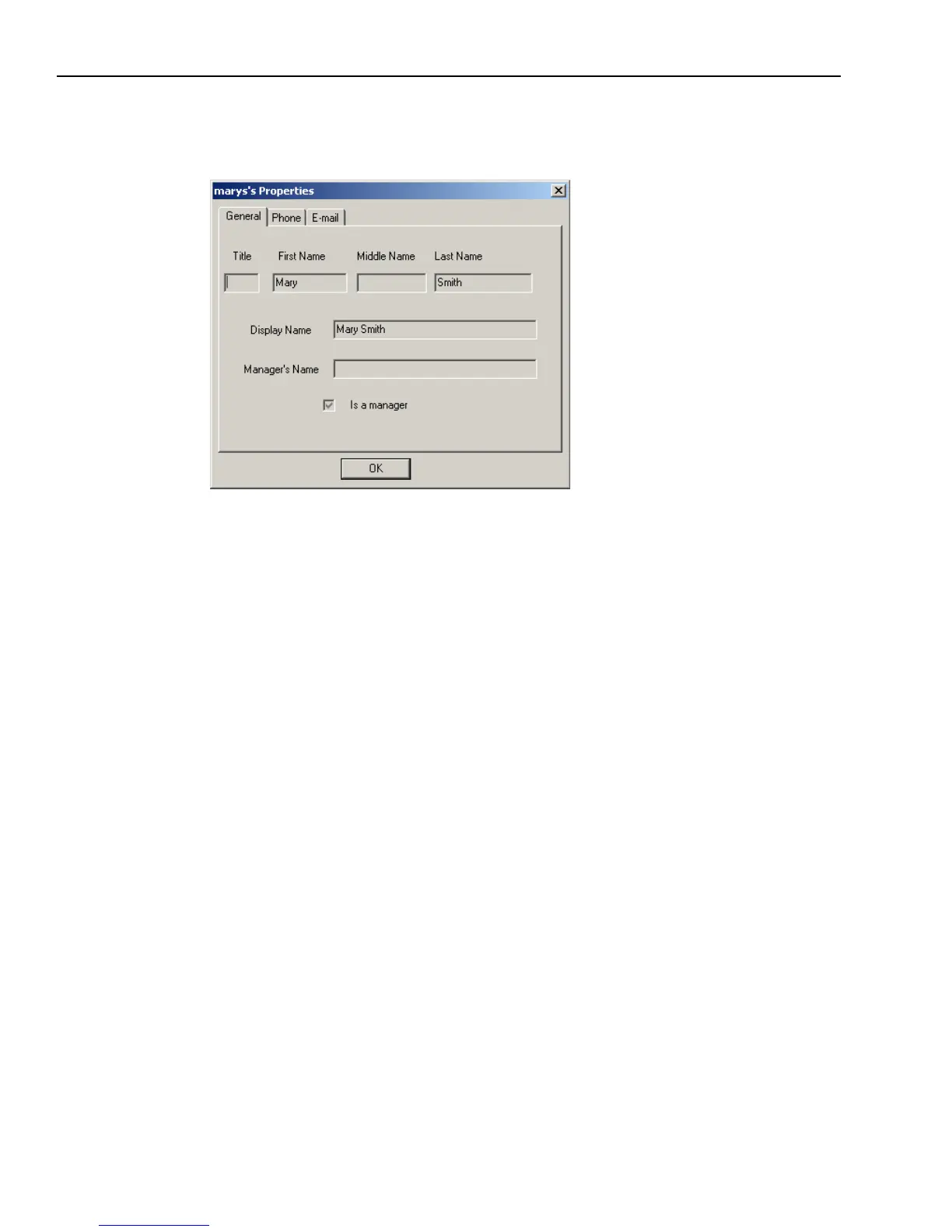
b Click the Phone and E-mail tabs of the dialog box as necessary so you can check that this is
the person you want to call.
8 When you find the correct name, double-click the name to move it to the scroll box on the right.
9 Click Initiate (or Dismiss if you change your mind and do not want to make the call).
10 When you are finished speaking, click the Softphone HangUp button.
Using Softphone with DEFINITY Switches
If your Softphone system uses an Avaya™ DEFINITY telephone switch, you may need to do the
following tasks:
n
Softphone’s DTMF (Dual-Tone Multi-Frequency)
n
DEFINITY reasons
n
The Auto-In work mode



 To Next Page