Making Calls with Outbound Lists
Issue 1.0 June 2002 201
Making Calls with Outbound Lists
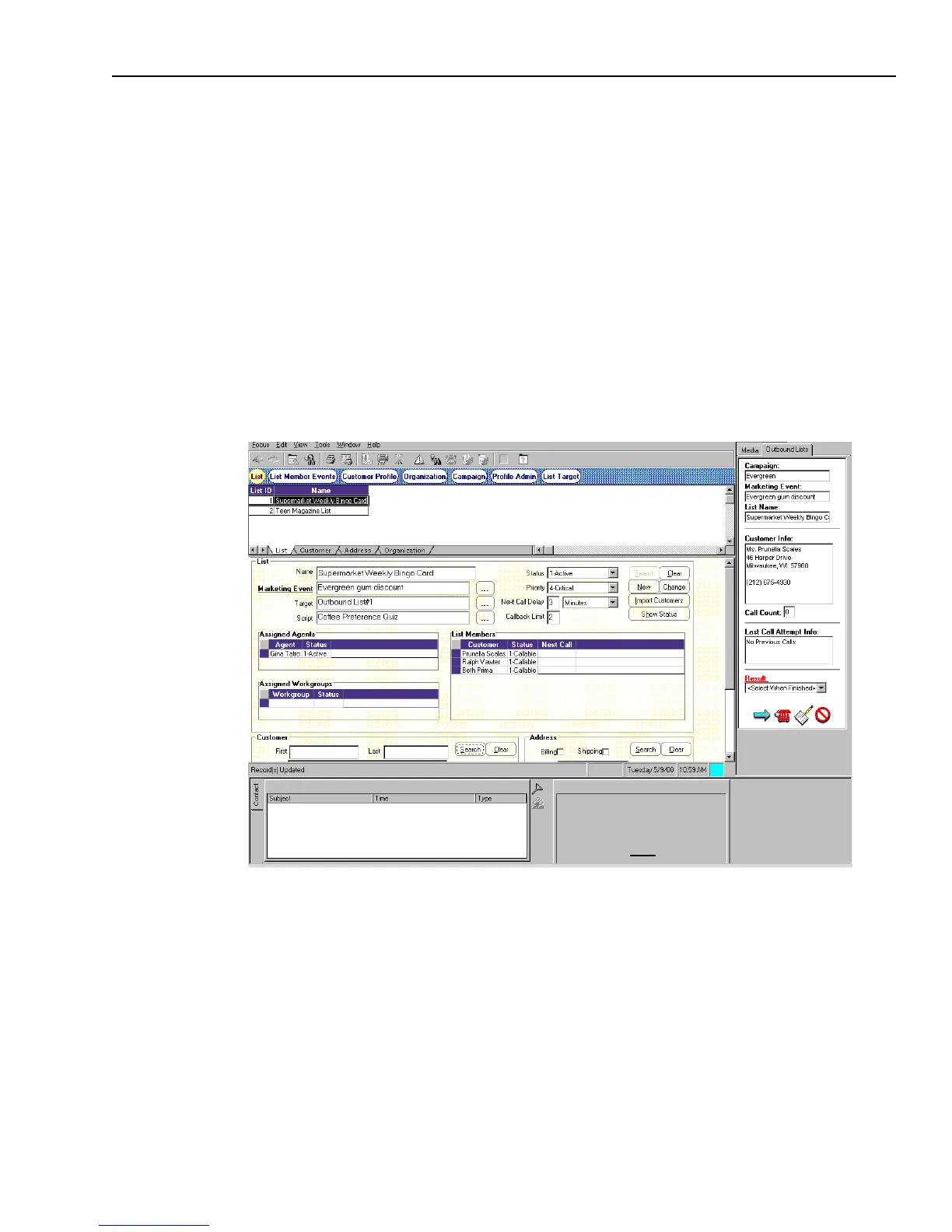
If you are using Outbound List Processing, you use a list of customers in the Outbound Lists tab
and Softphone to make calls.
To use Outbound List Processing to contact customers:
1 Log in to Avaya Agent. For logging in details, see “Logging In and Logging Out,” on page 41.
2 Click the Outbound Lists tab and bring that component to the front.
3 To start your call, click Next Customer.
Outbound List Processing selects the first customer from the list and fills the Outbound Lists
tab with the customer’s information. Depending on your system configuration, Avaya Agent
may display the customer record information or leave the customer list information visible in
the appropriate CallCenterQ focus.
4 To dial your call to the customer, click the Place Call icon.
5 When the customer answers, read the script in Prompter.
6 Record the customer’s information and responses in the script fields.
7 Click the appropriate outcome of the conversation from the Result list.



 To Next Page