Chapter 4 Managing Email
90 Avaya Agent User’s Guide
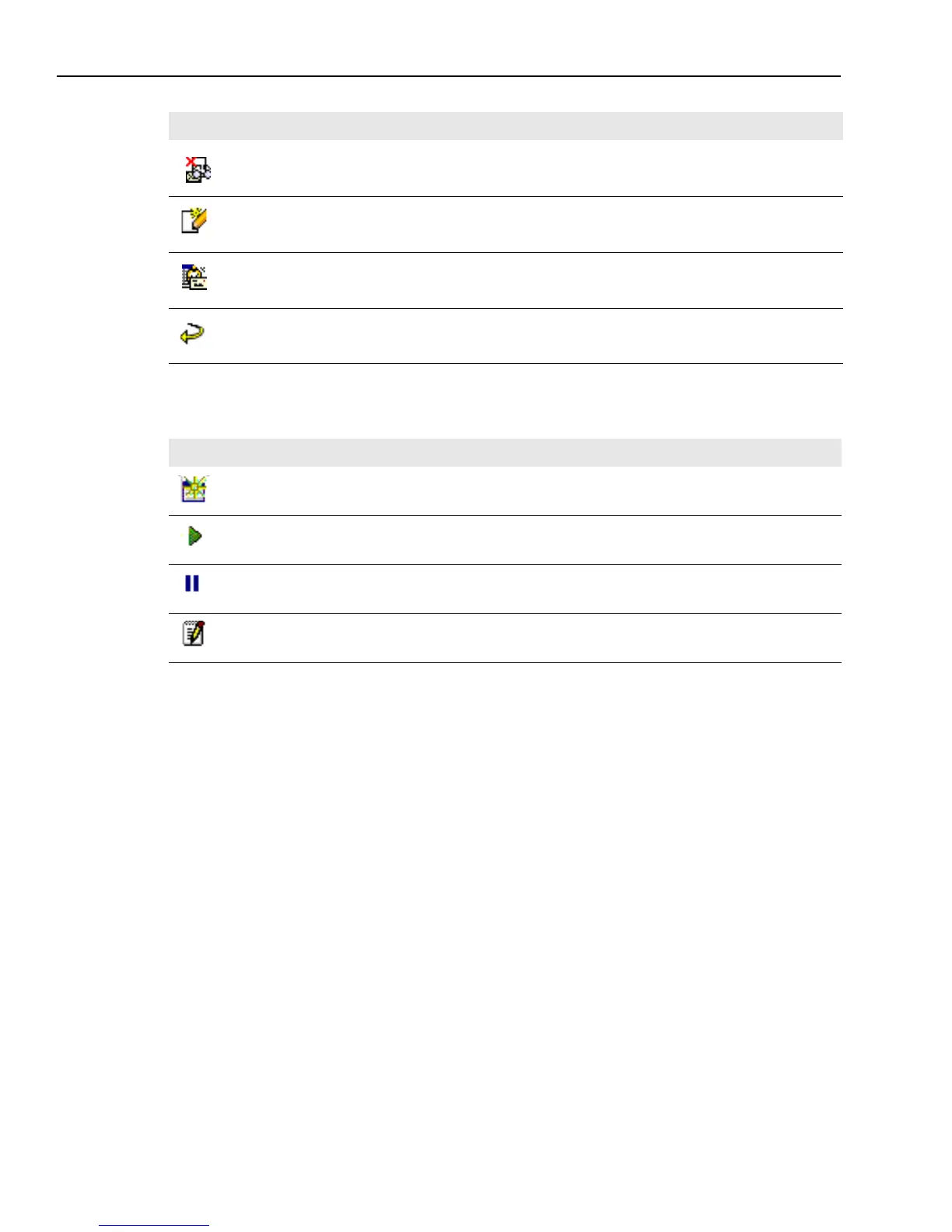
The third column indicates the current status of each email contact, as shown in the following
table.
Text in the Email Task List
The following areas give you text information about a selected email contact:
n
Origin – The email address from which the email was sent.
n
Age – The length of time the contact has been assigned to you. The time runs continuously
until you complete the contact.
n
Customer question – The text the selected customer typed in as the subject of their email.
An email rejected during Quality Assurance and sent to you for correction
A reply to an email that you originated.
An email alert, notifying you that an email requested from a customer or an external agent is
overdue.
A reply from an automatic response email that was sent to the customer from the Avaya IC
system.
Icon Description
New, unopened email contact.
Open, active email contact. This is the contact you are currently handling in the Web Agent.
Deferred email contact. You must return to it when you can and complete it.
Email contact in WrapUp state. You are wrapping up this email in the Web Agent.
Icon Description



 To Next Page