Chapter 6 Performing Chat & Email Tasks
166 Avaya Agent User’s Guide
2 In the Web Agent, select Tools > Preferences.
The Preferences dialog box opens. Note that it contains five tabs and opens to the Client tab.
3 Click the tab with the category of preferences that you are interested in seeing or changing. Go
to the appropriate section, shown below, to learn about the options in that tab.
w
“User Interface Preferences,” on page 166
w
“Contact Preferences,” on page 168
w
“Email Preferences,” on page 169
w
“Chat Preferences,” on page 170
w
“Other Preferences,” on page 171
User Interface Preferences
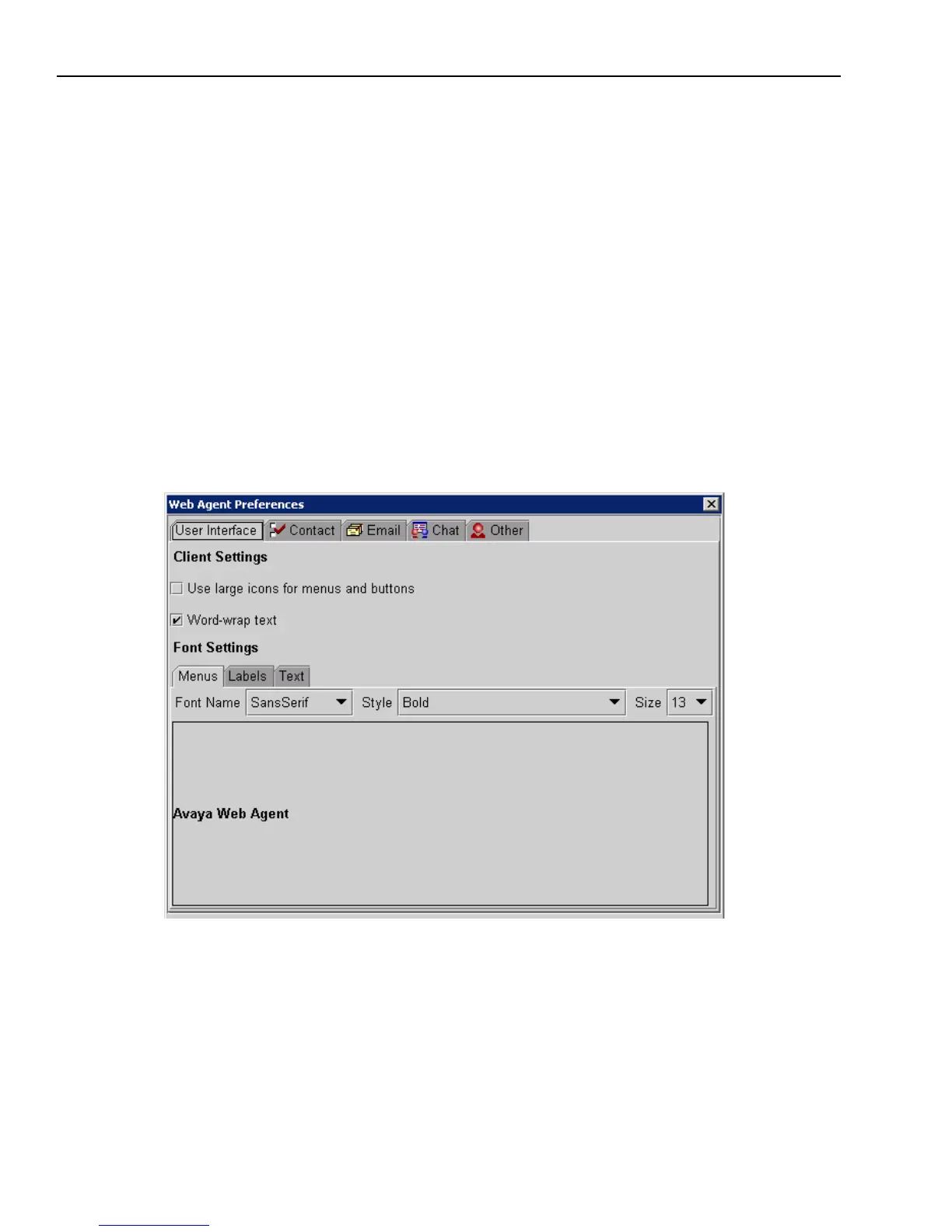
When you open the Preferences dialog box, the User Interface tab is displayed, as shown in the
following illustration:
User Interface preferences are related to the display of the Web Agent. The changes you make in
the User Interface tab do not take effect in the Web Agent until you log out and log back in again.



 To Next Page