Using Softphone with DEFINITY Switches
Issue 1.0 June 2002 83
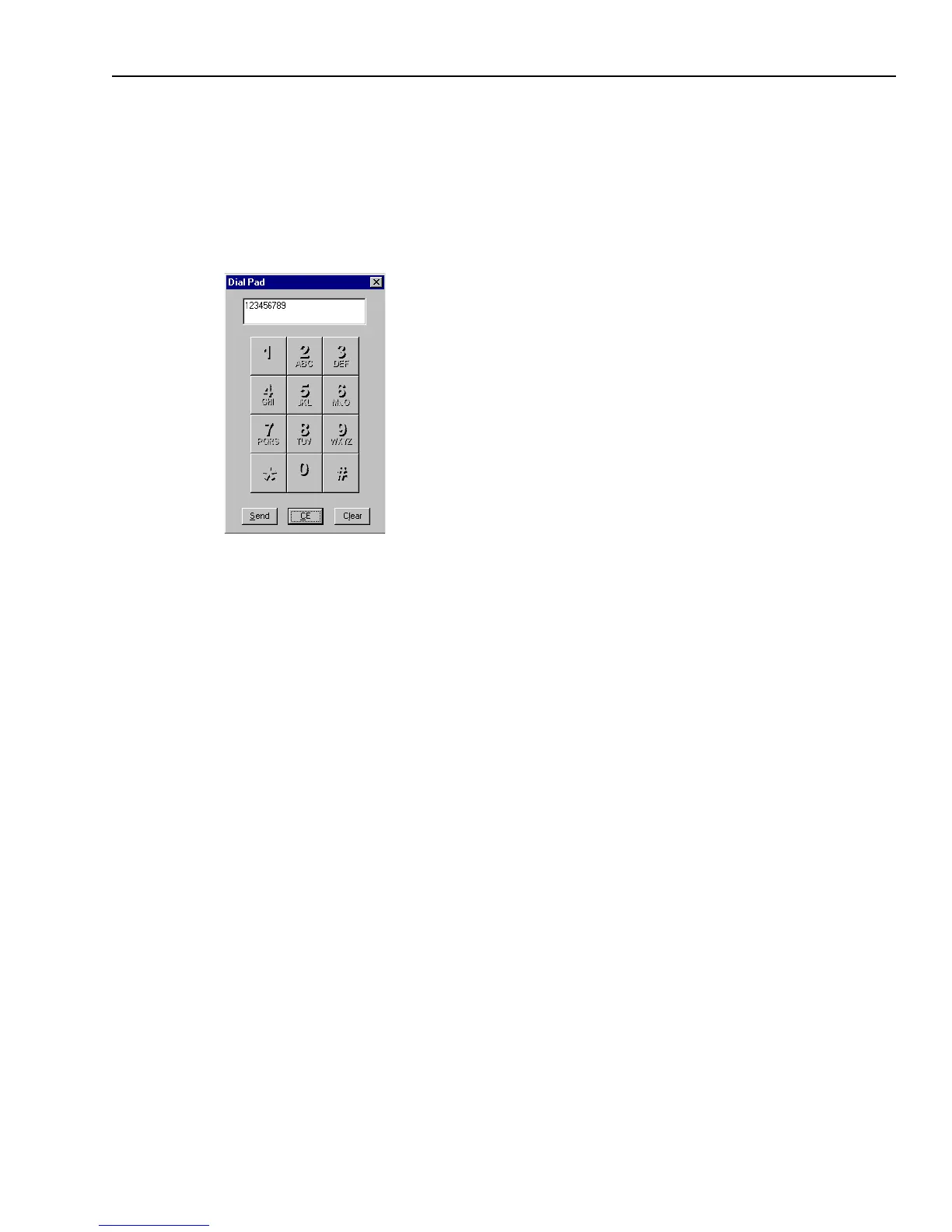
Sending Numerical Information with DTMF
If your Softphone uses a DEFINITY telephone switch, your administrator may have implemented
DTMF. You use DTMF to enter numerical information, such as a customer’s account or
identification number, on the numeric keypad of the Dial Pad dialog box. DTMF sends this
numerical information to a selected device, such as an Interactive Voice Response (IVR) unit, as if
you had dialed the tones on your telephone.
To send numerical information with DTMF:
1 In Avaya Agent, click the DTMF button.
2 In the Dial Pad dialog box, enter the numbers in either of the following ways:
w
Click in the entry field. Then type the digits on your keyboard.
OR
w
Click the numeric buttons in the keypad window.
If you type an incorrect number, click the CE (Clear Entry) button to clear one number at a time
or click the Clear button to completely clear everything that is displayed.
3 Click the Send button to transmit the number across the telephone line.



 To Next Page