Chapter 1 Overview
22 Avaya Agent User’s Guide
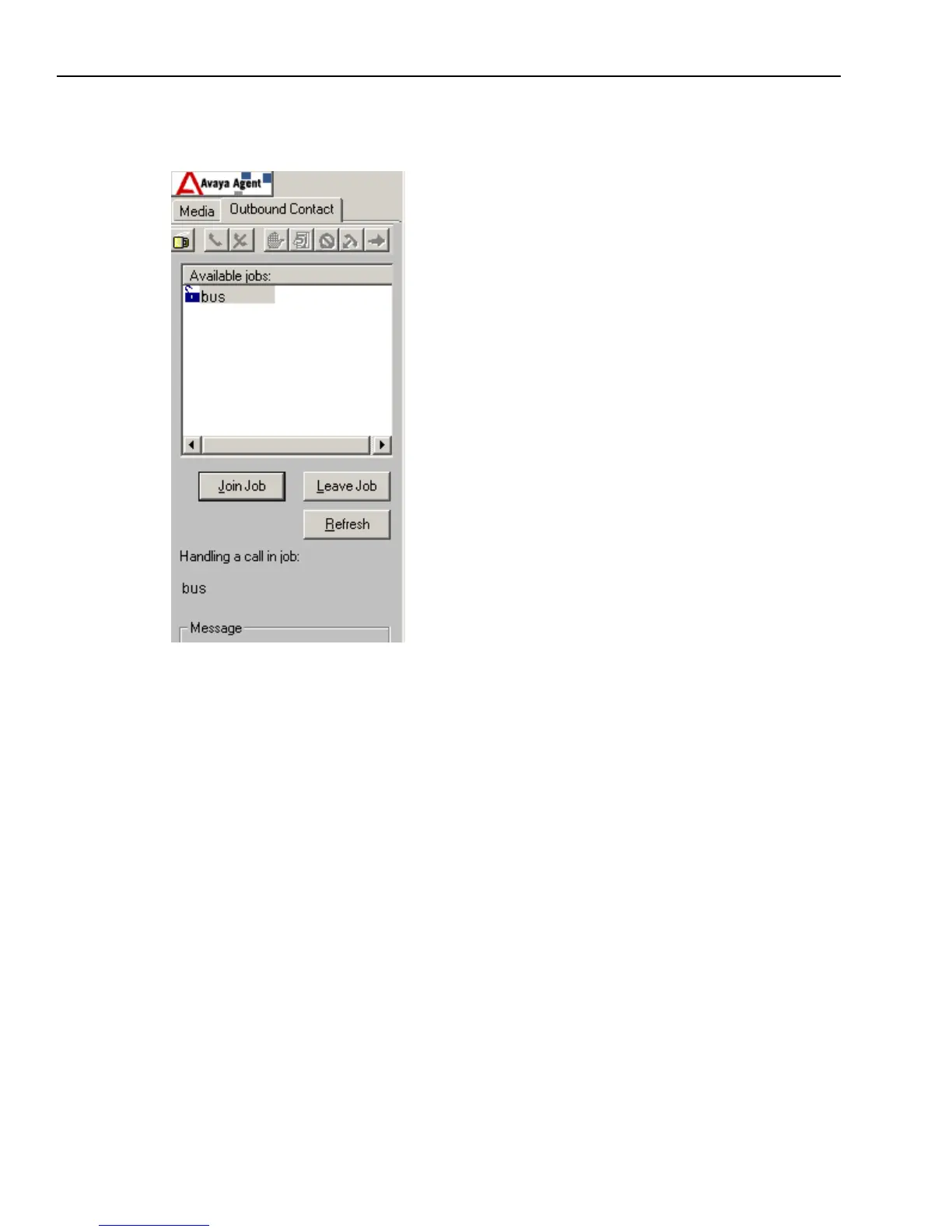
The Outbound Contact Management component is available through the Outbound Contact tab.
The Outbound Contact tab display looks like this:
Outbound Contact Management enables and disables Status Control Bar buttons to guide you
through the tasks as you handle calls. The coffee cup icon identifies your current agent state and
indicates whether you are available to speak with customer. Your agent state can be one of the
following three positions:
n
Off Break (Available) – The coffee cup toolbar button is raised, indicating that you are
available to handle outbound calls and speak with customers.
n
On Break (Unavailable) – The coffee cup toolbar button is depressed, indicating that you are
unavailable to handle outbound calls or speak with customers.
n
Disabled – The coffee cup toolbar button is greyed out, indicating that you have not joined a
job.
The Outbound Contact tab displays the following information:
n
Customer information in the CallCenterQ
n
Other contacts with this customer in the Contact History Browser
n
Agent script on the Prompter tab



 To Next Page