Chapter 1 Overview
34 Avaya Agent User’s Guide
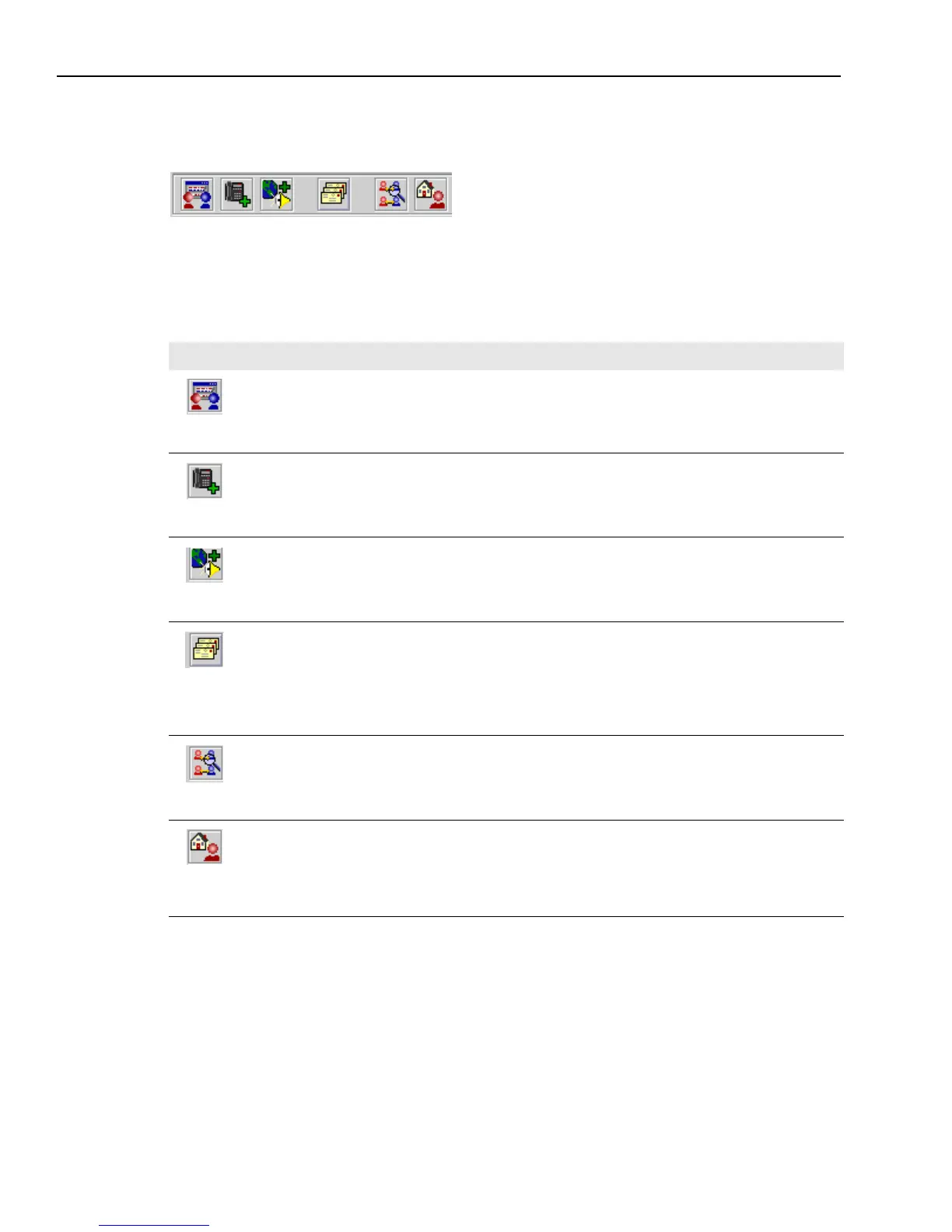
The Main Toolbar
You use the main toolbar in the Web Agent for both Email Management (email) and Web
Management (chat). The buttons in the main toolbar let you quickly access frequently used
commands that are also available in the menus. The buttons in the main toolbar, from left to right,
are as follows:
Button Action
Chat Mode
Switches the Web Agent to the Chat mode. If a chat contact is selected in the
Chat task list, the current chat session is displayed. If you are currently
handling more than one chat session, you can switch from one session to
another by changing the chat contact that is selected in the Chat task list.
Chat & Phone Mode
Switches the Web Agent to the Chat & Phone mode. This makes it possible
for you to speak with a customer over the telephone while the customer
remains in the chat session with you.
Chat & VoIP Mode
Switches the Web Agent to the Chat & VoIP Mode. This makes it possible for
you to speak with your customer through a connection between your
telephone and the customer’s Internet connection. While you speak with
each other, you and your customer remain in the chat session together.
Email Mode
Switches the Web Agent to the Email Mode. If an email contact is selected in
the Email task list, the current email is displayed. The email may be
displayed in Email Preview mode or Email Compose mode, depending on
your latest view of this email. If you are currently handling more than one
email, you can switch from one email to another by changing the email
contact that is selected in the Email task list.
Supervisor Mode
(Supervisors only. If you are not a supervisor, the button is disabled.) In this
mode, a panel displays icons for the chat sessions that agents in your
workgroup are currently conducting.
Agent Home Page
Opens your Internet browser and displays the Agent Home page, where you
can search for documents to the frequently asked questions (FAQs) on the
Web Self-Service pages or submit your own documents to these pages. Your
documents will be reviewed by an administrator and may be accepted or
rejected.



 To Next Page