Using the Unified Agent Directory
Issue 1.0 June 2002 61
To filter queue or agent information:
1 Click the Directory button on the Avaya Agent to display the Unified Agent Directory (UAD).
2 Click View > Filter.
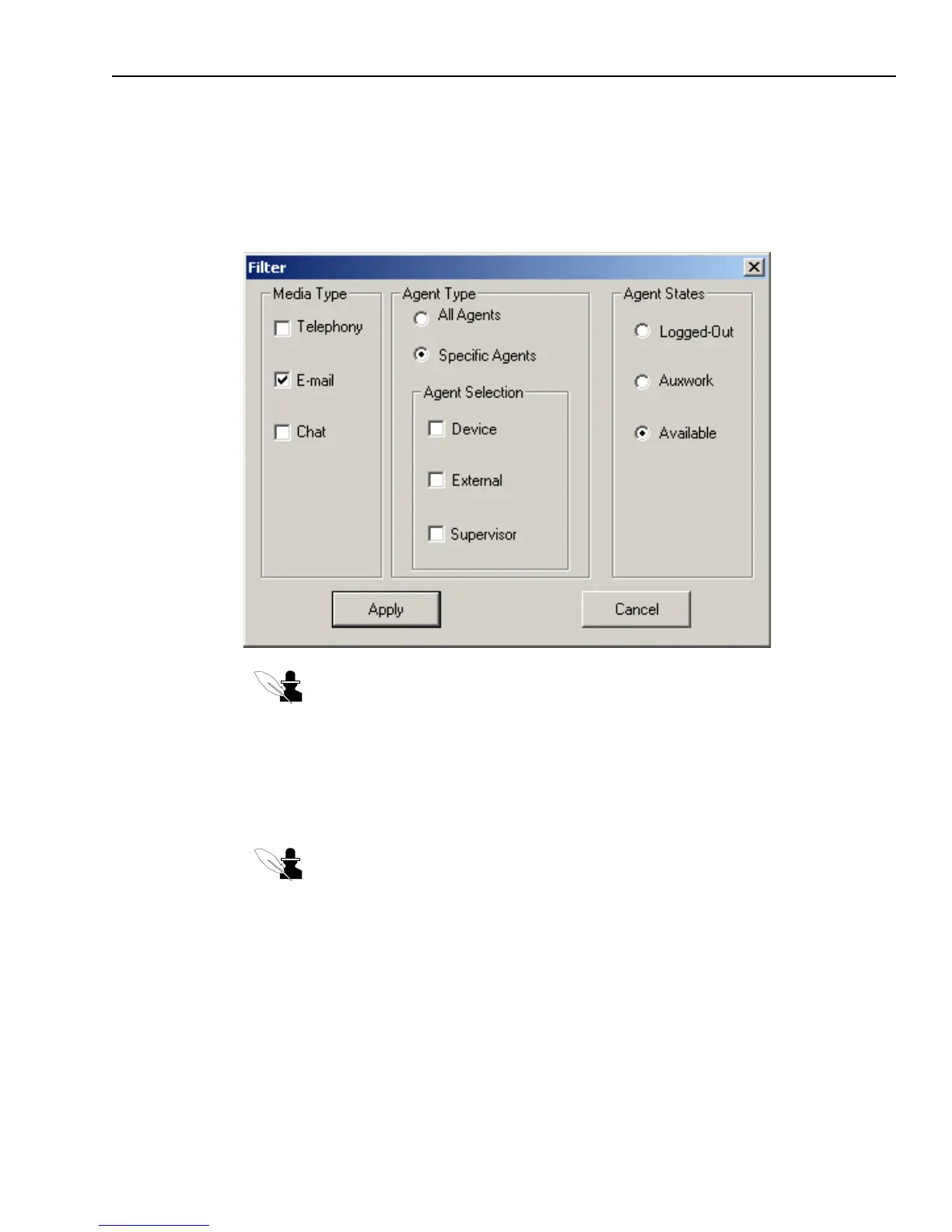
The Filter dialog box is displayed.
Note: If you do not see a Filter item in the UAD View menu, or if the Filter item is
not enabled, your contact center does not use this feature.
3 If you want to modify the display of the Queues tab, take the following steps:
a In the Media Type frame of the dialog box, select or de-select the types of media whose
queues you want to be displayed.
b In the Agent Type frame, select Specific Agents and then Device.
Note: This is the only selection that applies to the Queues tab. Any other selections
in this dialog box are ignored when you select Device.
c Click Apply.
4 If you want to modify the display of the Agents tab, do the following:
a Click the Media Type check boxes as desired. Agents who handle the media types that are
checked will be displayed in the Agents tab.



 To Next Page