36
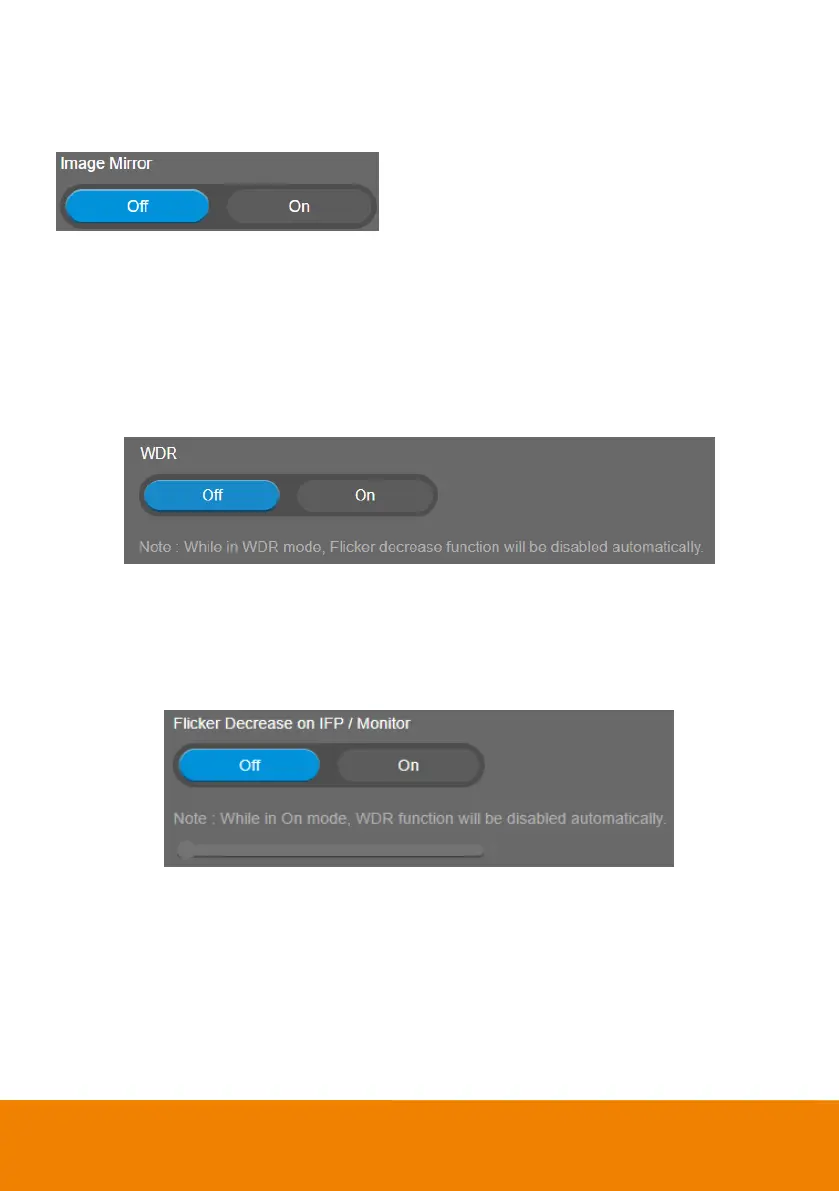
Image Mirror
To mirror the camera image.
Select Setting > Image > Image Mirror > Off (default) or On.
WDR
In back light environment, enable WDR to improve the brightness of image.
Select Setting > Image > WDR > Off or On.
If user enables this function in a normal light condition, the image will become over exposure and
encounter image blur.
[Notes] When USB streaming is off, you may encounter image blur issue while using web page to see
camera live preview. In this case, please disable WDR function to solve it.
Flicker Decrease on IFP / Monitor
This is to ensure fluid content capture on IFP monitor
Select Setting > Image > Flicker Decrease on IFP / Monitor > Off (default) or On.
[Note] While in On mode, WDR function will be disabled automatically.



 To Next Page