51
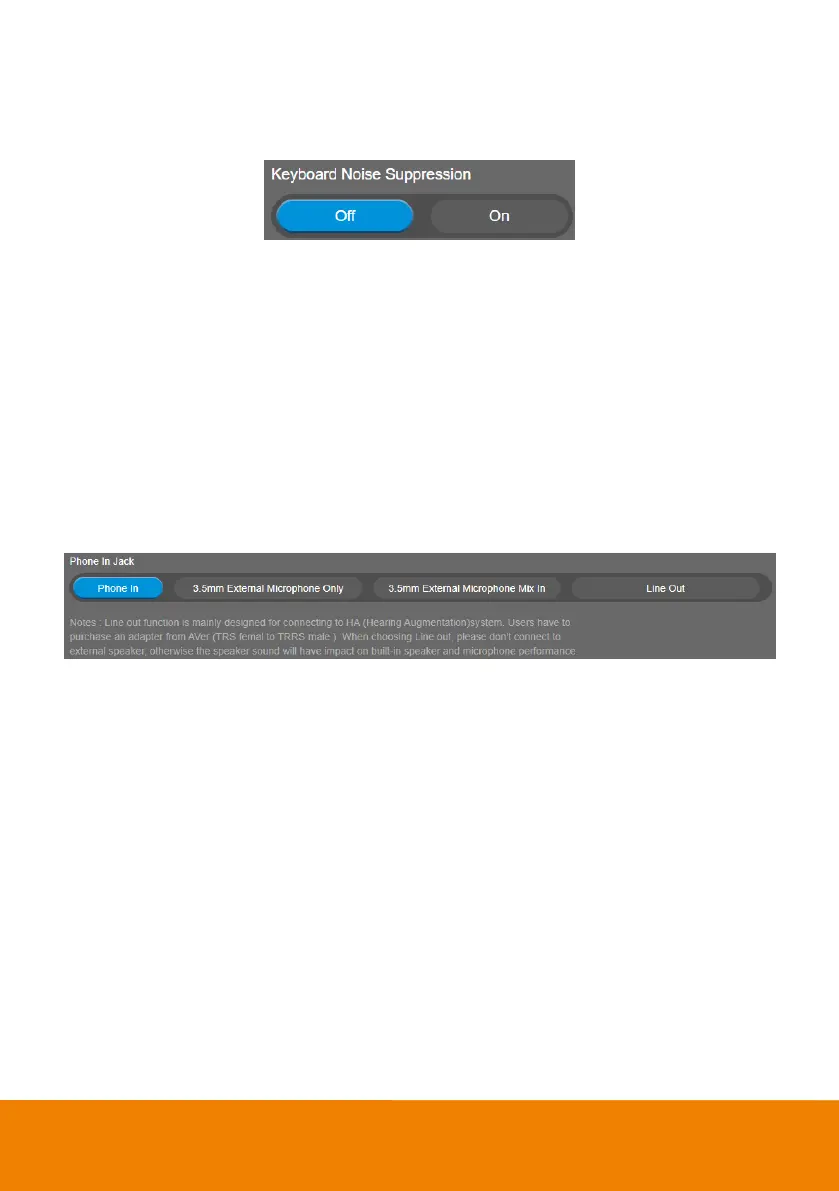
Keyboard Noise Suppression
Enable/disable keyboard noise reduction.
Select Audio > Keyboard Noise Suppression > Off (default) or On.
Phone In Jack
The camera provides a Phone In Jack on the right-side panel. Users can also configure the Phone In
Jack to support 3.5mm audio input, Line Out or hybrid audio input for both Line In and 3.5mm audio
input.
[Note]
1. Line Out function is mainly designed for connecting to HA system. Users have to purchase an
audio-out adapter from AVer (TRS female to TRRS male).
2. If Line Out is selected, please don’t connect to external speaker, otherwise the speaker sound will
have impact on built-in speaker and microphone performance.
Select Audio > Phone In Jack > Phone In, 3.5mm External Microphone Only, 3.5mm External
Microphone Mix In or Line Out.



 To Next Page