30
Audio Tracking: After detecting the sound, camera focuses at the speaker and zooms in. The
camera moving path will be shown in the screen.
Presentation Mode: This is a combination of preset tracking and audio tracking. Please set up
preset areas (preset 1~9. Preset 0 is for home position) in the PTZApp 2, IP web page, or remote
control first. When someone speaks within this area, camera shoots this area. When someone
speaks outside of this area, camera will track this person in view and zoom in. If there is no more
sound and no person’s face is detected outside of this area after the idle time (based on the idle
time interval set up in PTZApp 2), the camera will shoot on the last triggered preset area again.
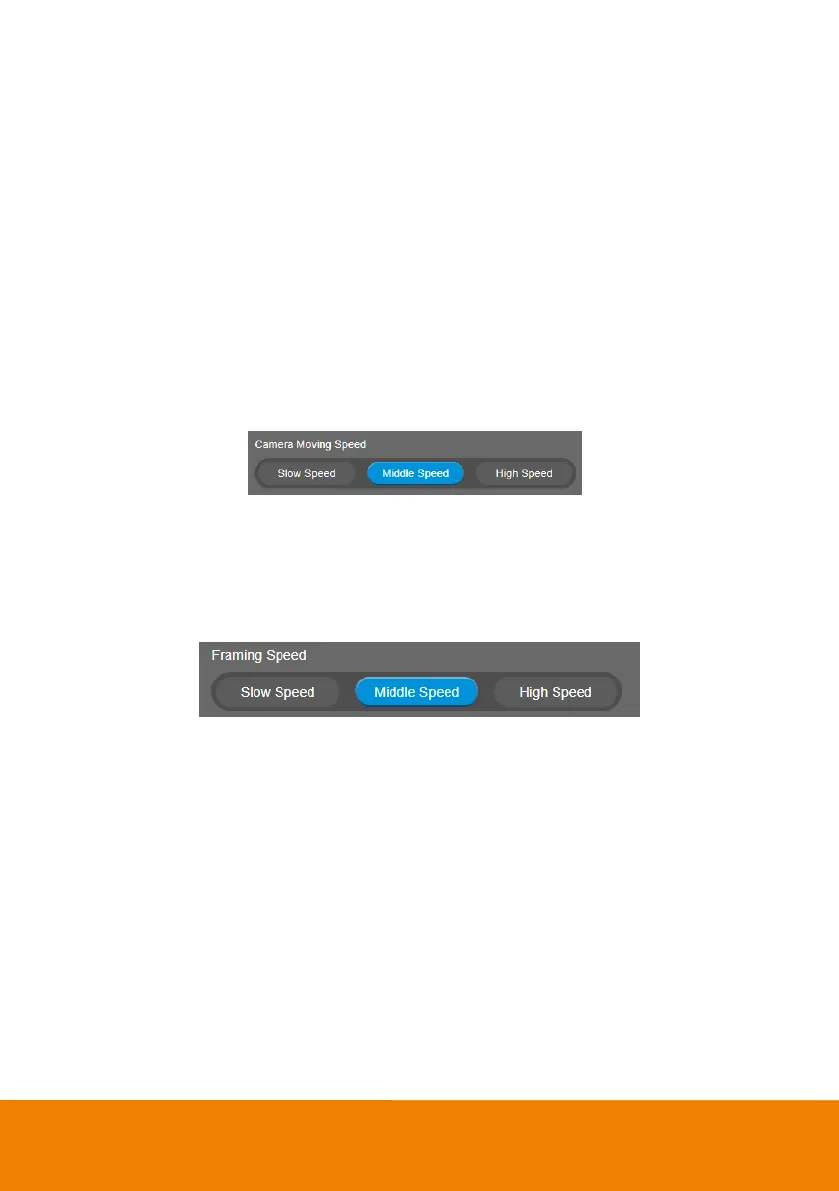
Camera Moving Speed
Select Setting > Camera > Camera Moving Speed > Slow Speed, Middle Speed (default) or High
Speed.
Framing Speed
Select Setting > Camera > Framing Speed > Slow Speed, Middle Speed (default) or High Speed.
When in auto framing mode, camera will automatically frame people if they stand still without moving
for 1~5 seconds.
Slow Speed: camera starts to frame people if they don’t move for 5 seconds.
Middle Speed: camera starts to frame people if they don’t move for 3 seconds.
High Speed: camera starts to frame people if they don’t move for 1 second.
[Note] The default framing speed is Middle Speed. High Speed is more suitable for one person
tracking.



 To Next Page