50
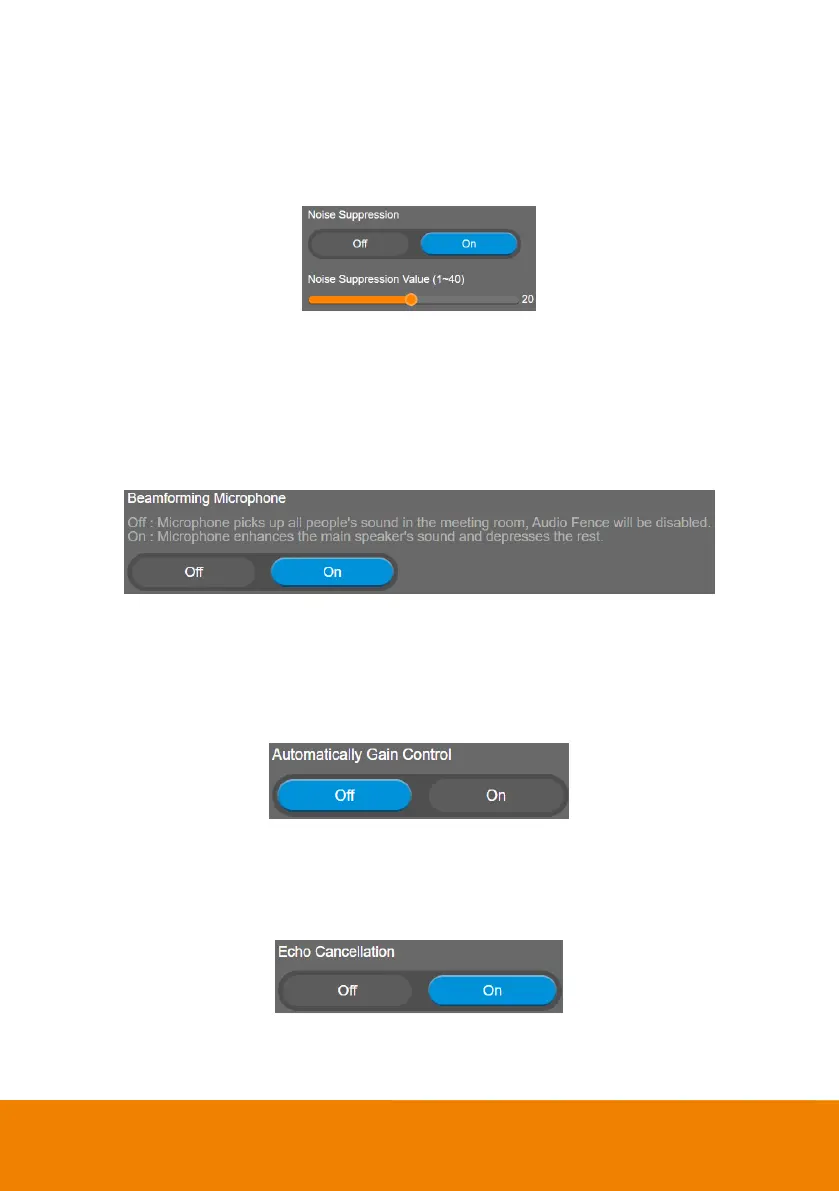
Noise Suppression
It is to reduce ambient noise.
Select Audio > Noise Suppression > Off or On (default).
When enabling the noise suppression function, please set value of noise suppression (1 ~ 40).
Beamforming Microphone
Enable/disable the beamforming microphone.
Select Audio > Beamforming Microphone > Off or On (default).
Off: Microphone picks up all people's sound in the meeting room, Audio Fence will be disabled.
On: Microphone enhances the main speaker's sound and depresses the rest.
Automatically Gain Control
Enable/disable the auto gain control. It is to control ambient sound level and maintain a suitable output,
despite variation of the one at the input.
Select Audio > Automatically Gain Control > Off (default) or On.
Echo Cancellation
Enable/disable echo situation.
Select Audio > Echo Cancellation > Off or On (default).



 To Next Page