39
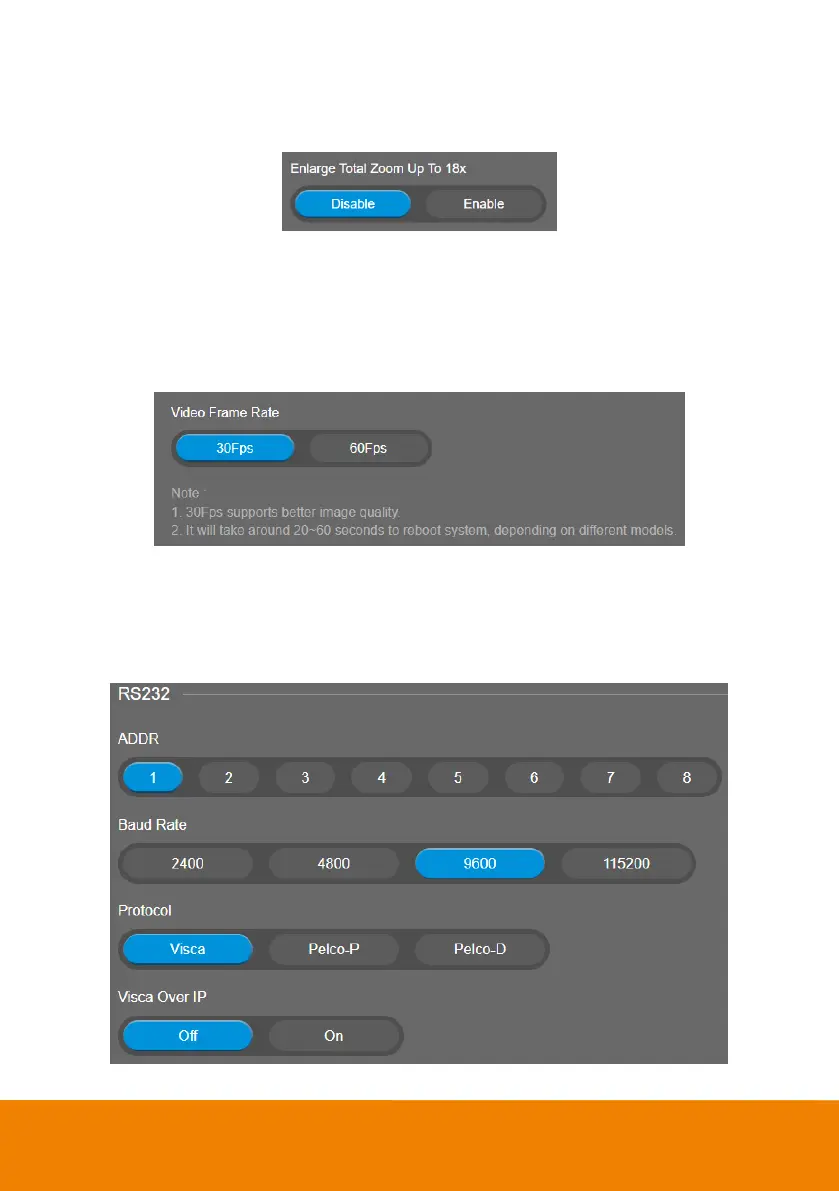
Enlarge Total Zoom Up to 18x
Enable/Disable enlarge zoom up to 18x. (Default is 15x)
Select Setting > Image > Enlarge Total Zoom Up to 18x > Disable (default) or Enable.
Video Frame Rate
Set up the frame rate value.
Select Setting > Image > Video Frame Rate > 30 Fps (default) or 60 Fps.
30fps is with much better image quality than 60fps. Unless you want to shoot fast moving objects,
please use 30fps.
RS232
When the camera connects with PTZ camera controller through the RS232 port, please setup ADDR,
Baud Rate, Protocol, and Visca Over IP settings.
Select Setting > RS232.



 To Next Page