52
PTZApp 2
In PTZApp 2, user can change the IP address setting of VB350, configure the parameters of the
camera, set up AI tracking functions and some advanced image and audio settings, pan, tilt, and zoom
the camera.
Install PTZApp 2
Please go to https://www.aver.com/download-center (Headquarters & European) or
https://www.averusa.com/business/support (USA) to download the PTZApp 2. After downloading,
double-click on the file and follow the on-screen instructions to complete the installation.
After installing the PTZApp 2, double-click on the PTZApp 2 icon to run the application.
[Note]
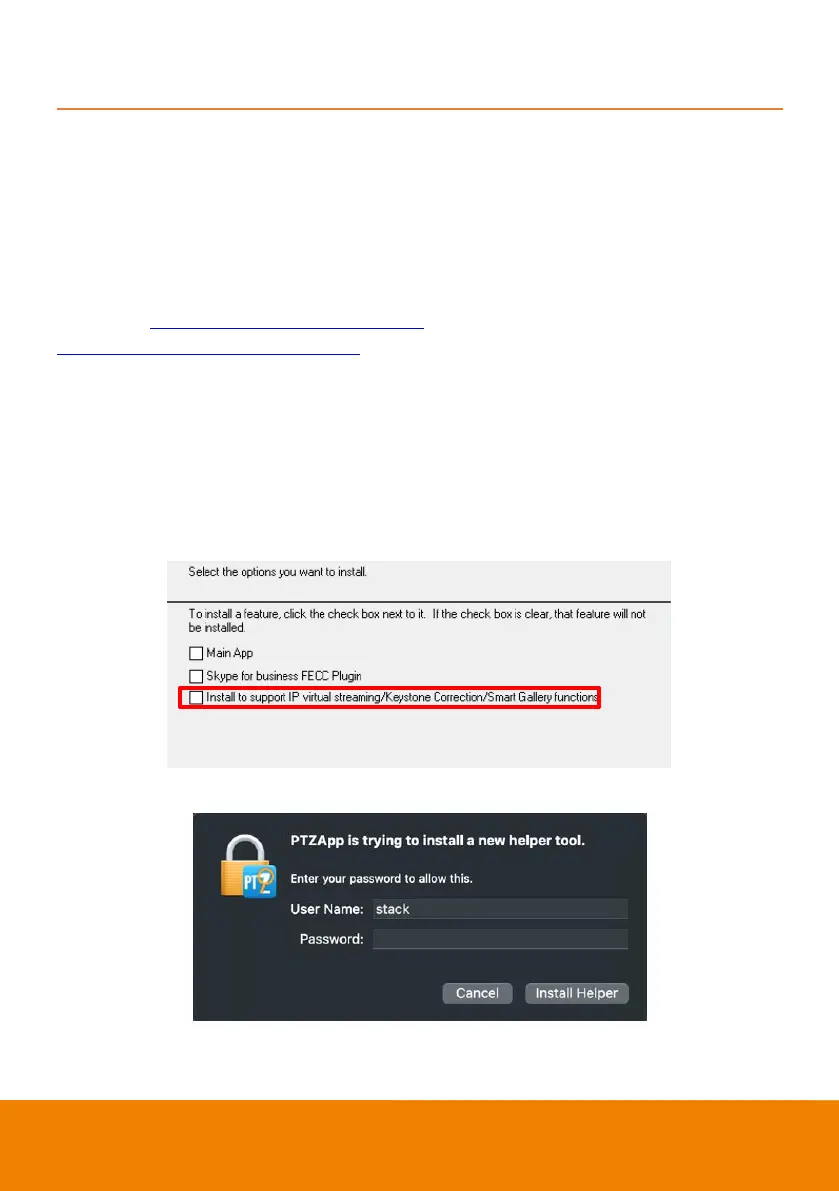
While installing PTZApp 2, if you refuse to install IP virtual streaming and Smart Gallery plug-in in your
PC (illustrated as below), you will not be able to use these functions. To enable these functions, please
reinstall PTZApp 2 for the necessary plug-in.
(Windows PC)
(MAC PC)



 To Next Page