Pro Tools | SYNC HD Guide18
Loop Master Indicator
When lit, this LED indicates that the SYNC HD is
the Pro Tools Loop Master device.
Sample Rate LEDs
These green or yellow LEDs show the current
SYNC HD sample rate. Pull Up and Pull Down are
available for all sample rate settings, indicated by
the corresponding LED. Table 1 (below) shows
the actual sample rates when pulled up or down.
Generator/Parameter Controls
These four switches provide direct access to many
SYNC HD functions, including timecode genera-
tor settings, PAL/NTSC selection, sample rate and
more. The Timecode LED display shows the cur-
rent mode, selected parameter, or setting.
Timecode Display
This 7-segment, multifunction LED is the
SYNC HD timecode and parameter display.
Timecode
The current positional reference (inter-
nal or external), is displayed in hours:minutes:sec-
onds:frames. Odd/even field distinction is indi-
cated using a decimal point to the right of the
frames display. A lit decimal point to the right of
frames indicates an even-numbered field; no deci-
mal point indicates an odd-numbered field. When
the SYNC HD is in Auto Switch LTC/VITC mode,
the decimal point to the right of “minutes” illumi-
nates.
The SYNC HD Timecode Display always displays
actual incoming timecode, regardless of any Exter-
nal Timecode Offsets settings that are applied in
Pro Tools.
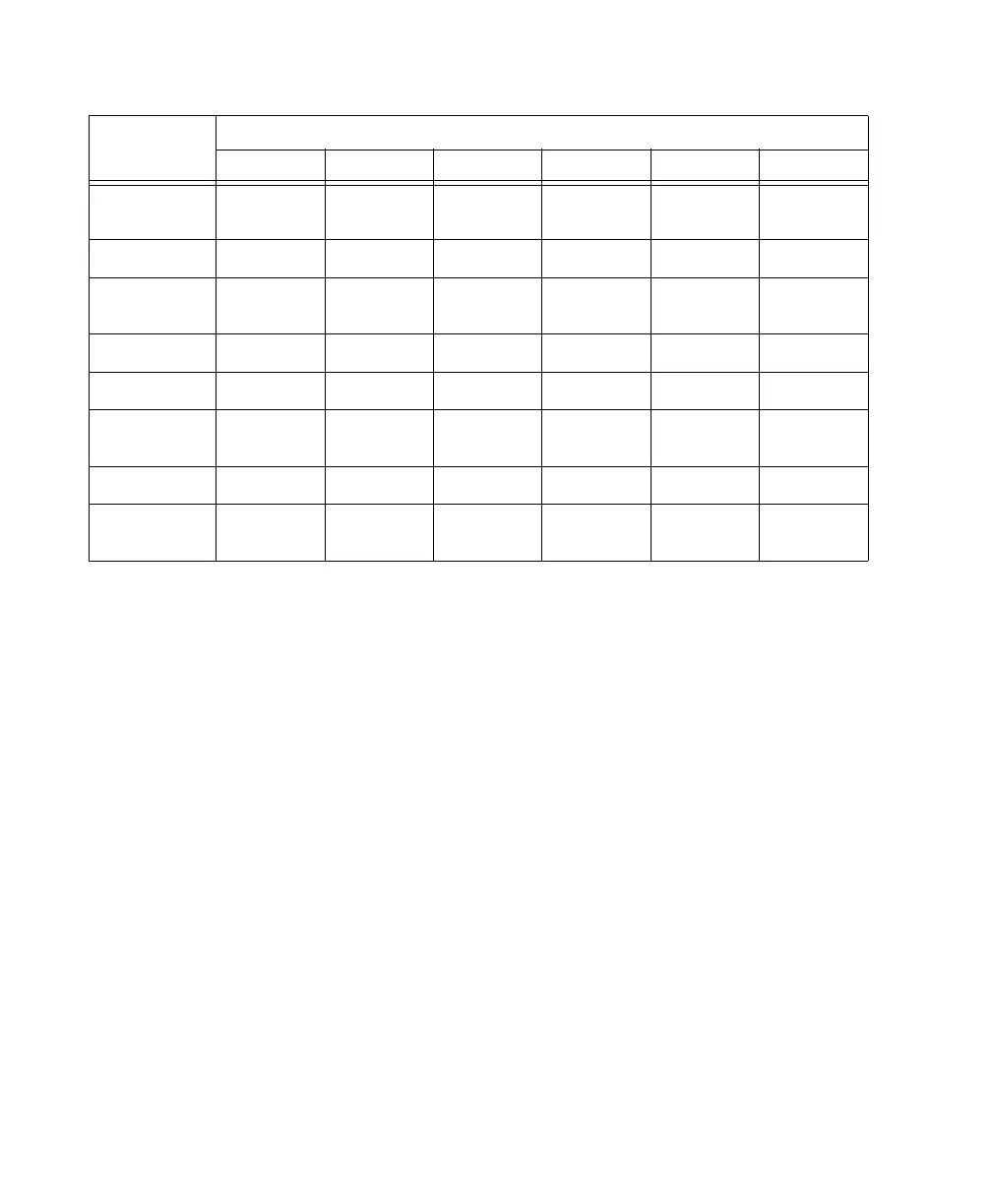
Table 1. Sample Rates at Pull Up and Pull Down Settings
Pull
Up/Down
Sample Rate
44100 48000 88200 96000 176400 192000
+4.1667%
and +0.1%
45983 50050 91967 100100 n/a n/a
+4.1667% 45938 50000 91875 100000 n/a n/a
+4.1667%
and –0.1%
45892 49950 91783 99900 n/a n/a
+0.1% 44144 48048 88288 96096 176576 192192
–0.1% 44056 47952 88112 95904 176224 191808
–4.0% and
+0.1%
42378 46126 84757 92252 n/a n/a
–4.0% 42336 46080 84672 92160 n/a n/a
–4.0% and
–0.1%
42294 46034 84587 92068 n/a n/a



 To Next Page