9
A360 P
e r s o n A l Mi x e r Us e r GU i d e
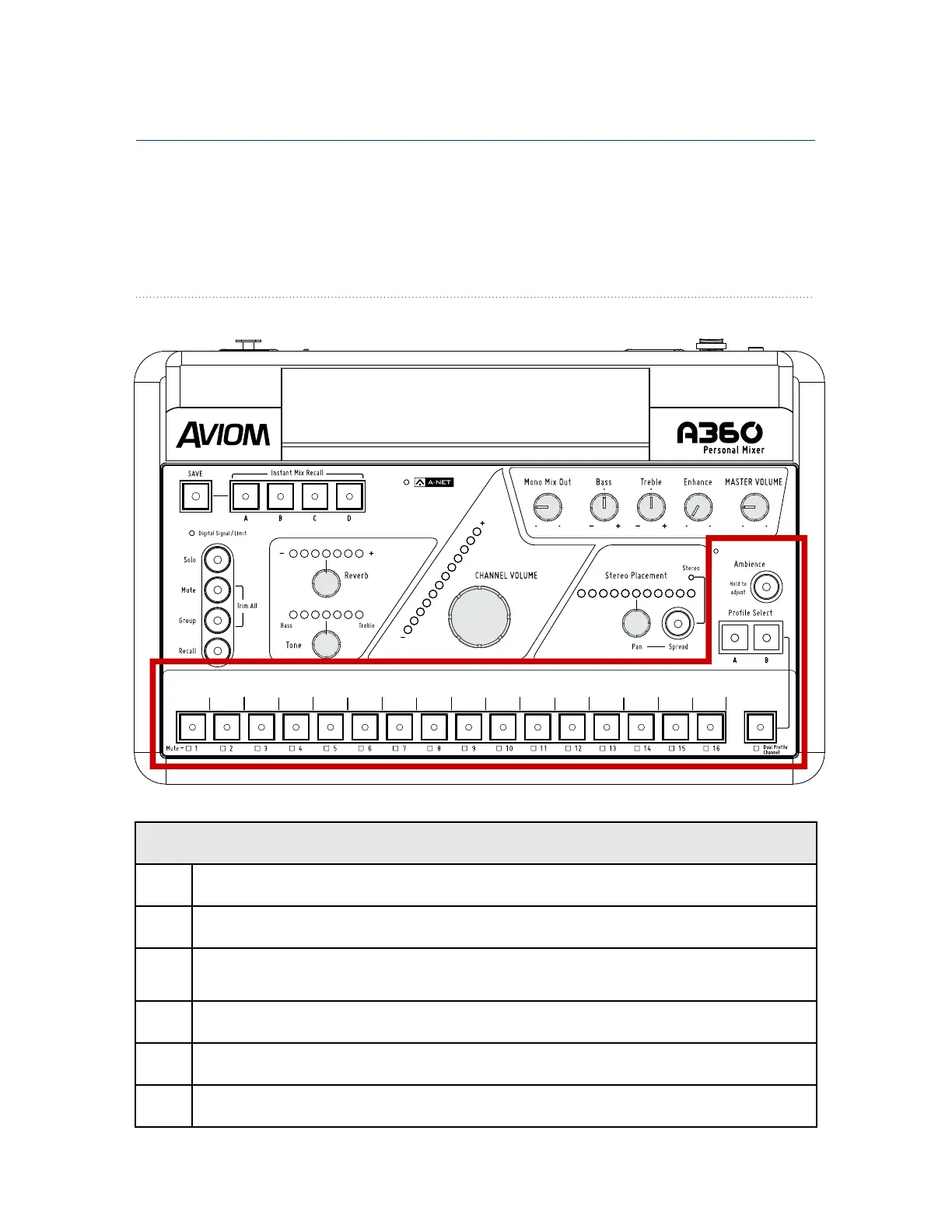
Mix Channels
Function
1 Channel Label Strip
2 Channel Buttons with LED – green
3 Channel Mute LEDs – yellow
4 Dual Profile Channel™ Button
5 Profile Select Buttons for the Dual Profile Channel
6 One-Touch Ambience™ Button and Built-in Ambience Mic
A360 Front Panel



 To Next Page