55
A360 P
e r s o n A l Mi x e r Us e r GU i d e
A-Net In
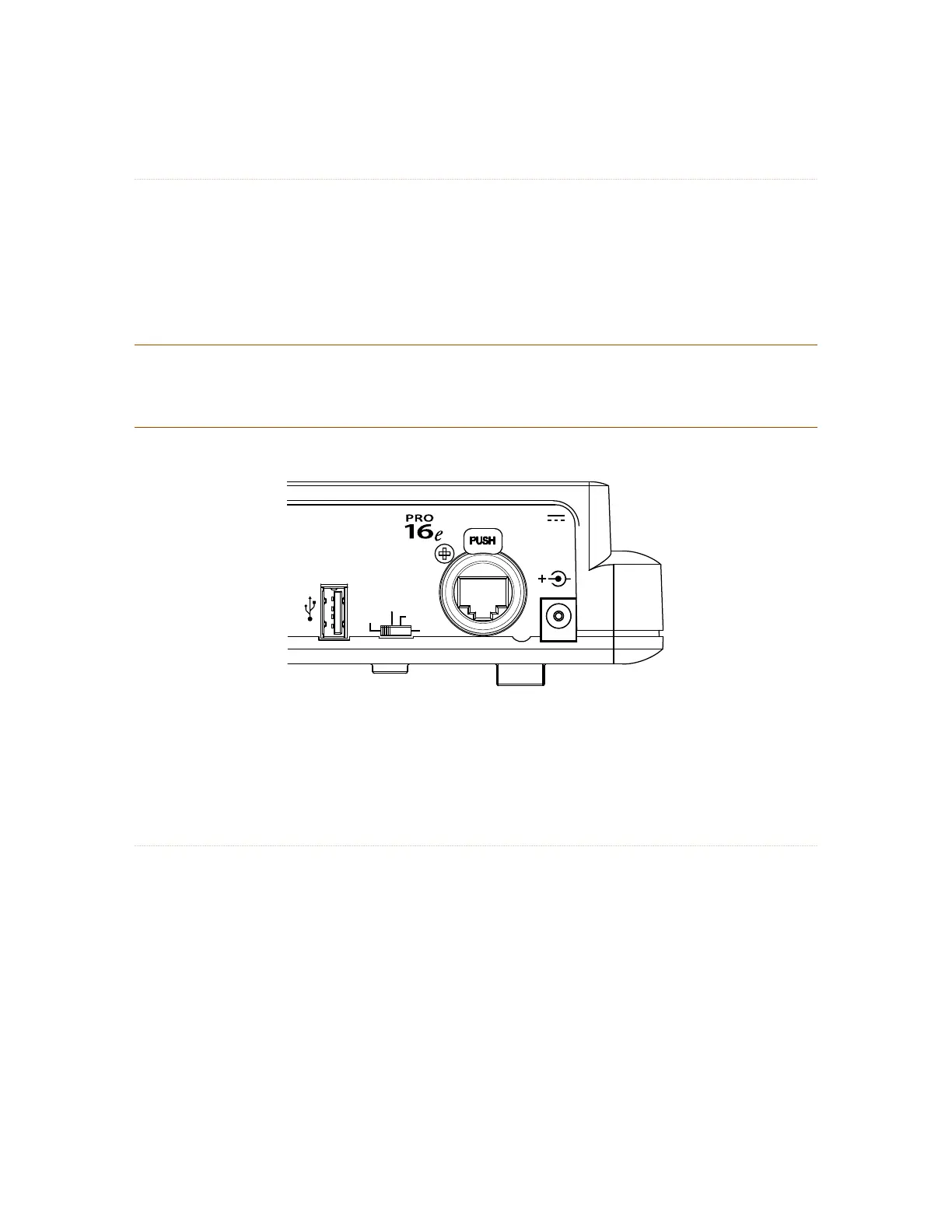
The Cat-5 A-Net In port is fitted with a Neutrik® EtherCon® RJ45, and accepts either Pro16 or Pro16e A-Net
data. Cables used with the A360 can be the standard Cat-5e UTP cable with RJ45 ends commonly used
with computer systems or those fitted with the heavy-duty locking Neutrik EtherCon plug.
When connected to an A-Net distributor such as the D800 or A-16D Pro, the A360 also receives DC power
over the same Cat-5e data cable. In this case an external DC power supply is not required.
P
No t e : When the A360 is connected to an A-Net distributor, the type of A-Net received (Pro16 or
Pro16e) is dependent on the input device that is supplying A-Net to the distributor. Both data
types are compatible with the A-Net distributors.
Mono Mix Out
A-Net In
Data
24VDC
Regulated
500 mA
CUSTOM
PROGRAM
DEFAULT
Pro16
Stereo Mix Out
Mono Mix Out
A-Net In
Data
24VDC
Regulated
500 mA
CUSTOM
PROGRAM
DEFAULT
Pro16
Stereo Mix Out
A-Net In and DC power connections
DC Power
The DC Power jack accepts a 24VDC power supply when the A360 is not being powered over the Cat-5
cable from an A-Net distributor. Use only an approved 24VDC, regulated 500mA supply such as the
optional Aviom PS-120 Power Supply.



 To Next Page