36
A360 P
e r s o n A l Mi x e r Us e r GU i d e
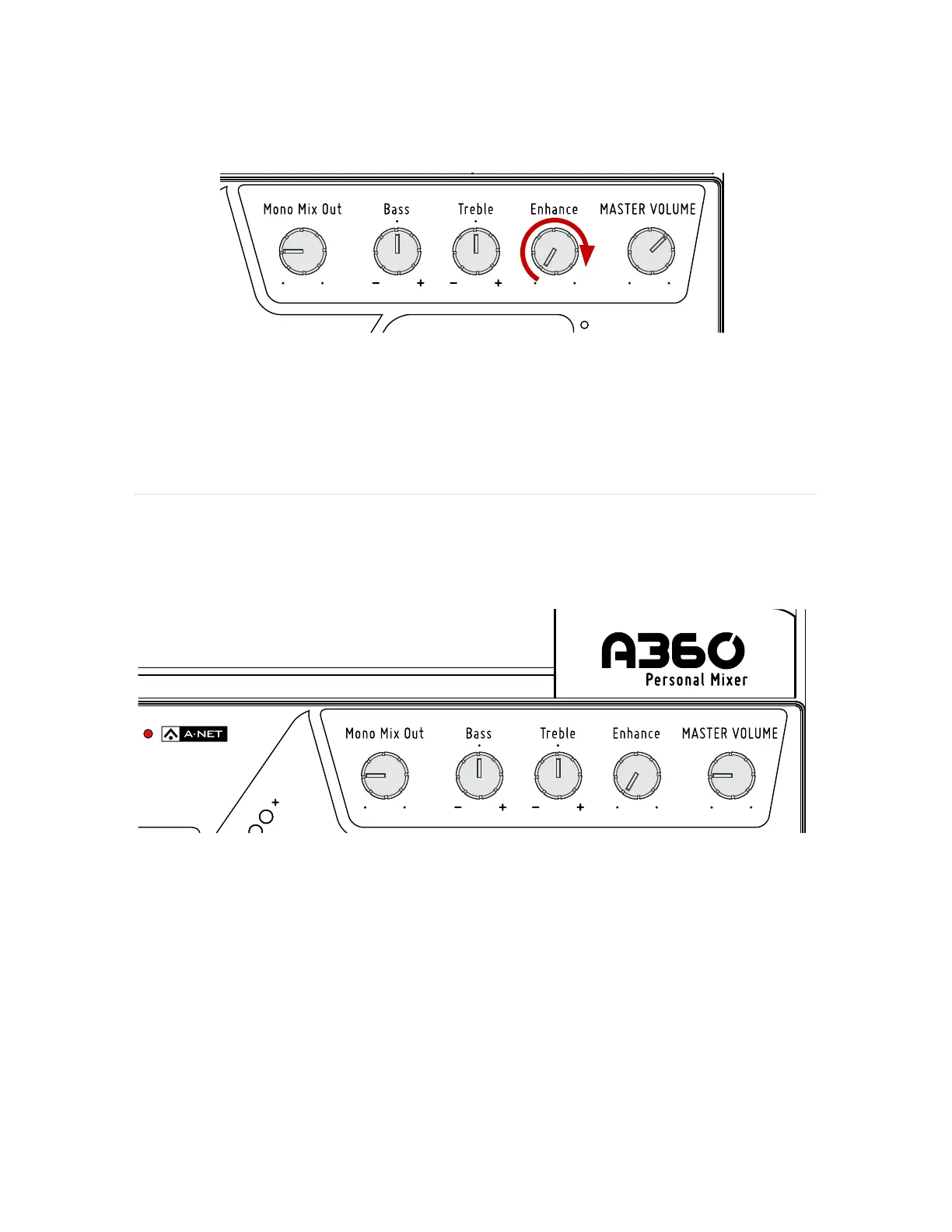
To experience the Enhance feature, slowly rotate the Enhance knob while listening to a mix.
The amount of the Enhance tone control is a global setting and is not saved in a Mix Preset.
A-Net LED
The A-Net LED lights whenever a valid Pro16 or Pro16e A-Net signal is connected to the A360. When
the 16-channel Pro16 version of A-Net is connected, the LED lights green; when the enhanced (up to)
64-channel Pro16e version of A-Net is connected, the LED lights red. The rear-panel mode switch must be
set accordingly. See page 45.
The A-Net LED lights red when it receive a valid Pro16e A-Net signal.



 To Next Page