34
A360 P
e r s o n A l Mi x e r Us e r GU i d e
Master Section Functions
Master Volume
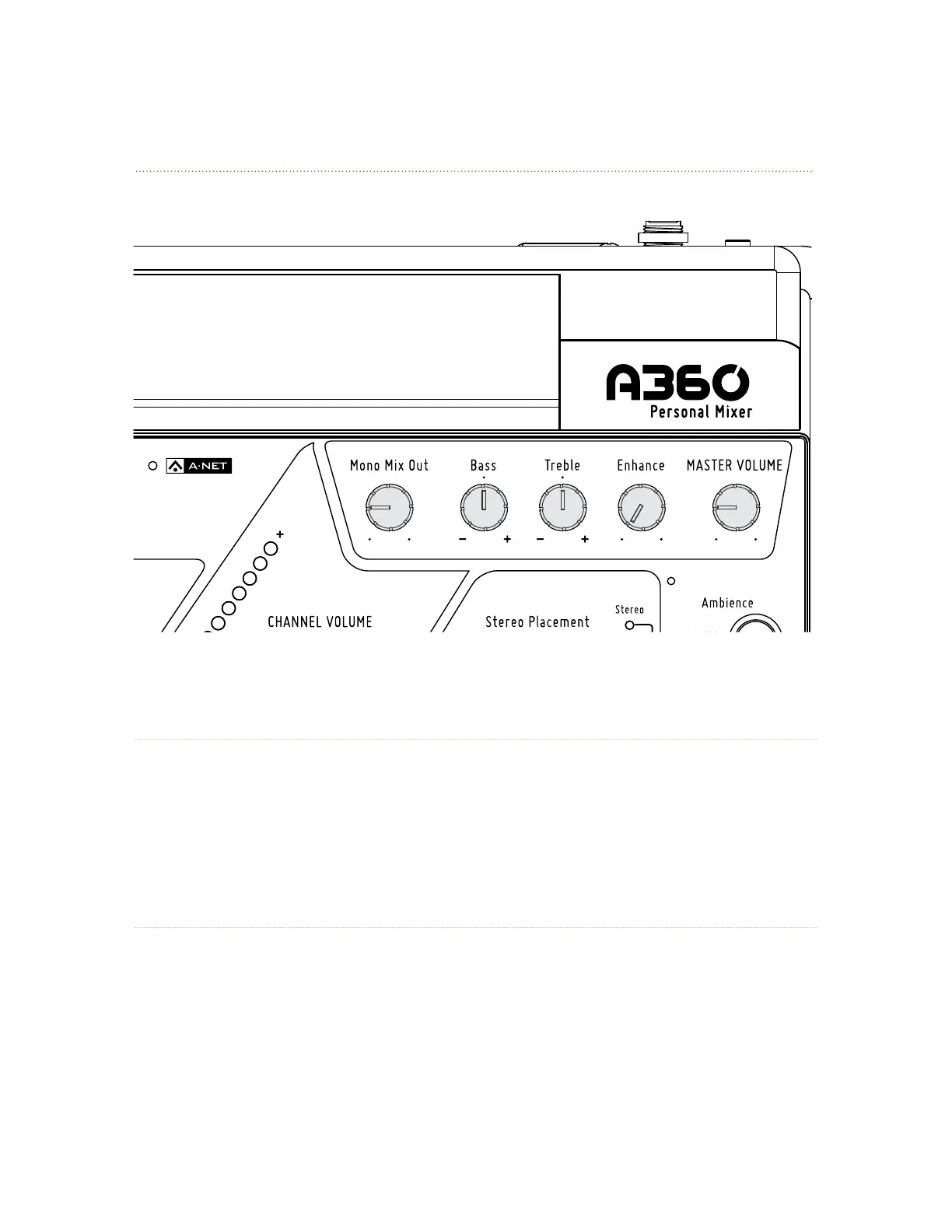
The mA S t e r Vo l u m e control sets the level for the 1/8-inch and 1/4-inch Stereo Mix Out jacks on the rear
panel. It also sets the level of the mix sent to the Mono Mix Out jack on the rear panel. When using only the
Mono Mix Out, start with the mA S t e r Vo l u m e at 12 o’clock and adjust the mo N o mI x out knob as needed.
The Master Volume level is not saved as part of a Mix Preset.
Mono Mix Out
The A360 generates a balanced line-level mono mix that makes connecting a subwoofer, bass shaker,
or powered speaker easy. The mo N o mI x ou t knob controls the level of the mono mix being sent to the
mo N o mI x ou t XLR jack on the rear panel. The output level of the mono mix is determined by the overall
Master Volume level, which must be turned up to hear the mono mix even if no stereo monitoring device
is connected to the A360.



 To Next Page