24
A360 P
e r s o n A l Mi x e r Us e r GU i d e
Understanding Pan and Spread
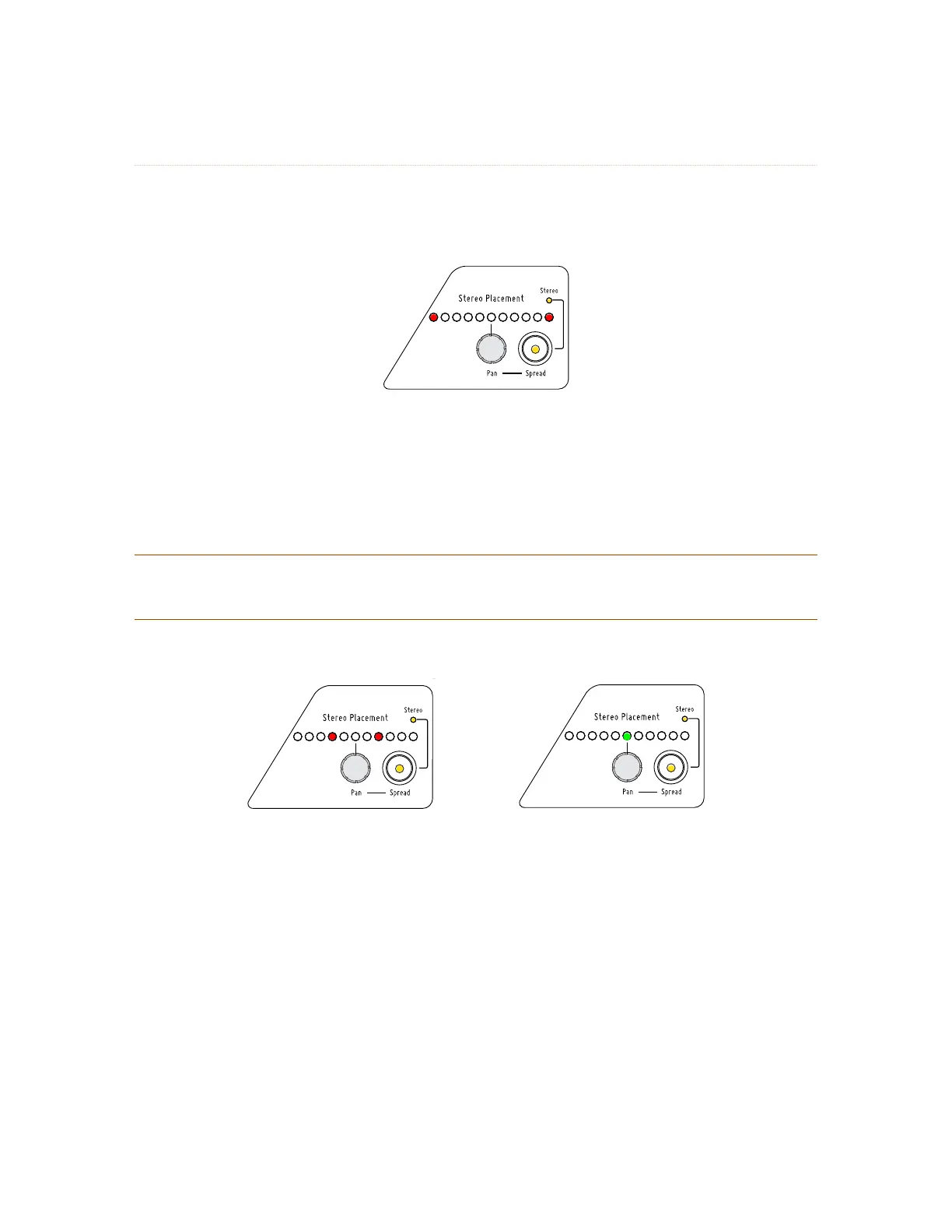
On the A360, Spread is used to indicate the distance between the left and right sides of a stereo channel.
The default spread for a stereo source is full left and full right.
The default spread for a stereo source
To change the Spread for a stereo channel, press the SP r e A D button; its yellow LED lights. Turning the PA N
knob left will now change the distance between the two sides bringing them closer together; the red left
and right LED indicators will move in sync. Eventually the stereo signal will collapse to mono, indicated by
a single LED in the Pan display.
P
No t e : The Stereo LED and Spread button’s LED remain lit even when the signal has been collapsed
to mono by the Spread control.
A stereo channel’s Spread has been made narrower (left) and collapsed to mono (right).
Panning Stereo Channels
Stereo channels can be positioned in the stereo field by using the PA N control. This is an extremely powerful
feature for those monitoring in stereo using in-ears or headphones.
Placing stereo source channels in the stereo field in the same relative positions that they are on stage or
in the studio allows more realistic monitoring and uses sonic placement to improve clarity and imaging
rather than relying on just volume.
The example graphics below show the powerful effects of using stereo panning and placement to enhance
imaging in a stereo mix.



 To Next Page