45
A360 P
e r s o n A l Mi x e r Us e r GU i d e
P
No t e The A360 Master Volume must be up in order to hear the mono mix even if the only audio
connection is via the XLR mono output.
A360 Modes
The A360 can be integrated into new or existing Aviom personal mixing systems along with A-16II and
A-16R Personal Mixers, or it can be used in a system specifically designed to take advantage of the higher
channel count that Pro16e A-Net offers. In order to maintain the unit’s flexibility in a variety of contexts,
the four-position mode switch is used.
The position of the mode switch will have an impact on Mix Presets created on the A360. See page 38 for
more information about creating Mix Presets.
Mode Switch
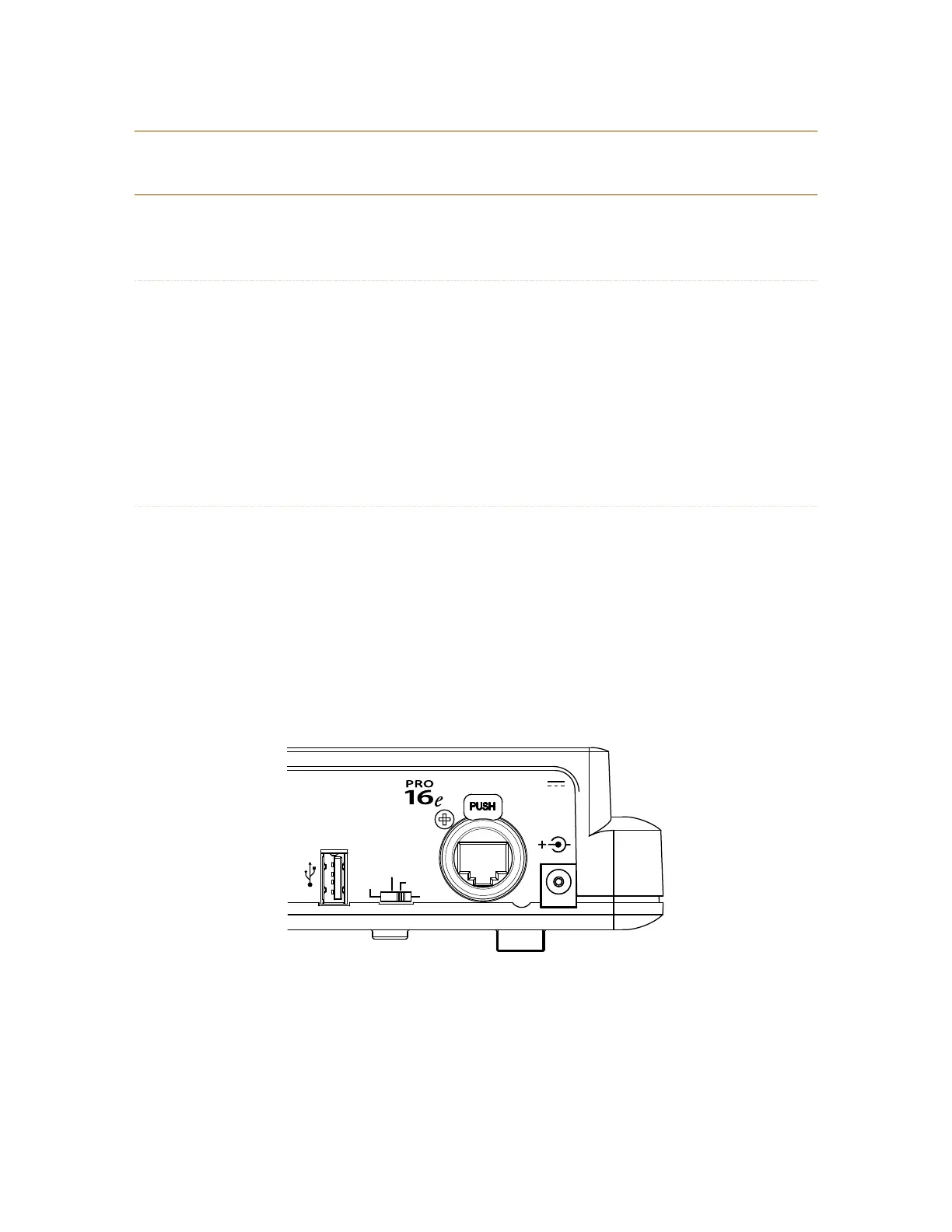
The four-position mode switch on the rear of the A360 is used to select Pro16 or Pro16e A-Net operation.
One mode is dedicated to Pro16, the remaining three to Pro16e.
From right to left the positions are:
• Pro16 Mode
• Default Mode
• Program Mode
• Custom Mode
Mono Mix Out
A-Net In
Data
24VDC
Regulated
500 mA
CUSTOM
PROGRAM
DEFAULT
Pro16
Stereo Mix Out
The Mode Switch has four settings: Pro16, Default, Program, and Custom.



 To Next Page