27
A360 P
e r s o n A l Mi x e r Us e r GU i d e
Digital Signal/Limit
The A360 includes custom limiting circuitry to maximize headroom and minimize clipping in the digital
domain. A bi-color Digital Signal/Limit LED is provided to help maintain a high fidelity, distortion-free
mix. The LED lights green under normal circumstances. As channel mix levels begin to increase, peaks
(especially those from percussive sources) will begin to light the red LED to indicate that some limiting has
started to occur.
When the red LED is on frequently, this is an indication that your mix headroom is being compromised.
Turning down the Master Volume knob will not reduce clipping or eliminate distortion in this case; the
Master Volume changes the output level after the digital mix has already been created. The solution is
to use the tr I m Al l function which lowers all channel mix volumes uniformly. (See the explanation that
follows on page 31.)
Solo Button
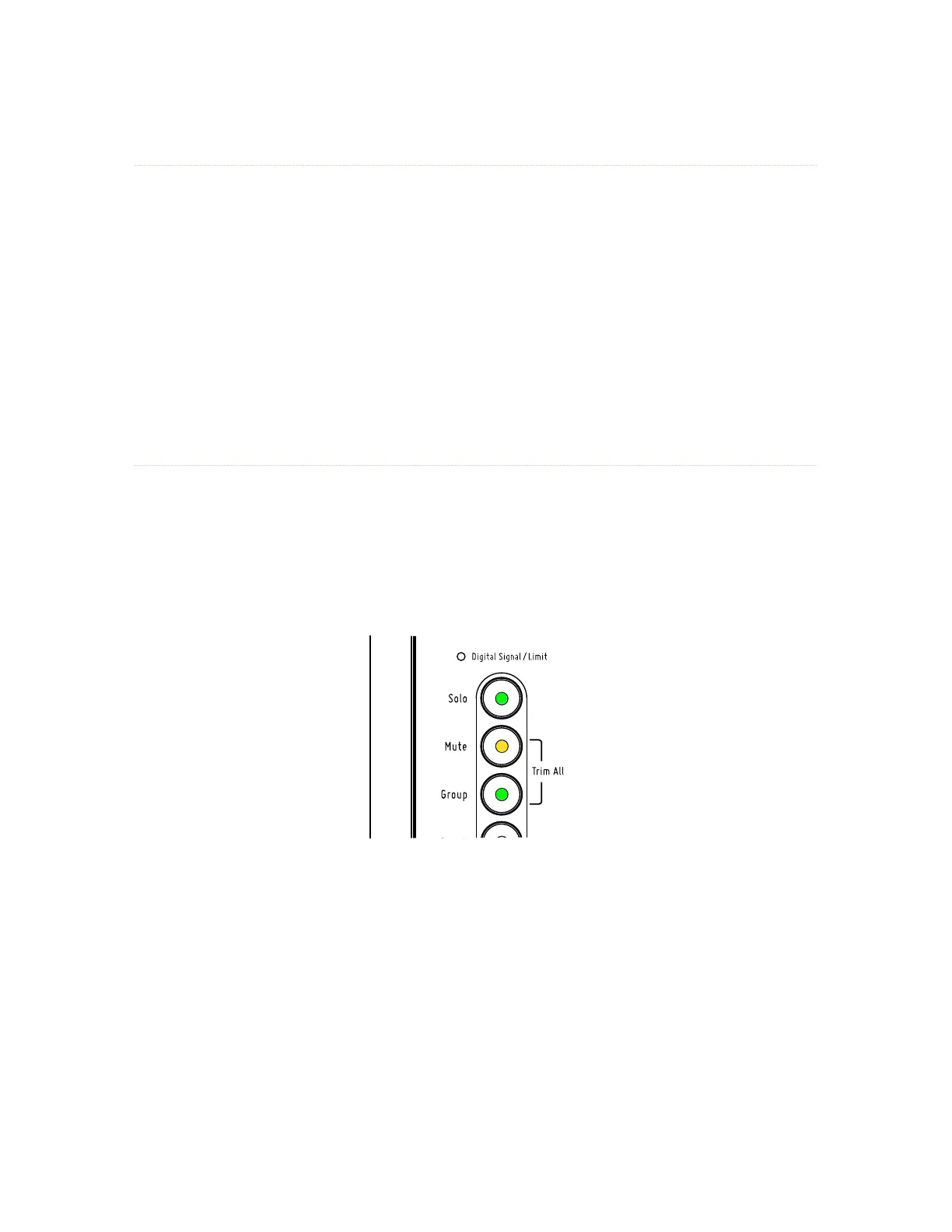
To hear a mix channel (or Group) isolated from the mix without changing the mix settings, press the So l o
button; the green Solo LED blinks. While the Solo LED is on, select any channel to hear it in solo and make
channel-level edits to its volume, Reverb, Tone, and Pan/Spread settings; pressing another mix channel
button while in Solo puts the newly selected channel into solo and silences the previous channel. Double-
click channels or Groups to add them to the existing solo channels. Exit the Solo state by again pressing
the So l o button; the Solo LED stops blinking and goes out; the A360 returns to the normal mixing state.
Solo, Group and Mute buttons with their LEDs
The following rules apply when the Solo button is engaged:
Channel-level settings (Tone, Reverb, Channel Volume and Stereo Placement) can be •
changed for the selected channel (its channel button LED is lit solid).
The • Mute button is ignored on the selected channel that is in solo.
• Groups can be auditioned in solo but individual channels within a Group cannot.
The • Trim All function (Mute plus Group) is unavailable.
Standard • Mix Presets cannot be saved or recalled.
Pressing one of the • Instant Mix Recall buttons will exit Solo mode and load the selected
Mix Preset.
• Ambience cannot be placed in Solo.



 To Next Page