16
A360 P
e r s o n A l Mi x e r Us e r GU i d e
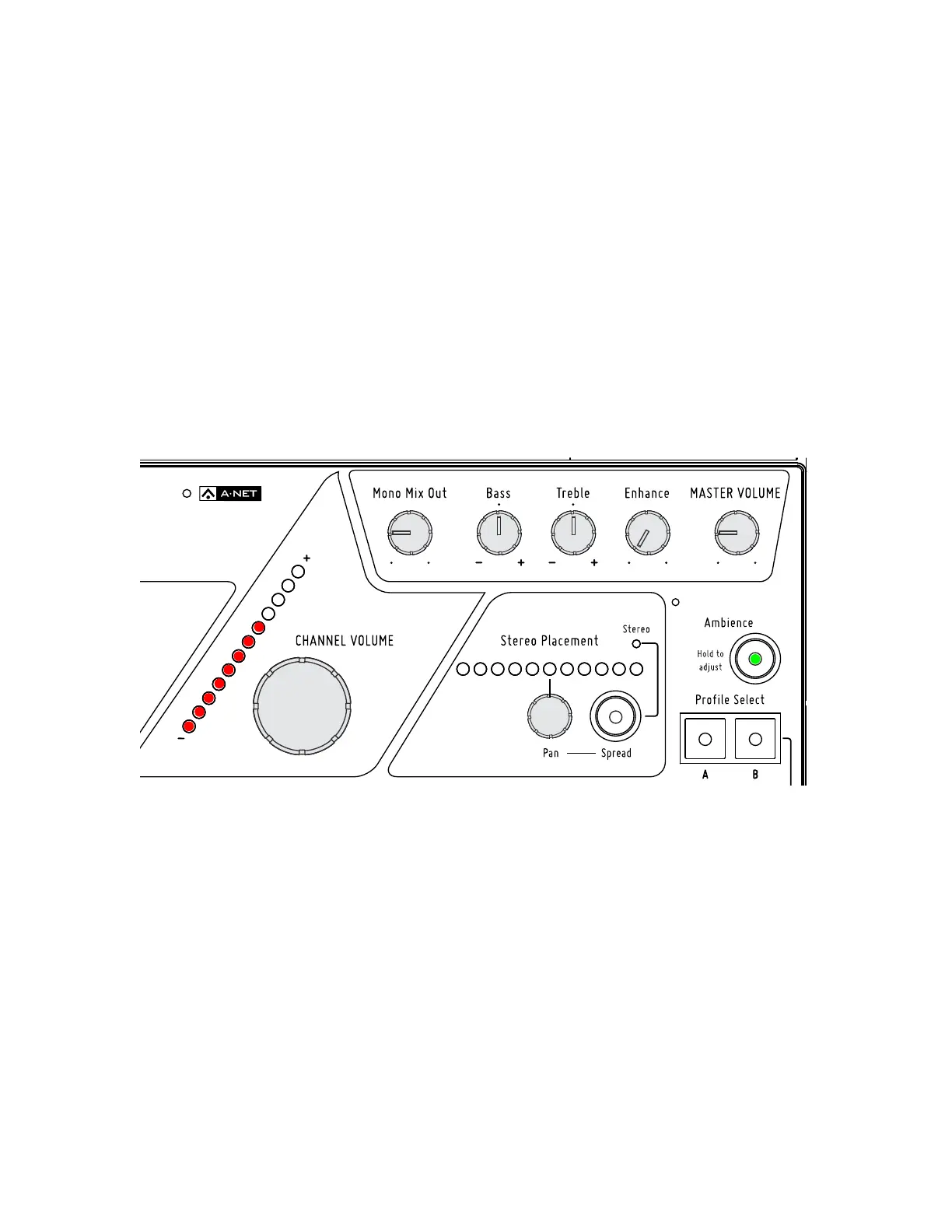
Setting the Ambience Level
To set the One-Touch Ambience level:
Hold the 1. Am B I e N C e button down; its LED will be on.
Within a second, the Channel Volume LEDs will start to blink, displaying the current level 2.
(if no level is shown, the Ambience level is currently set to zero).
While still holding the 3. Am B I e N C e button down, turn the Ch A N N e l Vo l u m e knob to raise or
lower the level; the red Channel Volume LEDs update to reflect the new level.
Release the 4. Am B I e N C e button when the desired level is set.
While setting the mic level, the Tone, Reverb, and Pan LEDs will not be lit, and the active mix channel LED
will also go out.
The One-Touch Ambience level and its on/off state are saved as part of each Mix Preset.
Hold Ambience and then turn the Channel Volume knob to set the level.



 To Next Page