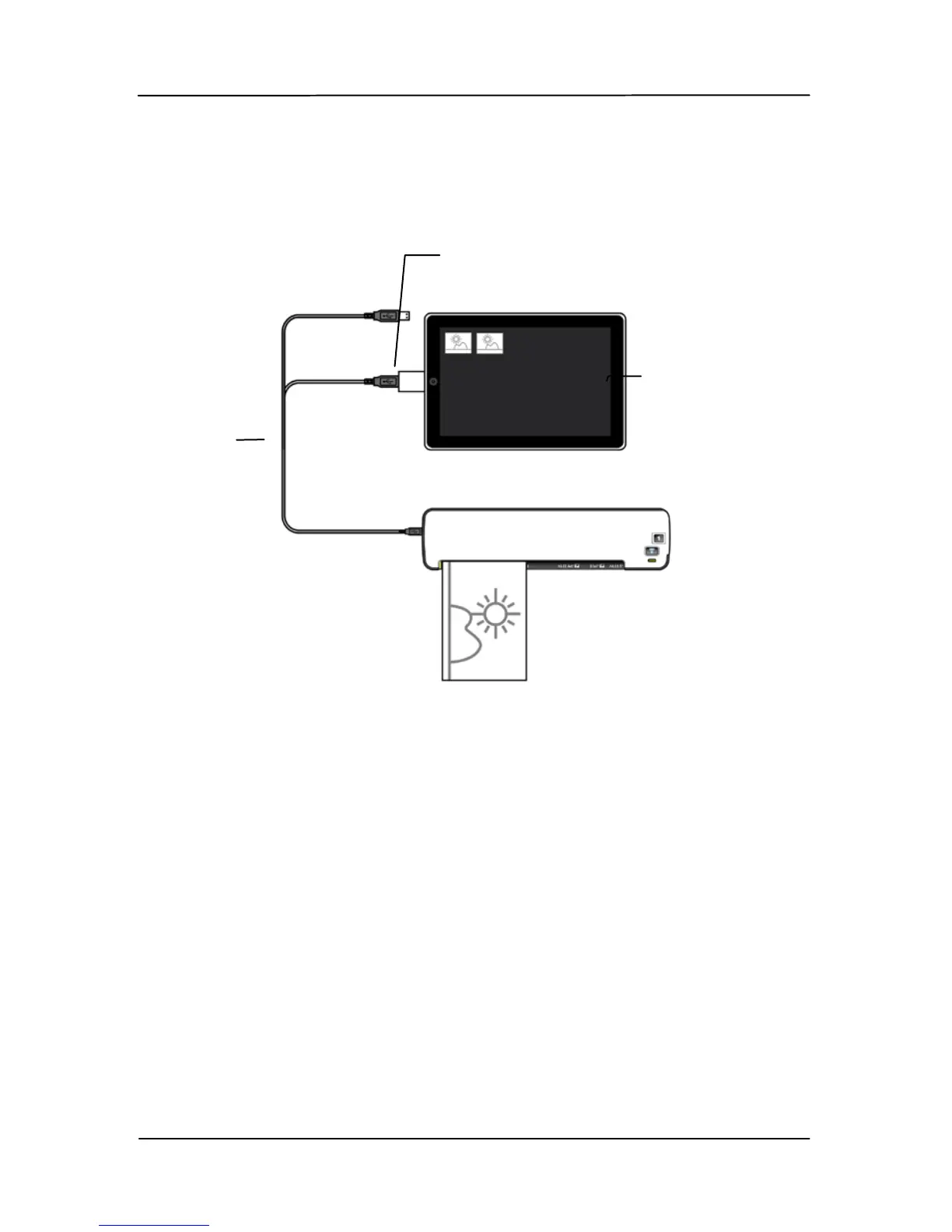
4. Connect the mini USB connector of the supplied mini
USB Y cable to the mini USB port at the scanner and the
other end to the camera connector.
5. Turn on your iPad.
6. Insert your documents to the feeding slot of the scanner.
The scanner begins scanning.
7. The thumbnail of the scanned images will be displayed in
the Camera tab in the Photo application of your iPad.
USB Cable
Camera
Connector
iPad
(Power)
(Data)



 To Next Page