3.7.2 Using the customized scan settings
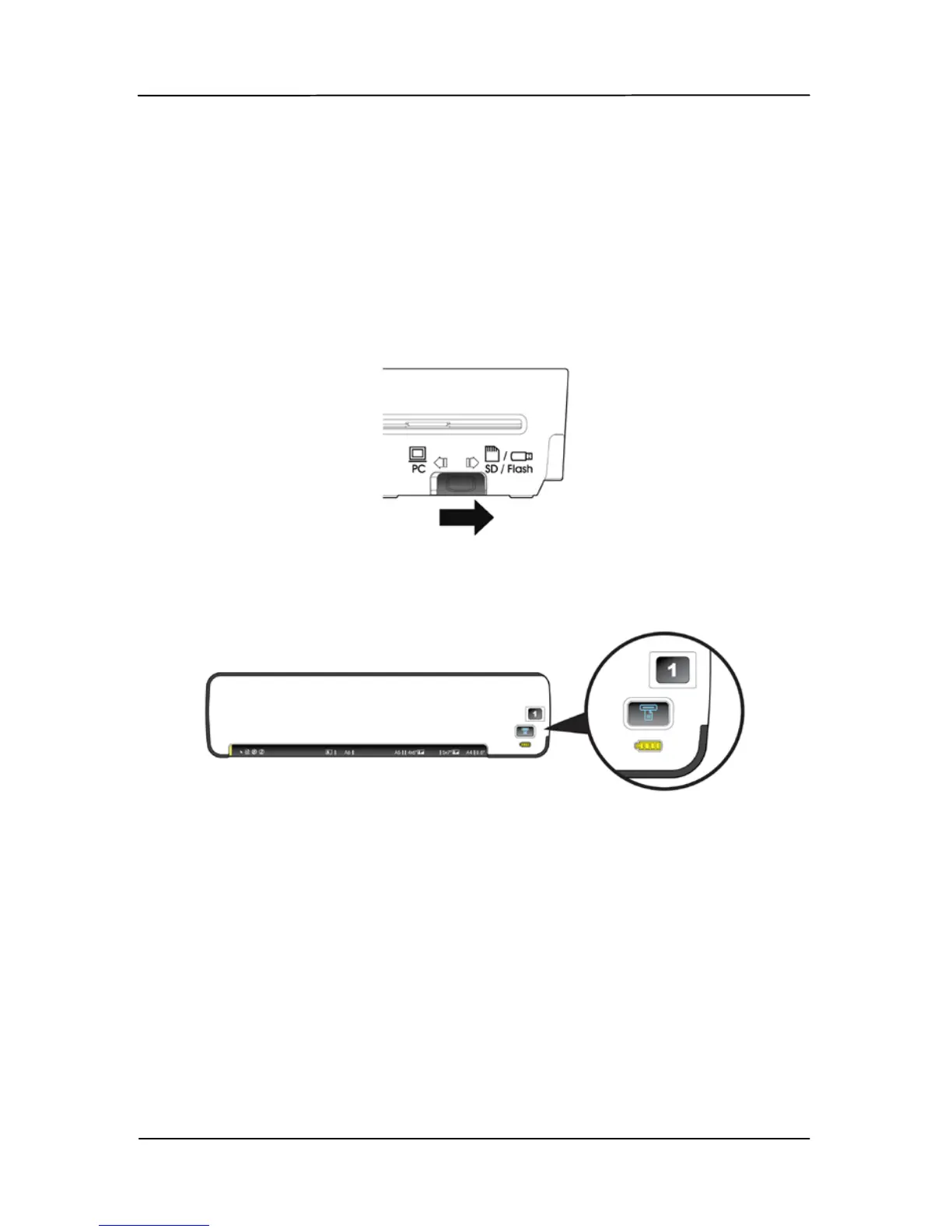
To use the customized scan settings,
1. Turn on the scanner by moving the Power knob to any
number between “1” and “5”.
2. Move the operation mode switch at the back of the
scanner to “SD/Flash”.
3. Move the Power switch to your desired number which
specified the scan profile. For example, profile number 1.
4. Insert your original to the feeding slot.
5. The scan will be automated started using the specified
settings.



 To Next Page