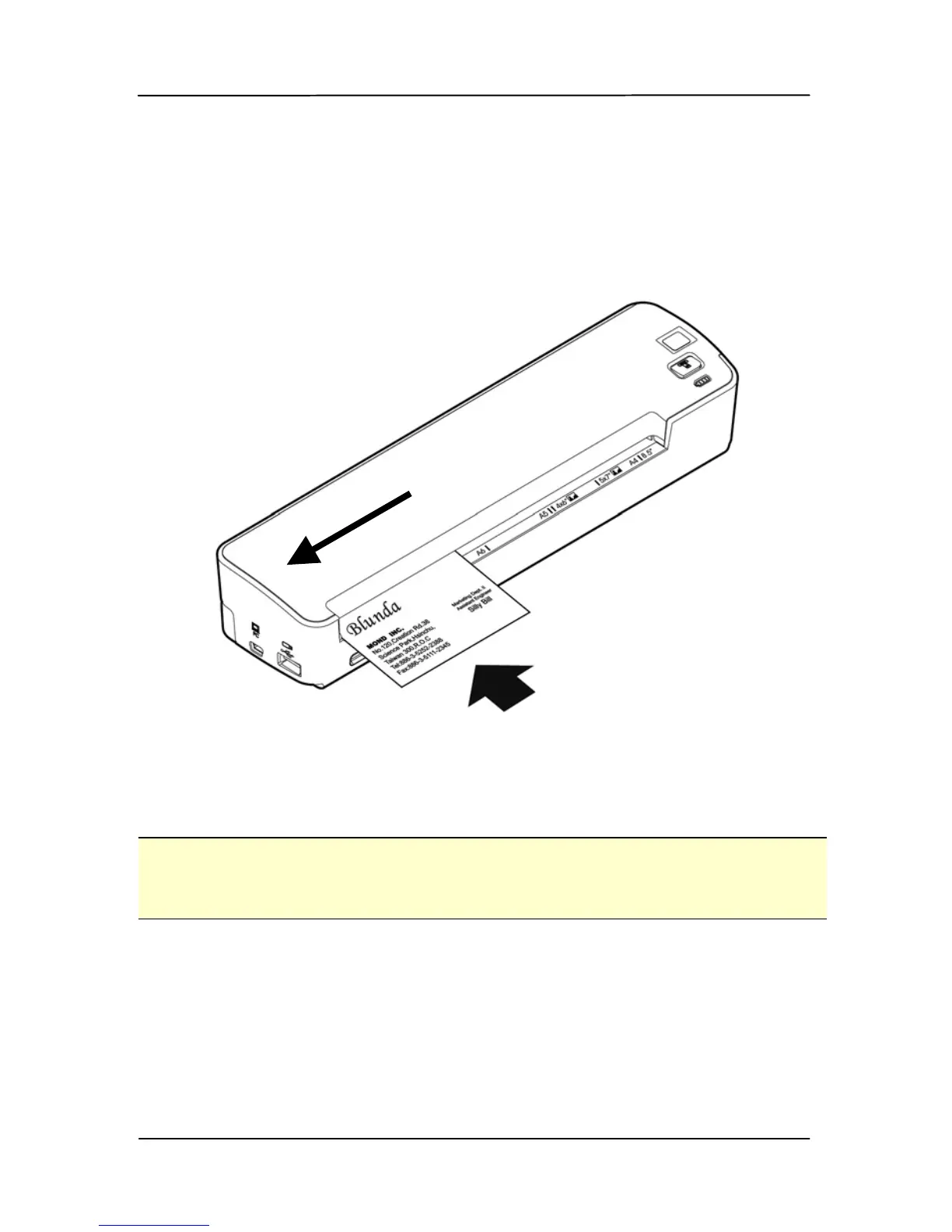
4.2.3 Loading a card to the Paper Feed Slot
1. Place the card face up with the long dimension parallel to
the paper feed slot and make sure the top of the card
points to the paper feed slot.
2. Align the original to the left side of the paper feed slot.
Note:
This scanner is able to scan plastic ID cards from the front input
tray. Plastic ID cards up to 1.25 mm thick.



 To Next Page