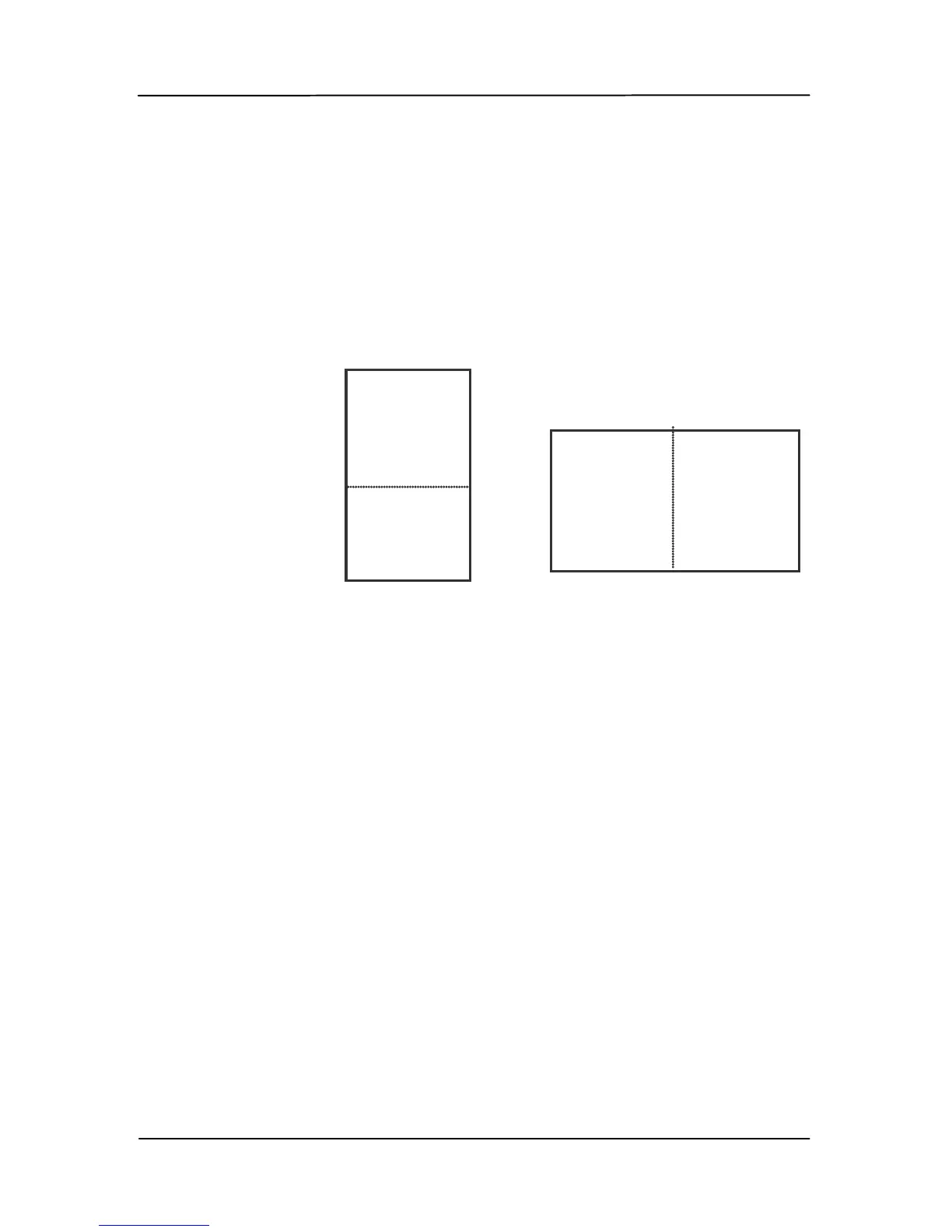
Select the “Merge Vertically” option to merge
the front side and the rear side of a page into
one image vertically. If the “Merge Vertically”
option has not been selected, the front side
and the rear side of a page will be merged into
one page horizontally.
Note the options vary based on type of
scanner.
Front
Side
Rear
Side
Merge Vertically
Front
Side
Rear
Side
Merge Horizontally



 To Next Page