5.4.2 Other color dropout options
Advanced Processing provides two options that can adjust
your scanned image in the best optimal result.
Filter
Threshold
This value is used to determine the color
which will be dropped out. A lower value
will drop more of the selected color out,
while a higher value will leave more of the
selected color in.
Background
Level
The pixel which is higher than the
background value will be adjusted to the
lightest point. Adjust the value for both the
Filter Threshold and Background Level to
produce the best optimal result.
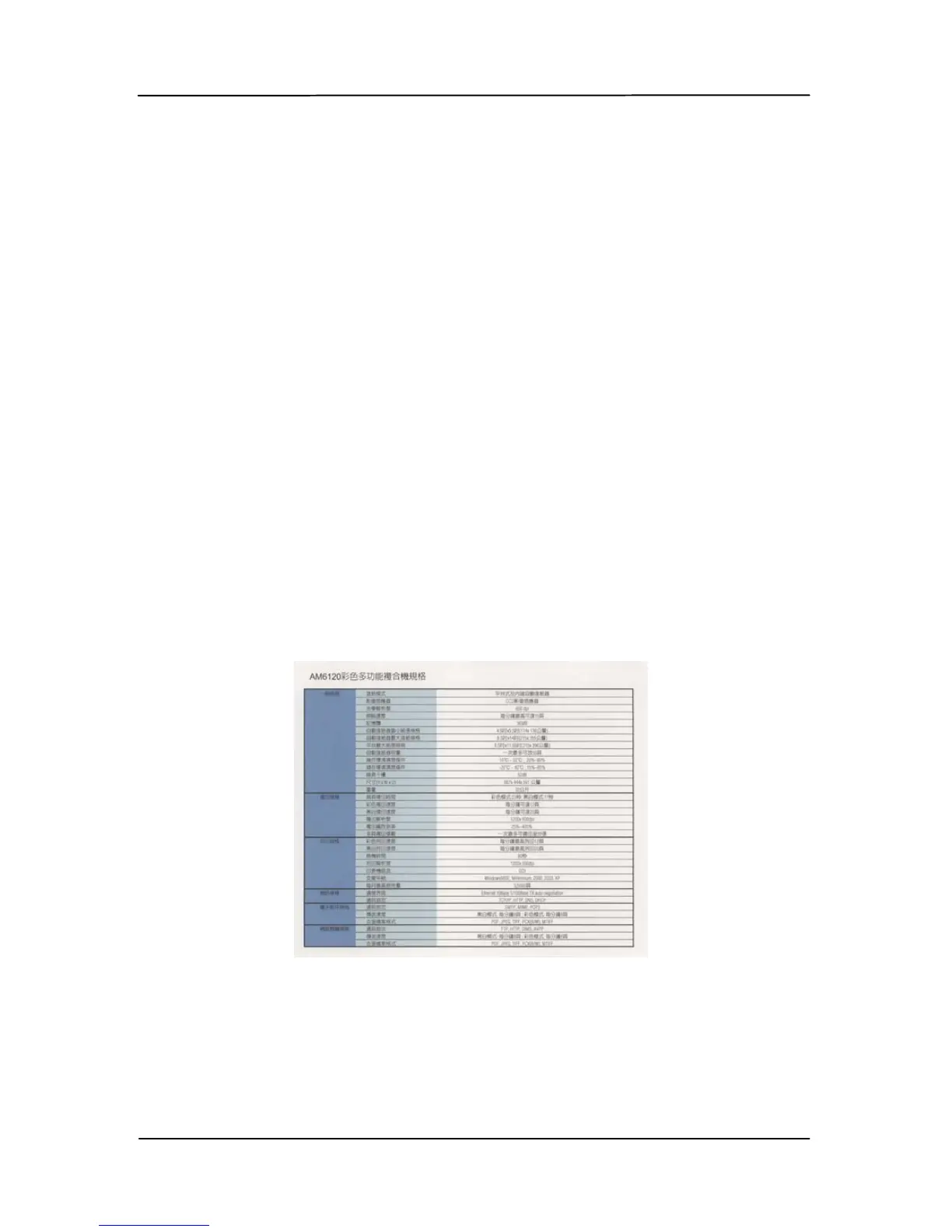
Example, slightly adjusting the background value makes
your text more clear.
Original



 To Next Page