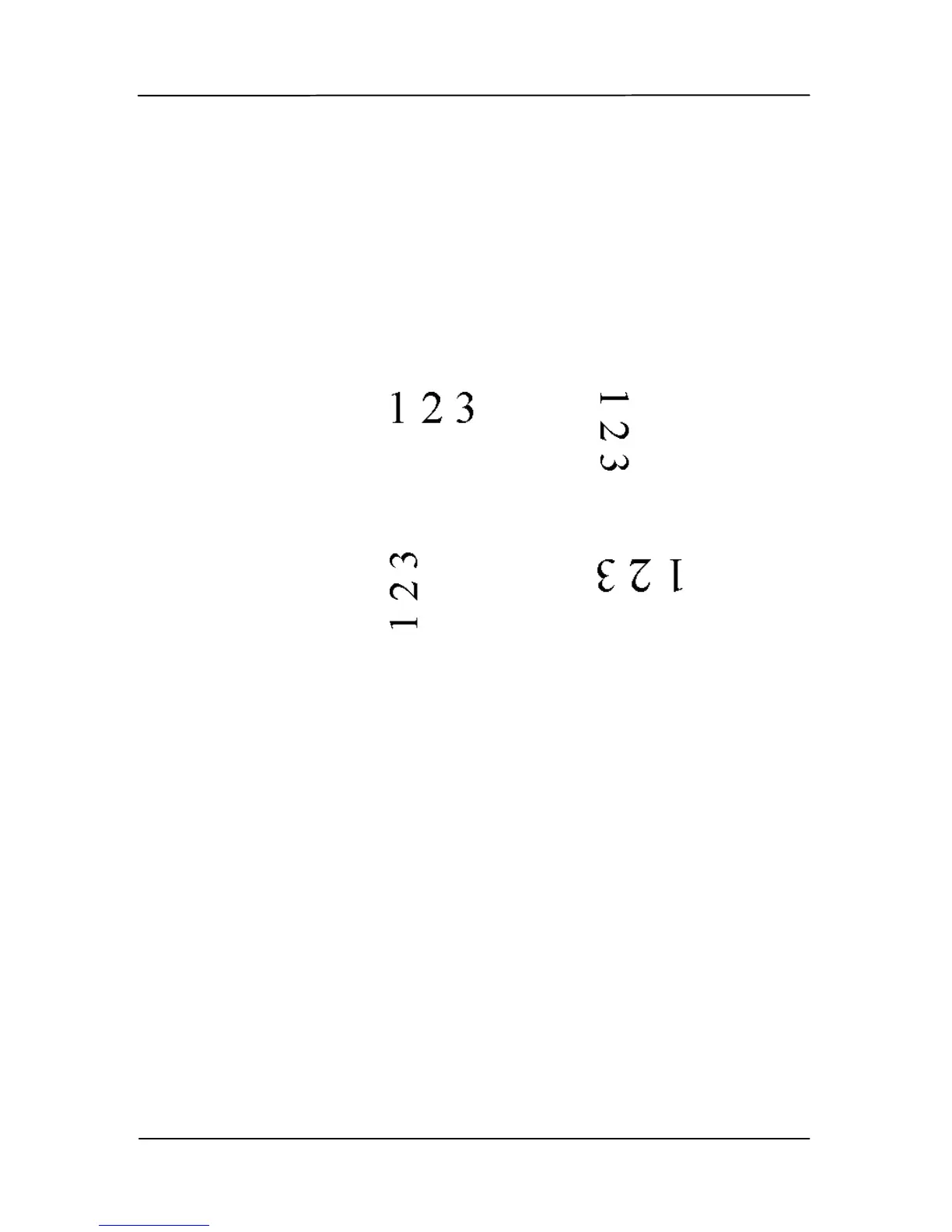
Rotate Image Choose the rotation angle from the
drop down list if you wish to rotate
your scanned image.
Choice: None, 90°CW(clockwise),
90°CCW(counter clockwise), 180°,
Auto based on contents, Auto
rotate every even page.
Original
Rotate 90°CW
Rotate 90°CCW
Rotate 180°
Auto based on contents: When
Auto based on contents is selected,
images can be rotated to their proper
orientations based on their contents.
Auto rotate every even page:
Automatically rotate 180° on every
even page. This is especially useful
when you scan the inside pages from a
book. As a result, if you choose
“Flatbed (book)” from the “Scan
Source” option, “auto rotate every even
page” will be selected as default.
Note: Option varies based on type
of scanner.



 To Next Page