- 36 -
SW1 - FUNCTIONS
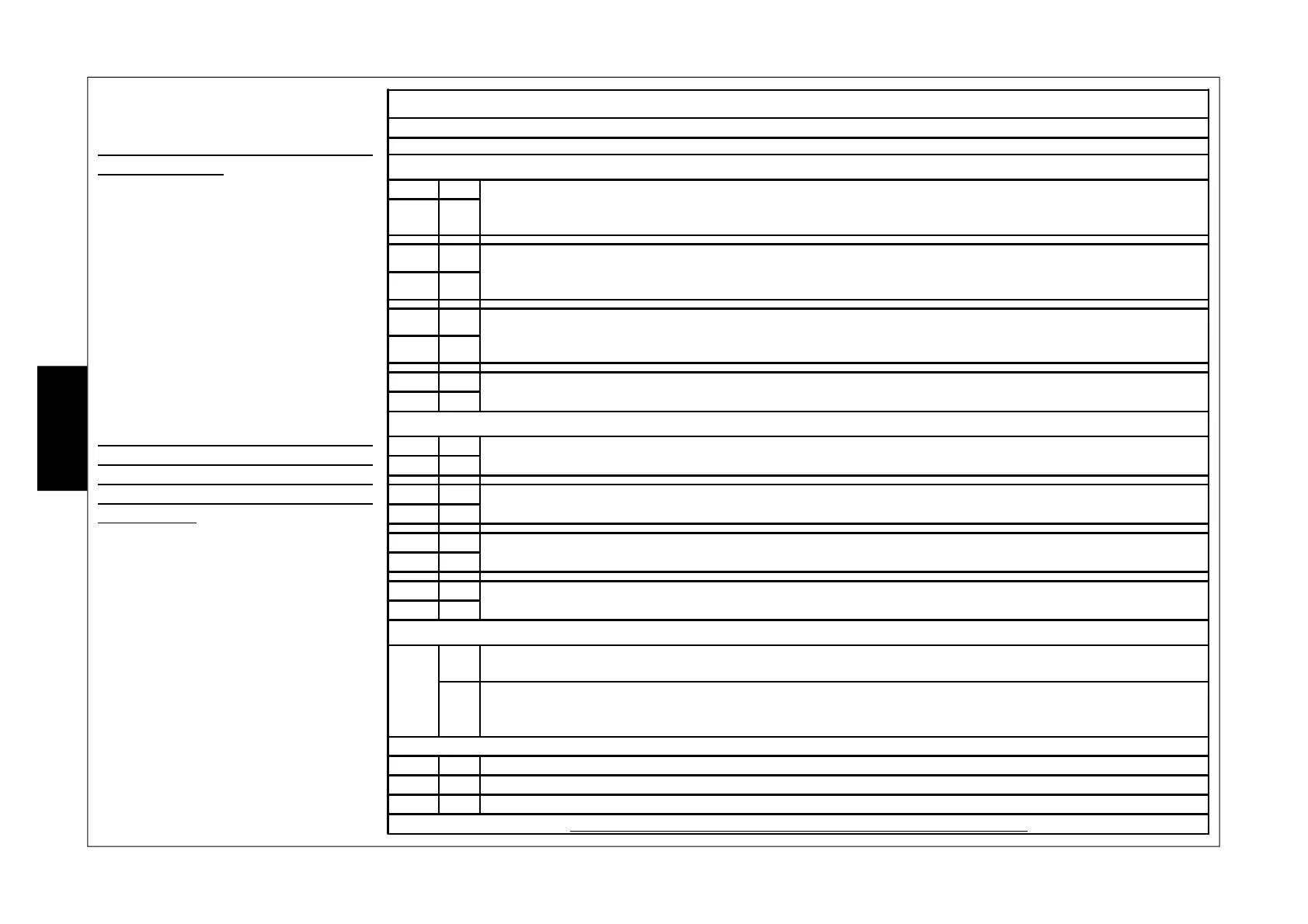
In operation with relays, the configurations that can be programmed with the Dip Switch SW1 strip are:
INFRARED SECTION CONFIGURATION
DIP 1 OFF DEFAULT In this configuration, the infrared section has a default sensitivity (studied
for standard use) and executes a digital analysis of the signals.
DIP 2 OFF
DIP 1 ON
LOW in this configuration, the infrared section has a low sensitivity compared
to the default and executes a digital analysis of the signals which is
more severe than the default one and considers a dual impulse.
DIP 2 OFF
DIP 1 OFF
MEDIUM in this configuration, the infrared section has a medium sensitivity
compared to the default and executes a digital analysis of the signals
which is more severe than the default one.
DIP 2 ON
DIP 1 ON HIGH
in this configurations, the sensor has a high sensitivity and detects any
signal analysing amplitude and frequency.
DIP 2 ON
MICROWAVE SECTION CONFIGURATION (only OUTSPIDER DT)
DIP 3 OFF DEFAULT in this configuration, the microwave section executes a digital analysis
of the signal.
DIP 4 OFF
DIP 3 ON APPROACHING in this configuration, the microwave section analyses the signal while
considering only the movements approaching the sensor
DIP 4 OFF
DIP 3 OFF MOVING AWAY in this configuration, the microwave section analyses the signal while
considering only the movements moving away from the sensor
DIP 4 ON
DIP 3 ON NO CONTROL in this configuration, the microwave section detects any movement while
analysing the intensity and frequency of the signal.
DIP 4 ON
SENSOR OPERATION (only OUTSPIDER DT)
DIP 5
OFF
AND the alarm is generated only when both sections (infrared and microwave)
detect the adequate signal
ON
SECURITY
(not recommended for
external use)
the sensor works in OR integrated; it therefore generates an alarm signal
even when the individual section detects a series of valid signals
DIP 6 NOT USED
DIP 7 NOT USED
DIP 8 NOT USED
NOTE: by default, the DIP SWITCHES are all positioned at OFF
The DIP SWITCH of the SW 1 strip
change usage function based on
operational mode se in the sensor (DIP
1 of the SW 2 strip):
DIP/RELAY mode: in this mode the DIP
SWITCHES are used to configure
operation of the two section (infrared
and microwave) as shown on the table
at the side.
PC/BUS mode: in this mode the DIP
SWITCHES are used to assign an
address to the sensor (see table on the
next page).
However, even in PC/BUS Mode is is
possible temporarily use DIP
SWITCHES from SW 1 to configure the
two sections as if the DIP/RELAY Mode
was selected.
In order to do this, it is sufficient to:
1. Set the DIP SWITCH according to
the desired configuration.
2. Position DIP SWITCH 1 of SW 2
in the ON position.
3. Bring DIP SWITCH 1 of SW 2 to
the OFF position.
4. Position the DIP SWITCH of the
SW 1 based on the address to be
assigned to the sensor.
E
N
G


 To Next Page