AXIS Panorama PTZ User’s Manual Configuration
15
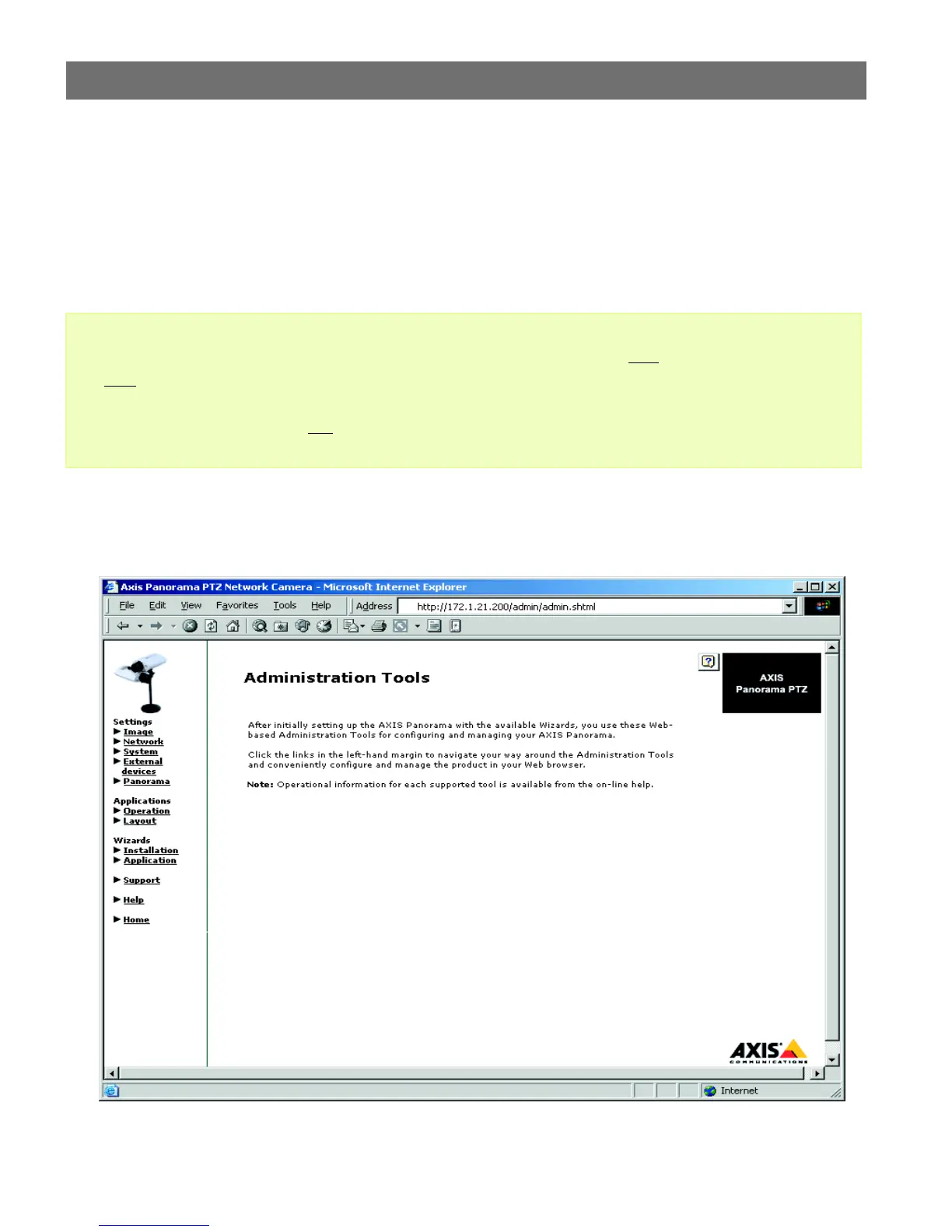
The Administration Tools
The Web-based Administration Tools are used for configuring and managing your AXIS
Panorama PTZ. These tools are can be used at any time for reviewing and/or refining the
configuration. The tools are accessed from the Live View page, as shown on page 11.
Important!
The Administration Tools are presented as links in the margin of the Administration Page.
Simply click the relevant link for the parameters you wish to configure. The entire system
is configured and modifed directly from these tools.
• When accessing the Administration Tools for the first time during a session, you will be assumed to
be the administrator and will be logged in as such, with the username root
and default password
pass
.
• You should change the root password as soon as possible. Until this has been done, the security fea-
tures in the product be will not
be enabled. Furthermore, all Axis products are shipped with the same
password by default. For further information, refer to System Security, on page 17.



 To Next Page