12
* View “Navigate Settings Menu” on page 7.
BALBOA | Your Single Source Solution Document No. 42418 Rev. B1 - 04/16/24
Language: English
TP740 User Guide
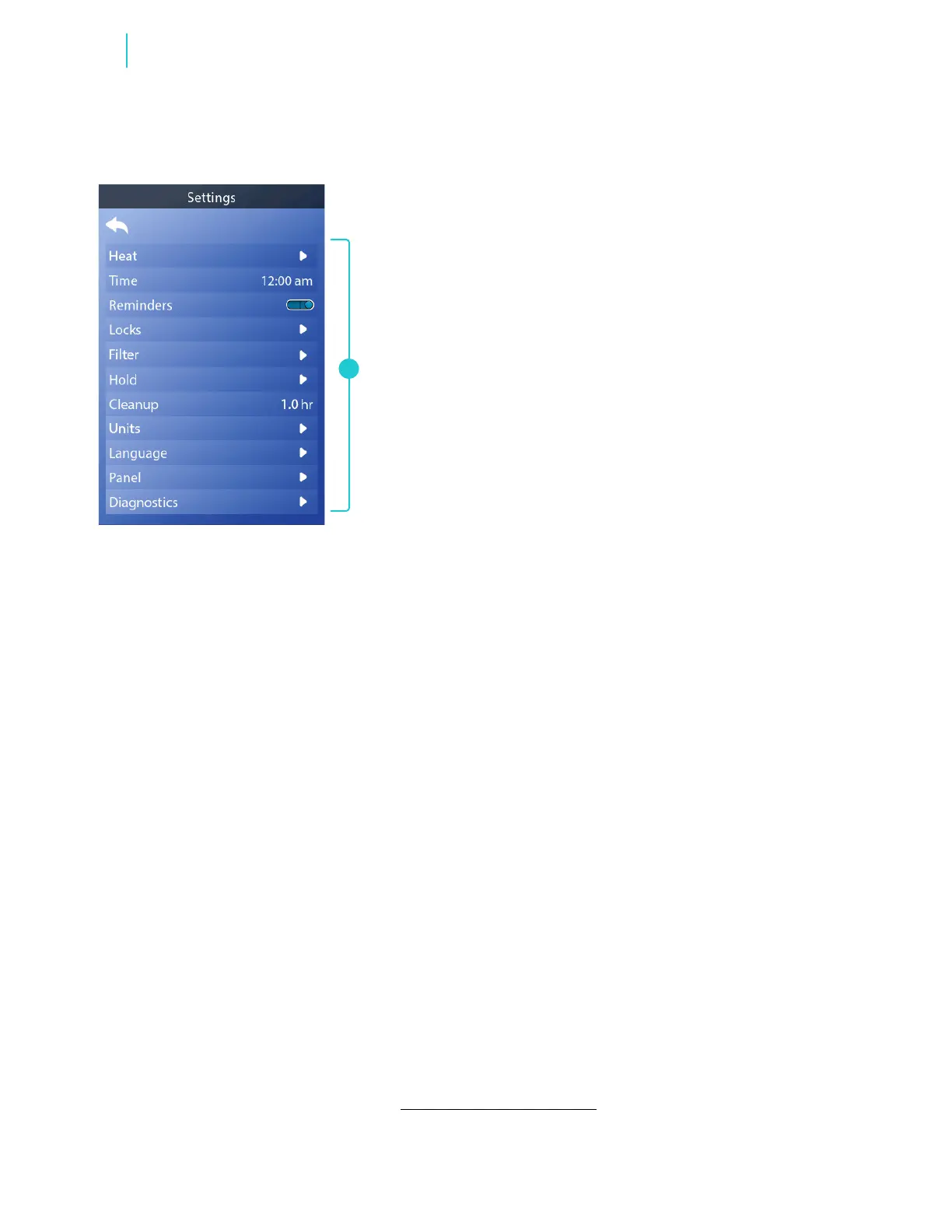
HEAT
Make sure your spa is heated and
ready to enjoy with heat settings
(view pages 14 - 15).
TIME
Set the time of day to ensure
scheduled features have
proper timing (view page 8).
REMINDERS
Reminders are helpful spa
maintenance messages that are
displayed periodically.
LOCKS
Lock the panel and/or settings
(view page 20).
FILTER
Keep your spa water clean
and ready to enjoy by setting
lter cycles (view page 11).
HOLD
Hold is used to disable the
pumps during service functions
like cleaning or replacing the
lter. Hold mode may last for 1
hour unless the mode is exited
manually. If spa service will
require more than an hour, it may
be best to simply shut down the
power to the spa.
CLEANUP
When a pump or blower is turned
on by a button press, a cleanup
cycle may begin 30 minutes after
the pump or blower is turned
off or times out. The pump and
the ozone generator may run for
30 minutes or more, depending
on the system. Cleanup can be
turned Off by setting it to 0.0 hr.
UNITS
Select how time and temperature
are displayed. The temperature
choices are Fahrenheit or Celsius.
The time choices are 12 or 24
hour mode (view page 13).
LANGUAGE
Select from a variety of
languages.
PANEL
Set how long it takes the panel to
go to sleep after the last activity,
and adjust other panel settings
(view pages 16 - 18).
DIAGNOSTICS
Diagnostics has useful
information and features such as
system information, fault log, and
GFCI test (view page 21).
GFCI test applies to North America only.
This feature is not available on CE
rated systems.
REVIEW SETTINGS MENU
Fine tune your spa with a wide variety of settings (A).
A
Functions



 To Next Page