127R5914712 /00 SP2K-C
12.4 Removal of the light source side cover
Required tools
Torx screwdriver T20
How to remove
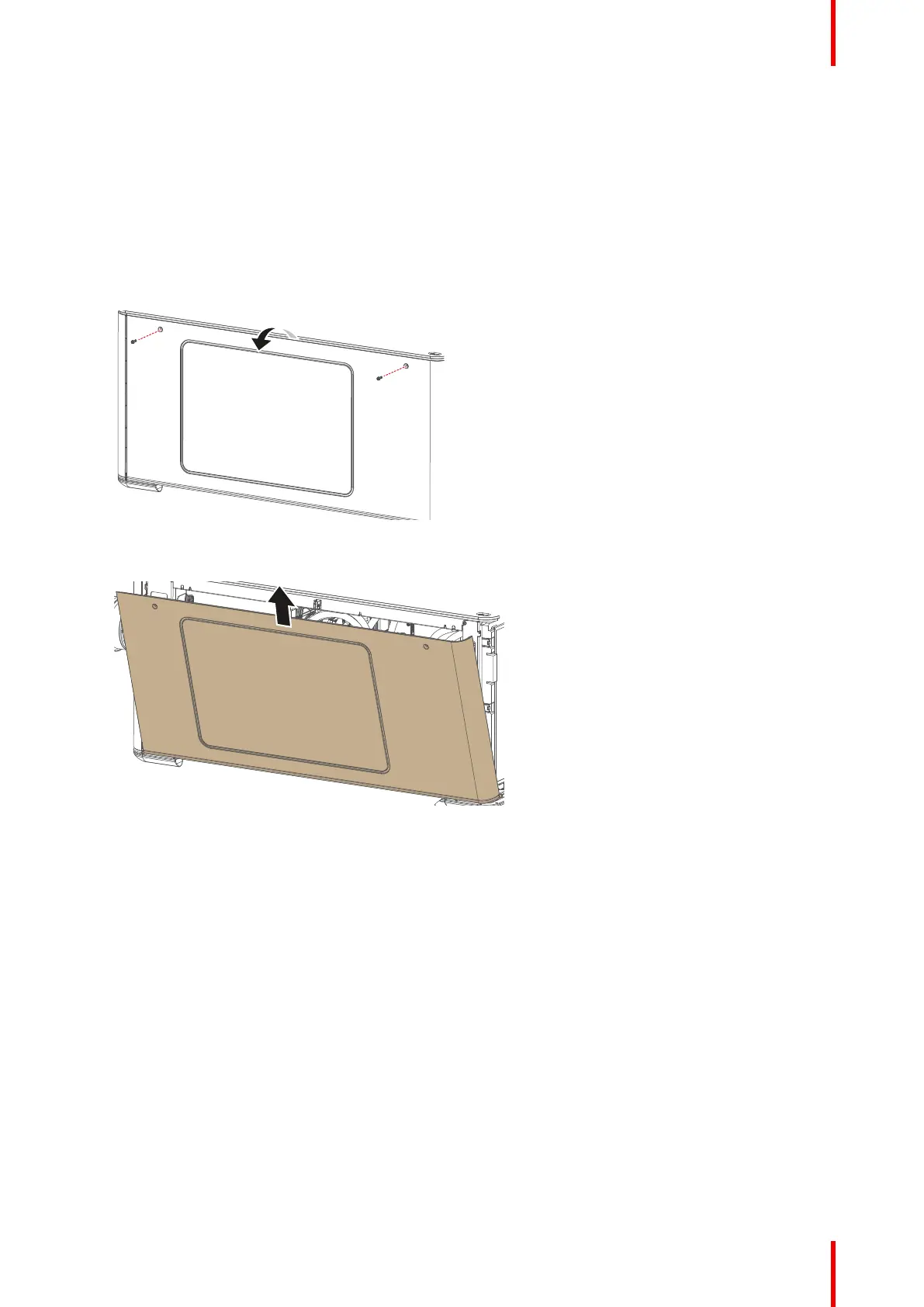
1. Remove the two screws at the top of the side cover. Use a T20 Torx screwdriver.
2. Slightly turn over the top side of the cover.
Image 12–5 Removing the screws of the side cover
3. Lift up the side cover and remove it.
Image 12–6 Removing the side cover
Projector covers



 To Next Page