R5914712 /00 SP2K-C54
5.4 Removal of a lens
How to remove a lens from the lens holder
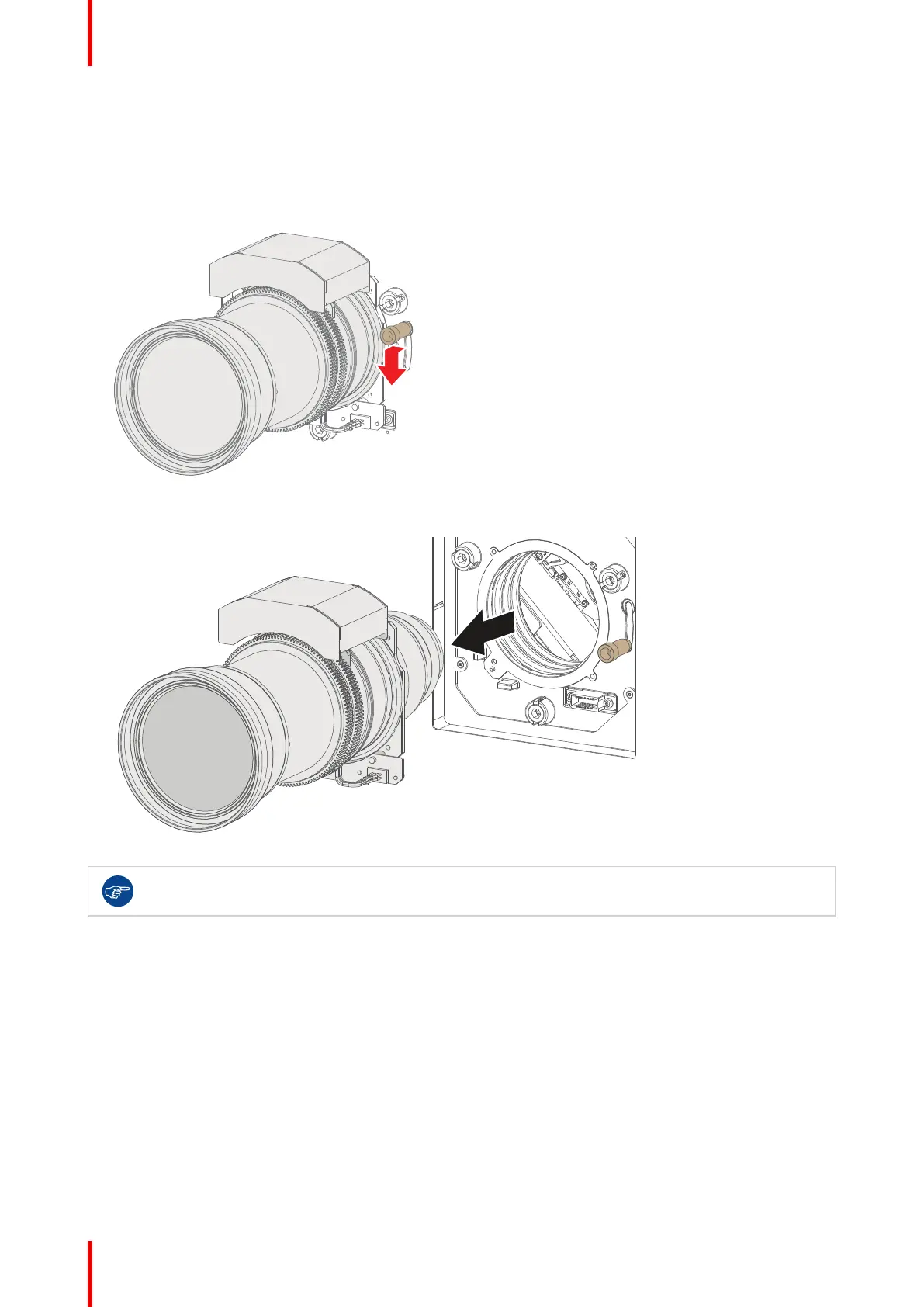
1. Support the lens with one hand while you unlock the lens holder by sliding the lock handle outwards and
then towards the “unlocked” position as illustrated (Image 5–6).
Image 5–6 Unlock the lens
2. Gently pull the lens out of the lens holder.
Image 5–7 Lens removal
It's recommended to place the lens caps of the original lens packaging back on both sides of the
removed lens to protect the optics of the lens.
Lenses & Lens holder



 To Next Page