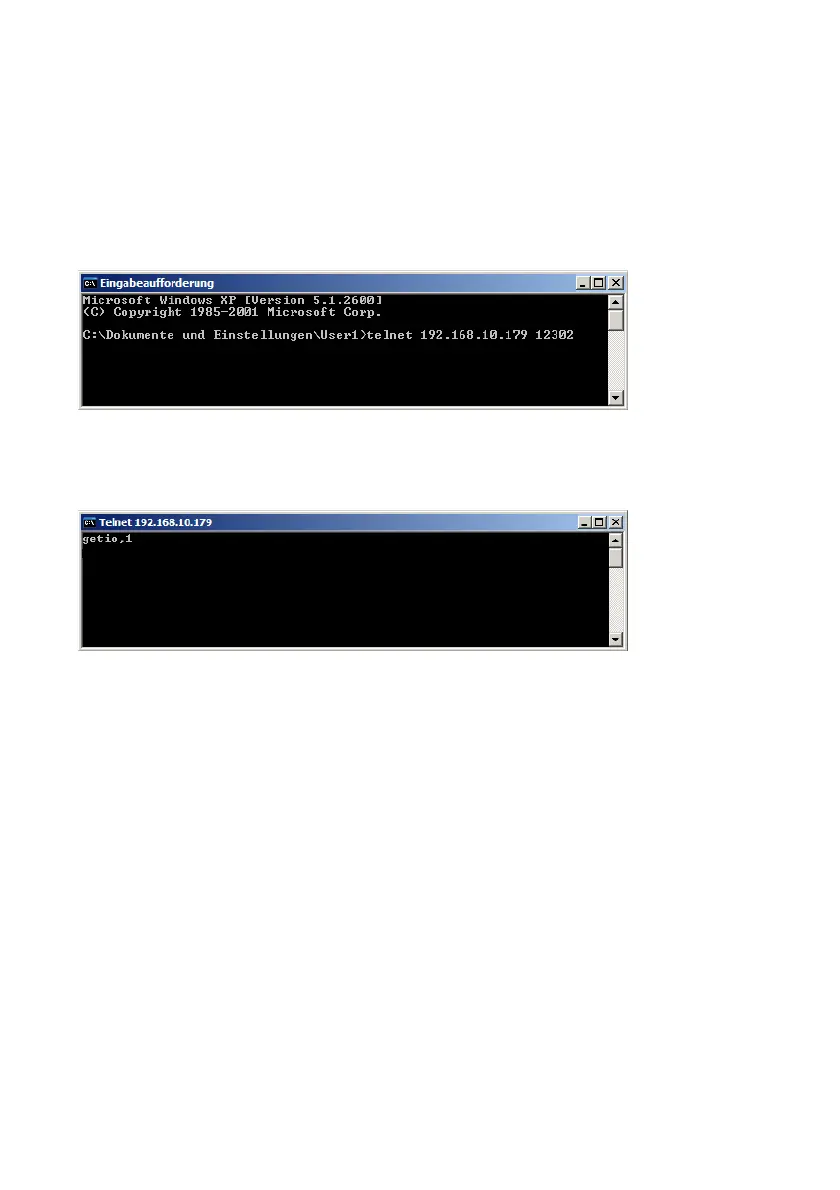
In the following example a Windows “Telnet” command is used.
Open a Windows command prompt and send the command
e.g.: telnet <IP address of the Barionet> <port number>
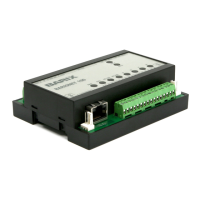
The PC connects to the Barionet and a Telnet window is opened on the PC.
Over the “getio” command the state of an input register can be requested.
In the picture above the state for register 1 is requested, this register 1 is for
the first relay.
register 1– 99 is for the relays
register 101 – 199 is for the digital outputs
register 201 – 299 is for the digital inputs
register 501 – 599 is for the analog inputs
register 601 – 650 is for the temp sensors
BARIX AG | 17. Oct. 2013 | Barionet Hands-on Training Guide | Page 16/38


 To Next Page