3.3 How to use the HTTP/CGI control interface ?
The HTTP/CGI command allows to control the Barionet over the browser.
There is per default only one IO control command implemented, the “o=”
command to set/switch the outputs/relays.
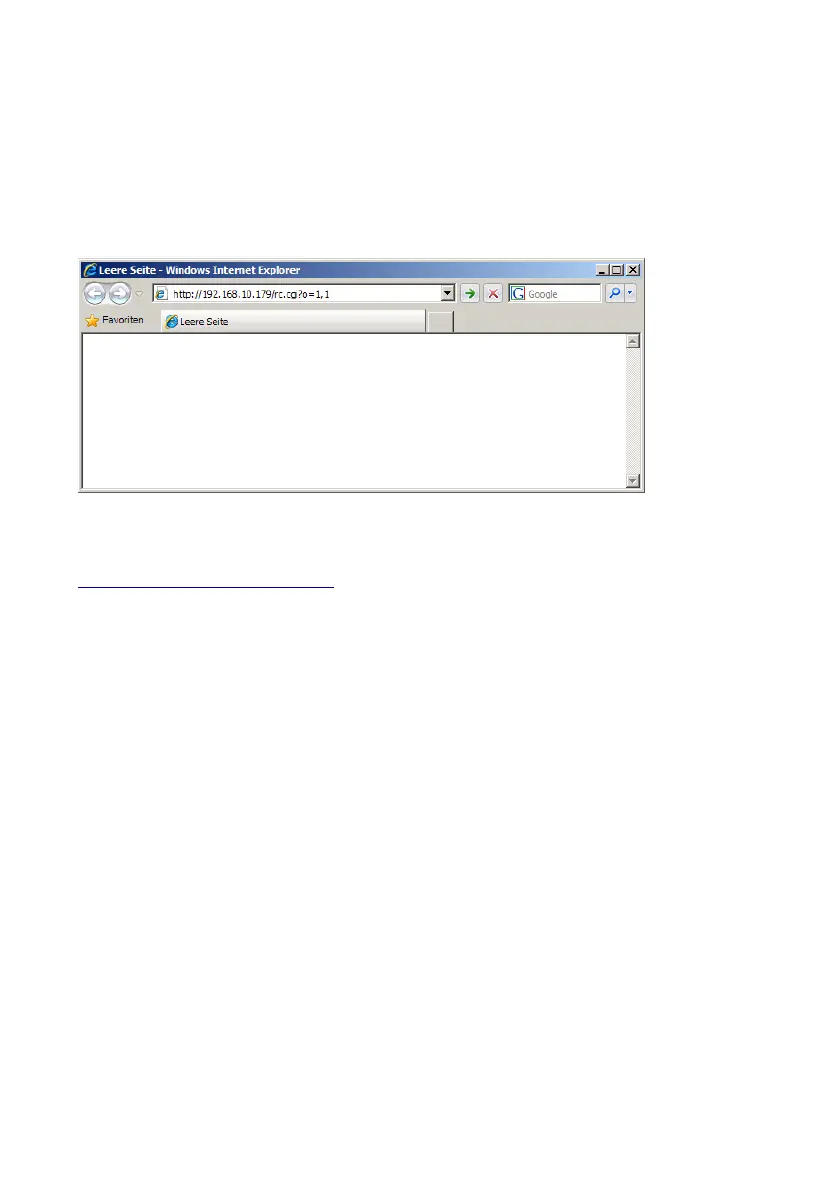
Type in the browser´s URL line the command :
http://ip-address/rc.cgi?o=x,y
x = Barionet register number , y = register value
and the Barionet will immediately change the status of the selected
register/relay/output. See example above in the picture.
Requesting an input state over CGI is per default not implemented in the
Barionet, but it can be easily added over BCL.
BARIX AG | 17. Oct. 2013 | Barionet Hands-on Training Guide | Page 20/38


 To Next Page