Basics
8
Aircraft Refuelling, Operating Instructions, BA 090323, (07.03.2022)
3.2 Operating concept
3.2.1 The software user interface
Due to differences between software releases and/or configurations, the displays
illustrated in this document may differ slightly from the displays on your system.
When the system is started up, the main menu appears on the display.
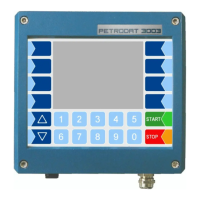
You can access the various displays or operating modes using the softkeys to the left and right of the
display.
Open menu for
specific messages
Depending on the configuration, this
softkey has the following functions:
Call up interlock display
Print journal
Depending on the configuration, this
softkey has the following functions:
Start TCP connection test
Start FTL/FTP data transfer


 To Next Page