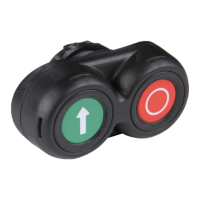
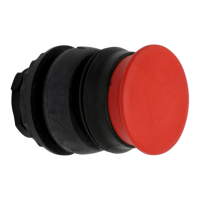
Basics
9
Aircraft Refuelling, Operating Instructions, BA 090323, (07.03.2022)
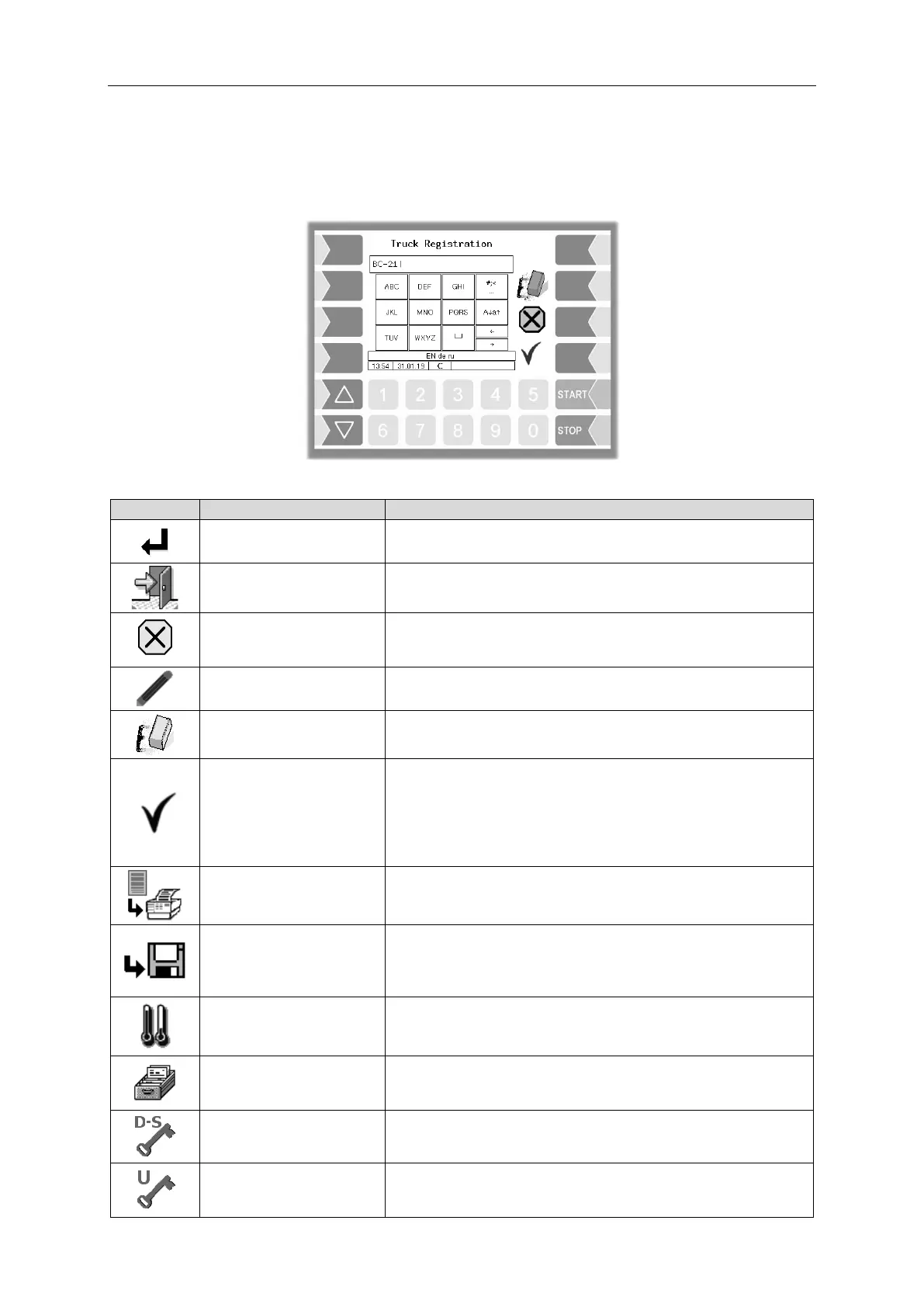
3.2.2 Softkeys
The softkeys can be assigned various functions, the current meaning of which is indicated by symbols.
All keys are touch-sensitive, meaning that you don’t need to press them but simply have to touch them.
A selected menu is opened.
A selected parameter setting is confirmed.
The menu that is currently open is closed and the system
switches to the next menu up in the hierarchy.
The menu that is currently open is closed and the system
switches to the next menu up in the hierarchy.
Any settings or entries that have been made are discarded.
An entry or selection dialog is opened for the selected
parameter.
The character to the left of the cursor in an entry dialog is
deleted.
The menu that is currently open is closed.
All settings/entries that have been made (including those in
lower level menus) are accepted and saved.
All changes are only saved if you exit the menu or entry
dialog using this softkey!
The current delivery order is ended, the data of this order is
saved and the delivery note is printed.
If no printer is configured:
The current delivery order is ended, the data of this order is
saved.
The delivery display switches from the average temperature
(AVG) to the actual temperature (ACT) or vice versa.
The menu for selecting special functions is opened.
The window for entering the password is opened (Driver-,
User- or Service-Password).
The user password (configuration level 2) can be changed.


 To Next Page