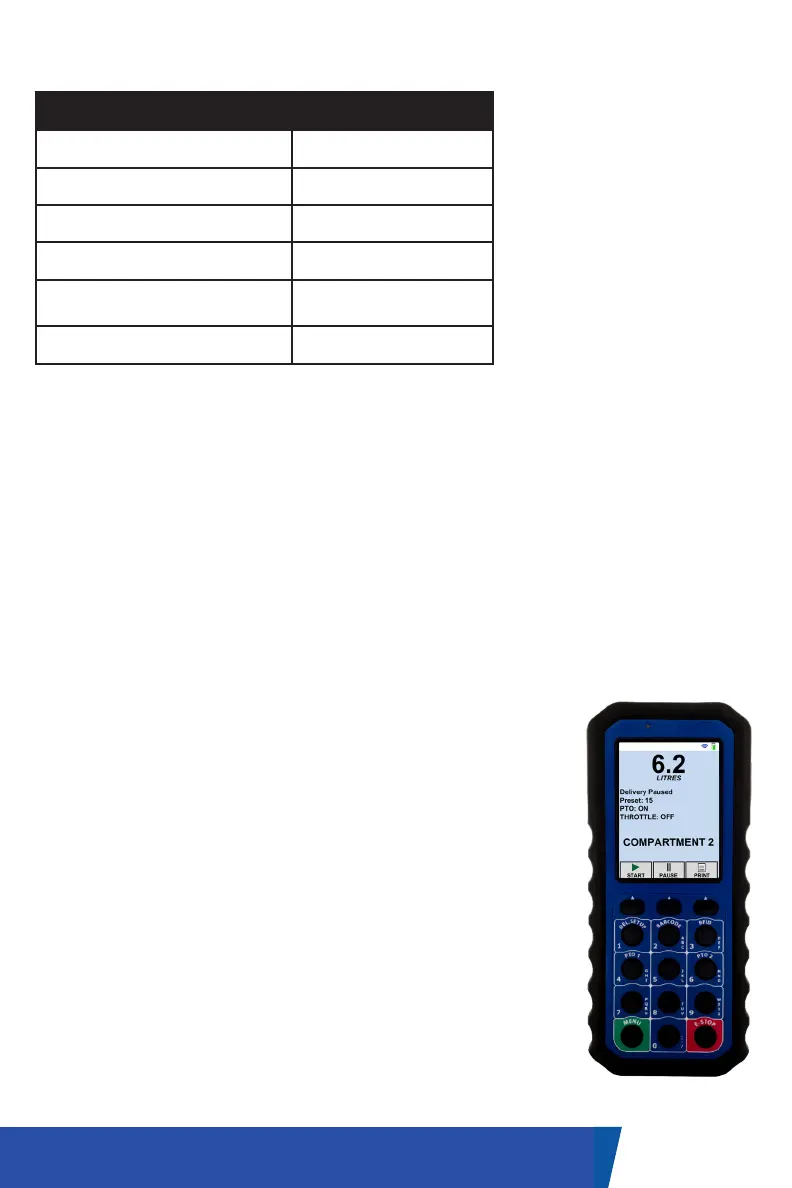
The handheld unit is shipped from the factory configured and ready for
operation. Ensure that the unit is fully charged before first use.
NOTE: Each handheld’s functionality is custom configured based on each
company’s individual needs. Please see your provided drawing for further
descriptions.
This operational manual will outline only the standard functionality of the
ProControl 3 handheld.
POWERING THE HANDSET ON / OFF
The units are shipped with the handheld turned off.
While the battery should arrive partially charged, we
recommend a full charge before use.
• To turn the handheld on, press and hold the green
‘Menu’ button until the screen turns on.
• To turn the handheld off, press and hold the green
‘Menu’ button until the menu screen displays.
Navigate to the menu item ‘Shut Down Handheld’,
and follow the instructions. Note: some handhelds
may be programmed to require an additional
selection before shutdown.
10UM-16-012
HANDHELD OPERATION
CHARGING CRADLE SPECIFICATIONS
Parameter Value
Supply Voltage 10V to 28V
Supply Current 2A
Current into Ignition Sense <10mA
Current into Brake Interlock <10mA
Alarm Sound Pressure Level
minimum @10 cm
90dB
Mounting screw type* #6-32 UNC
*Mounting note: If mounting
to a RAM ball (RAM-202U), a
mounting plate or #6 washers
should be used between the
charging cradle and RAM ball
to ensure secure mounting.
A #6-32 UNC x 0.5” screw is
recommended if using washers.
It is recommended to have the
dock wired to a constant power
source (battery) with a fuse in line.


 To Next Page