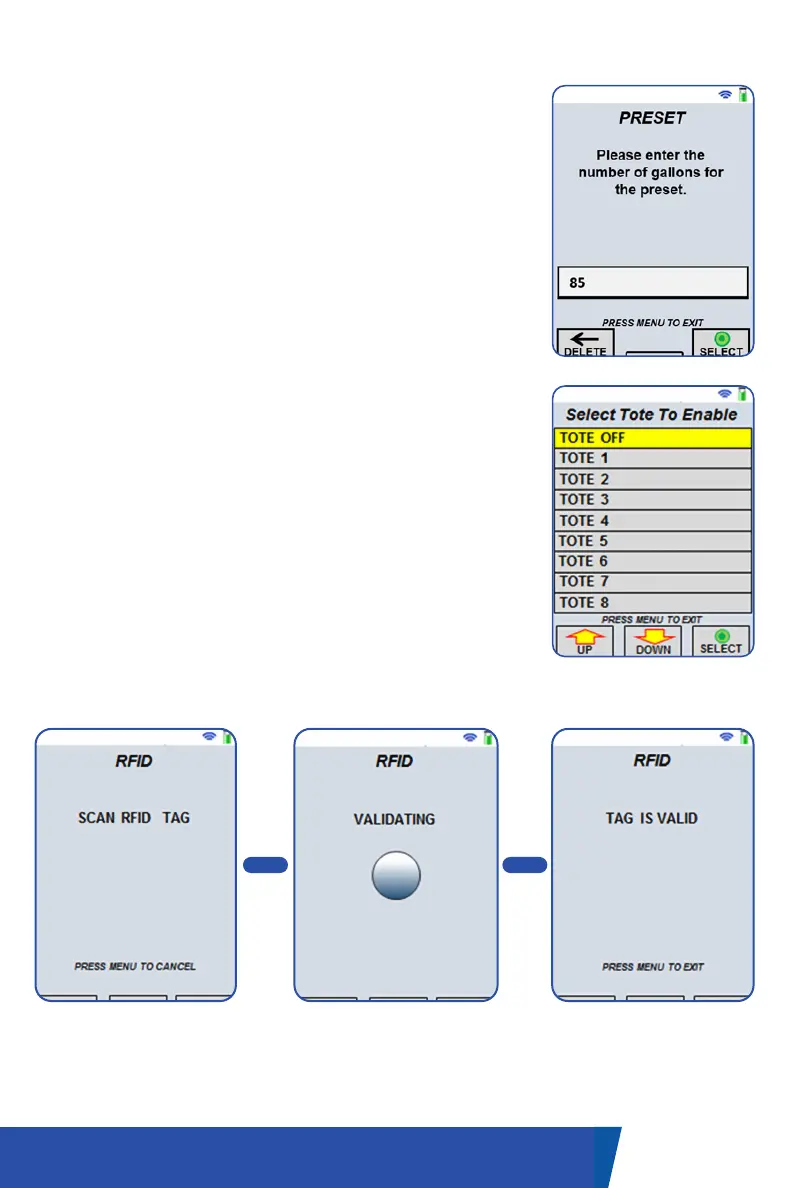
PRESET SCREEN
This screen allows you to enter a preset value. Use the
alphanumeric keypad to enter the required volume or
price on compatible registers. Once entered, press
the navigation button under the ‘Select’ label.
If a correction is required, press the navigation button
under the back arrow to delete the last entered
number. Once the preset has been sent to the
register/OBC, the delivery screen will show the preset
value.
COMPARTMENT/TOTE SCREEN
This screen allows you to activate a single, available
compartment. Use the navigation buttons to move up
and down the list until the appropriate compartment
is selected. Press the navigation button under the
‘Select’ label to activate the compartment output.
RFID SCANNING SCREEN
This screen allows the user to read the local RFID
tag and verify its customer ID. What displays on the
screen will change as the handheld processes the
information.
14UM-16-012
COMMON SCREENS
Once scanned, the
validating screen will show
the ID being processed.
After the ID tag has been
processed, the results
will be displayed (valid or
invalid).
System is ready to read
RFID tag.
> >

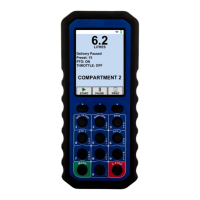

 To Next Page