NE134
32 www.baumer.com
Reset
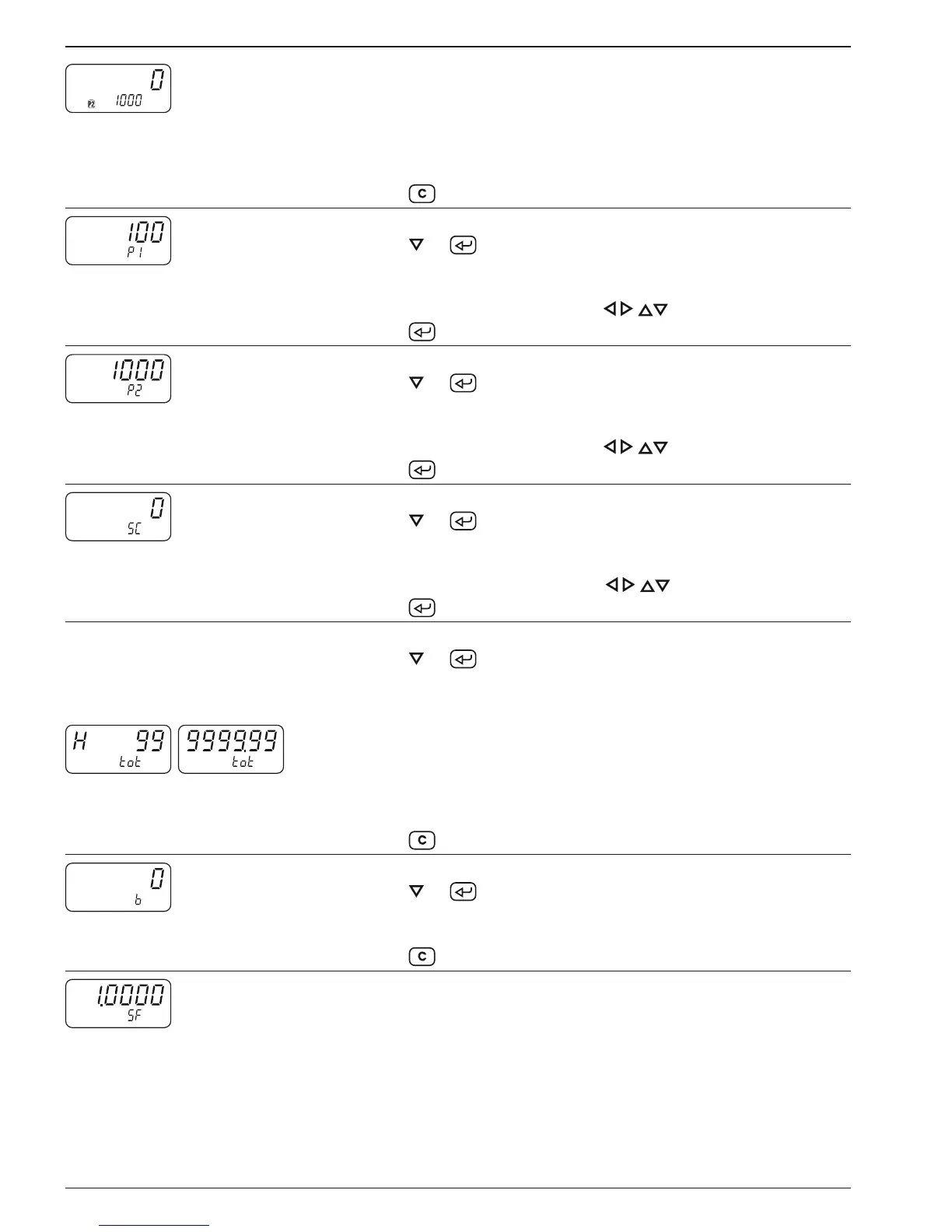
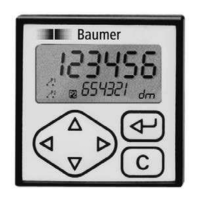
Current counter status
The upper display indicates the current count.
The lower display indicates preset P2 or a parameter of your choice
in programming line 27.
➜ Read count and, for example, preset value P2.
➜ Press key .
Read
Modify
Preset value P1
➜ Press key or .
The preset value P1 is displayed.
The lower display indicates „P1“.
➜ Enter preset value P1 via the keys .
Press key .
Read
Modify
Preset value P2
➜ Press key or .
The preset value P2 is displayed.
The lower display indicates „P2“.
➜ Enter preset value P2 via the keys .
Press key .
Read
Modify
Start count SC
➜ Press key or .
The start count SC is displayed.
The lower display indicates „SC“.
➜ Enter preset value SC via the keys .
Press key .
Read
Totalizer tot
➜ Press key
or .
The Totalizer tot is displayed.
The lower display indicates „tot“.
Clear
If the value 999999 is exceeded, its display will be shown in two
steps:
First step: Display of the first 6 digits.
Second step, marked by an H: Display of the 7
th
and 8
th
digits.
Display of each value for approx. 3 seconds.
➜ Press key
.
Read
Clear
Batch counter „b“
➜ Press key or .
The batch counter b is displayed.
➜ The lower display indicates „b“.
➜ Press key .
Scaling factor SF
The scaling factor allows the display of fractions or multiples of the
principal counter and totalizer.
Setting range: 0.0001 to 9999.99. Setting ex factory to 1.0000.


 To Next Page