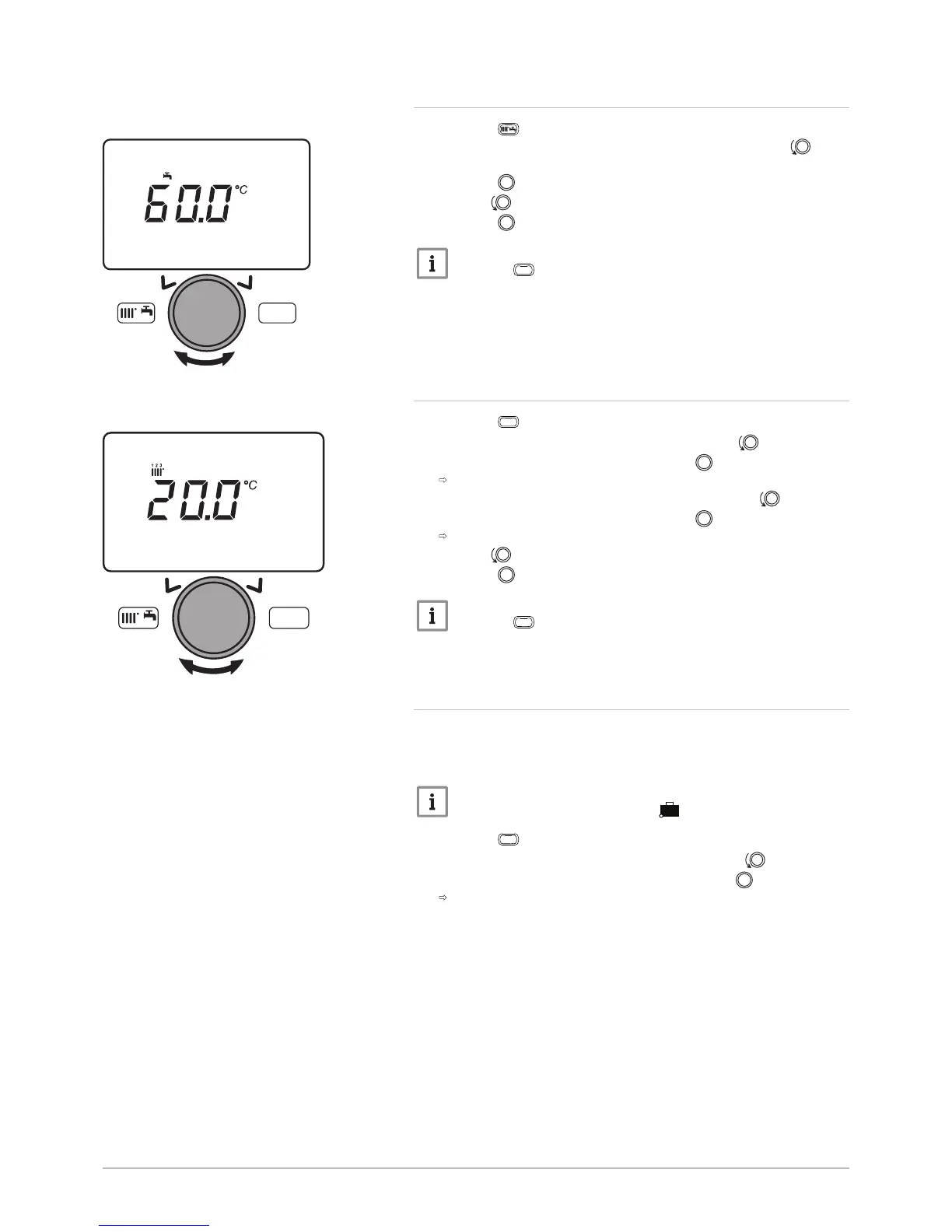
10.2.7 Setting the domestic hot water temperature set point
1. Press the key to access the shortcuts menu.
2. Select the parameter Hot water temp setpoint by turning the
button.
3. Press the button to confirm.
4. Turn the button to modify the temperature set point.
5. Press the button to confirm.
Important
Press the
key to return to the main display.
10.2.8
Setting the room temperature set point (Reduced mode)
1.
Press the
key to access the parameters.
2. Select the Temps / mode CH1 menu by turning the button.
3. Confirm the menu selection by pressing the button.
The parameter Operating mode appears.
4. Select the Reduced temp setpoint menu by turning the button.
5. Confirm the menu selection by pressing the button.
The room temperature set point (Reduced mode) flashes.
6. Turn the button to modify the temperature set point.
7. Press the button to confirm.
Important
Press the
key to return to the main display.
10.2.9 Programming a Holiday period
This series of functions is used to program the boiler's behaviour in holiday
periods or during prolonged absences. The various parameters are used
to program one of eight Holiday periods.
Important
When the function is activated, the symbol is displayed.
1. Press the
key to access the parameters.
2. Select the Holiday heating CH1 menu by turning the button.
3. Confirm the menu selection by pressing the button .
The Select parameter appears.
Fig.108
MW-3000067-EN-03
MENU
Hot water tem
MW-3000070-EN-03
MENU
Reduced temp setpoint
7702630 - v02 - 11082018 POWER HT + 93



 To Next Page
 Loading...