2 Description of Controls and Indicators
2-6 COLLEAGUE CXE VOLUMETRIC INFUSION PUMP OPERATOR’S MANUAL 071960491
Pump Module Features
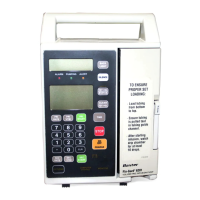
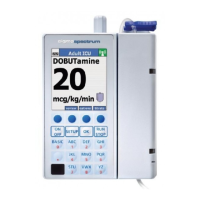
The Pump Module(s) are located below the Main Body. Triple channel
pumps have three pump modules. See Figure 2-1 and Figure 2-2 for
illustrations of the pump modules. The pump module controls and
indicators are described in Table 2-2.
.
Table 2-2 Pump Module Controls and Indicators
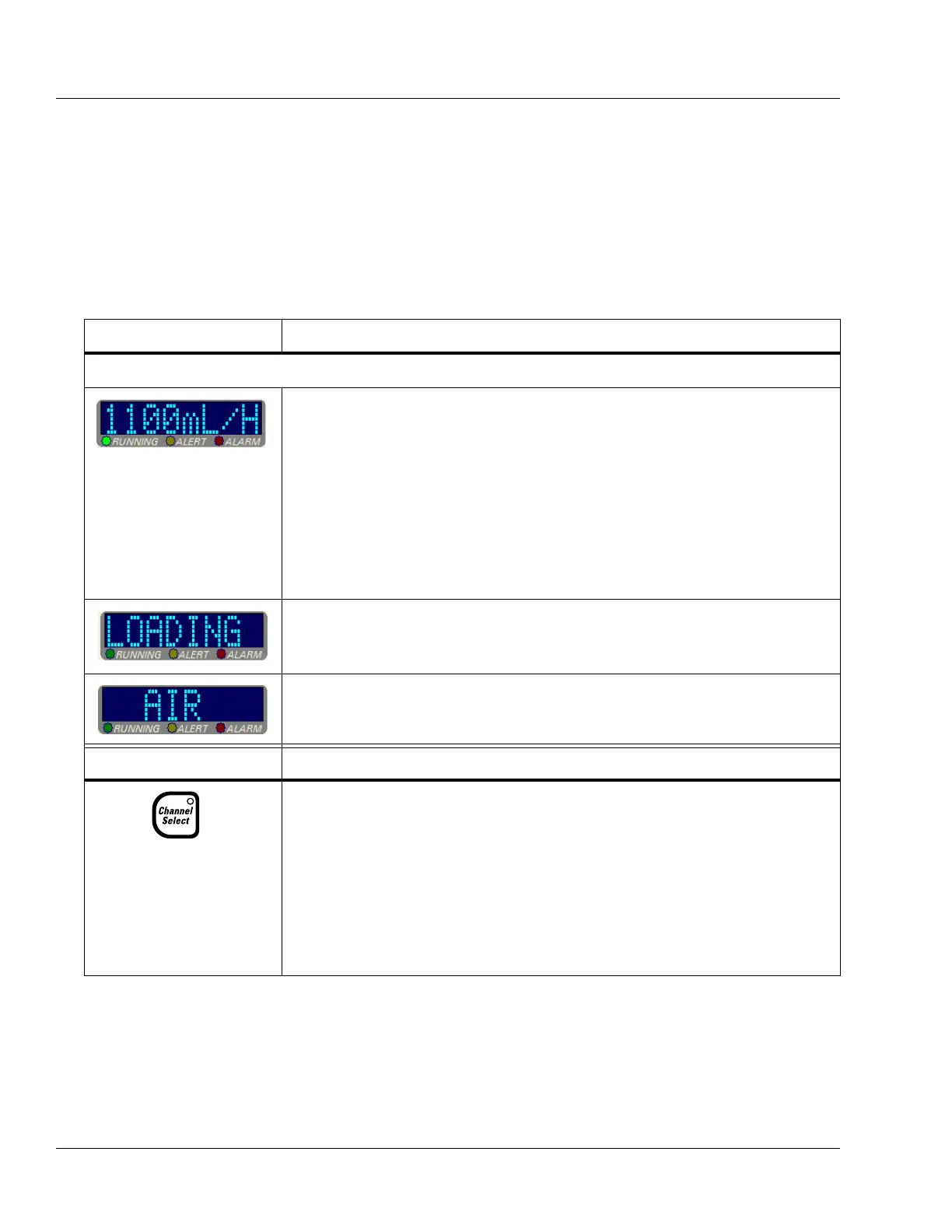
Message Display
Description
Pump Module Display
Note: If the pump is running on battery power, the pump module display is
blank to conserve battery power.
During infusions, the eight-character display on each channel shows one of the
following four message options:
•Rate
• Time Remaining
• Volume Infused
• Label
The message displayed depends upon the specific options selected by the care site.
Specific operations, such as tube loading, are also indicated on the pump module
display.
The pump module display also provides brief alarm and alert messages.
Key Description
Triple channel pumps only.
• When pressed once, this key selects or deselects a particular pump channel for use.
The LED on the key lights and the selected channel’s programming screen appears
on the Main Display.
• Pressing this key when the channel is selected (LED is on), with no alerts or alarms
present and the channel stopped, opens the Standby pop-up for the selected channel,
allowing the user to place the channel in Standby.
• When the pump channel is in Standby, pressing this key takes the channel off
Standby and displays the channel’s programming screen.


 To Next Page