4 Primary Infusions
4-22 COLLEAGUE CXE VOLUMETRIC INFUSION PUMP OPERATOR’S MANUAL 071960491
2. Enter the flow rate using the numeric keypad.
3. Press the Vol key or use the ×Ø keys to highlight the Volume to be
infused field.
4. Enter the volume to be infused using the keypad.
5. When all infusion parameters have been entered, verify that:
pump programming matches the label on the source container and
the physician’s order
the loaded administration set is connected to the correct source
container and administration route for the programmed infusion
6. Press the Confirm Primary soft key.
7. Press the START key to start the infusion.
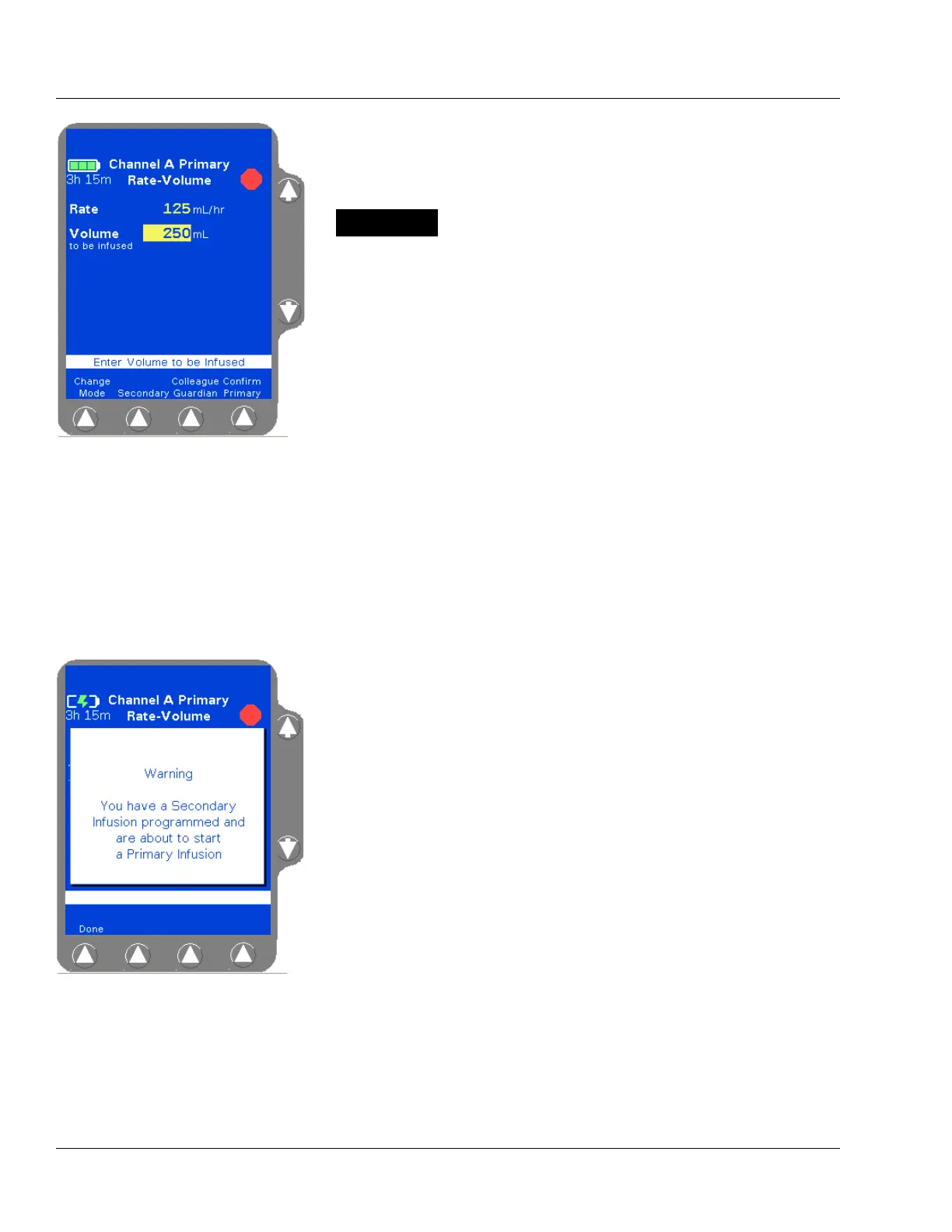
If a secondary infusion has been programmed but not started, a
pop-up appears (Figure 4-26) warning that a primary infusion is
about to start when a secondary infusion has been programmed.
Press the
Done soft key to clear the warning and do one of the
following:
Press the Secondary soft key to access the secondary infusion
programming screen. For more information about secondary
infusions, see “Secondary Infusions,” 4-45.
Press the START key again to start the primary infusion.
Figure 4-25 Rate-Volume
Programming Screen
Do not enter a Volume to be infused greater than the
amount of fluid available in the container.
Note:
Optional Labels
An optional label may also be selected. See “Selecting
a Label” on page 4-23 for details.
Note:
Unconfirmed
Primary Program
If the START key is pressed before pressing the
Confirm Primary soft key, an
Unconfirmed Primary
Program
alarm occurs and a message is displayed on
the prompt line.
Figure 4-26 Secondary Infusion
Programmed Pop-up



 To Next Page